
So I want to make my concert shots look better..
are there any good tutorials? i've searched on google, but I've failed to find any
someone on this forum kindly edited one of my shots from this night, but i think i might need to use different techniques for the different lightings.
here are the originals (resized)
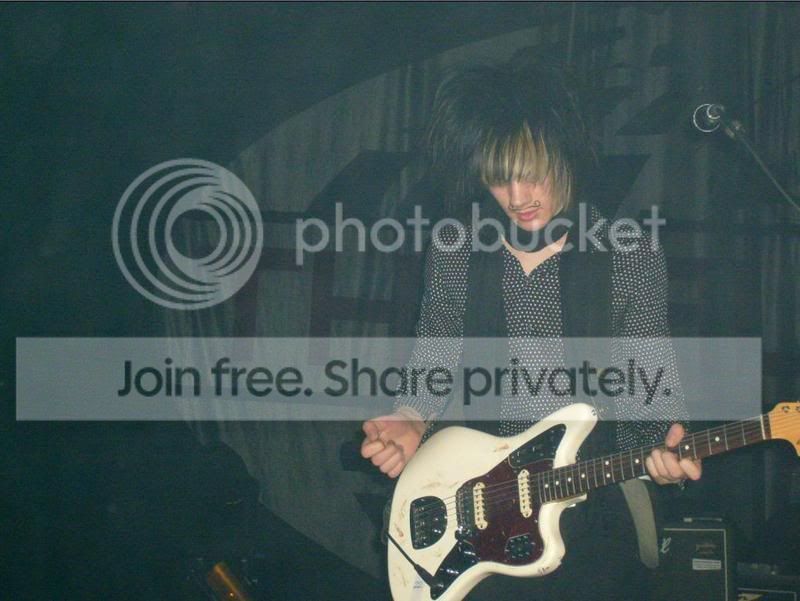
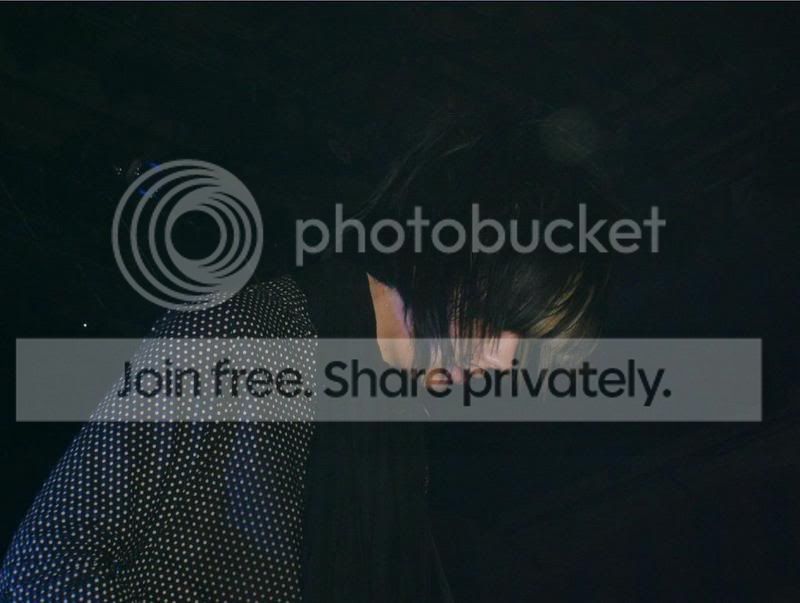
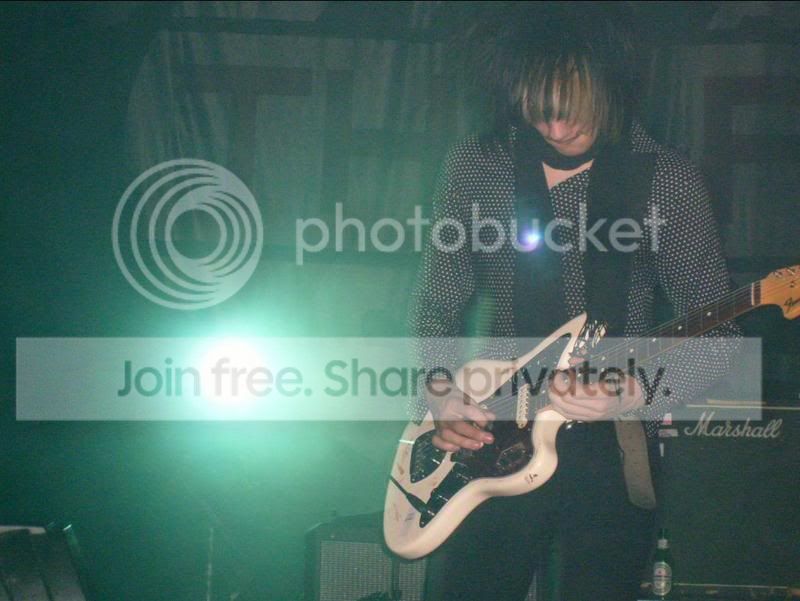
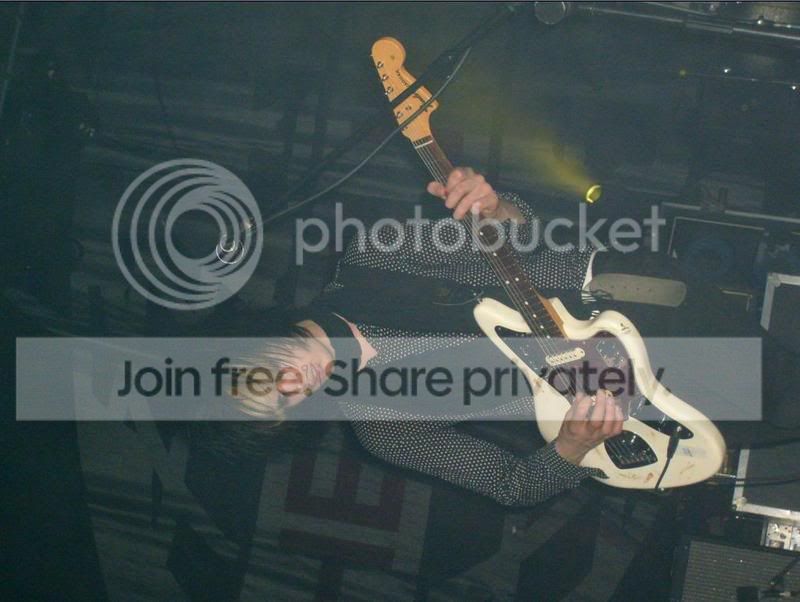
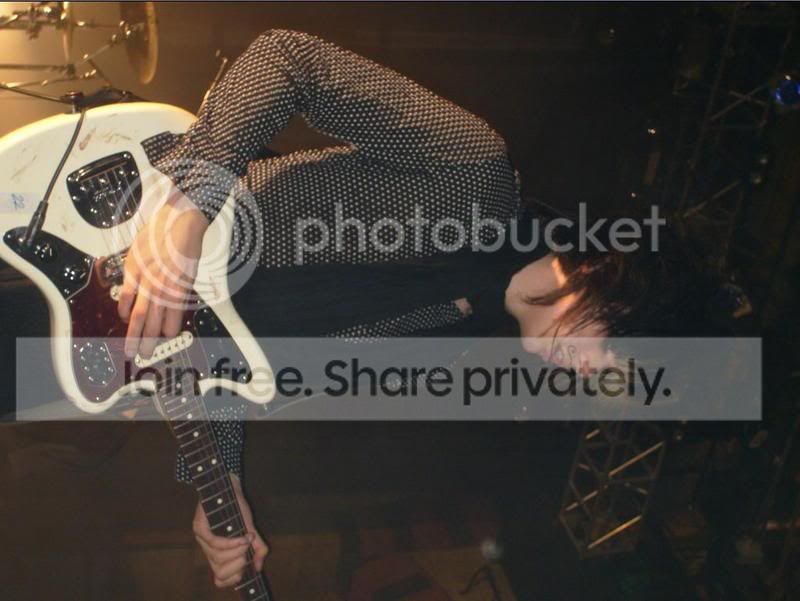
http://i62.photobucket.com/albums/h112/TheRaconteursLive/The Horrrors/1789.jpg
http://i62.photobucket.com/albums/h112/TheRaconteursLive/The Horrrors/1799.jpg
I'd like some advice on these also.
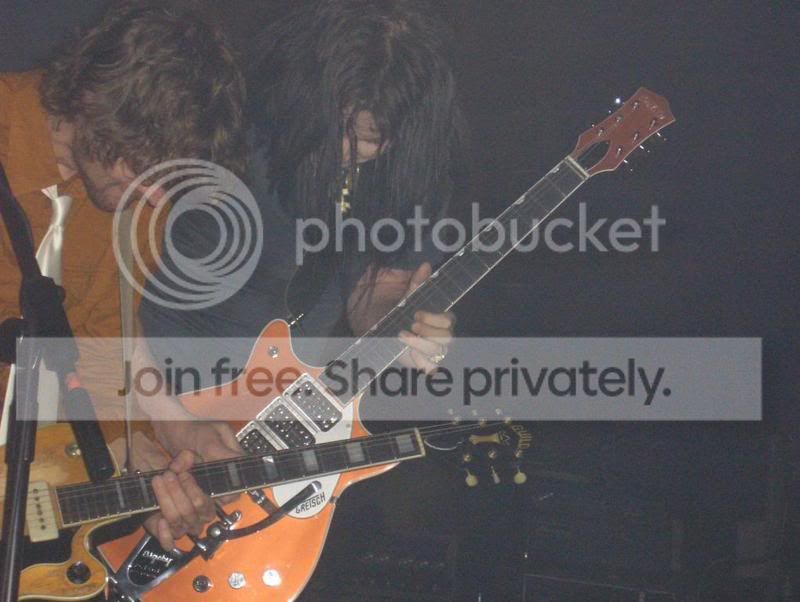
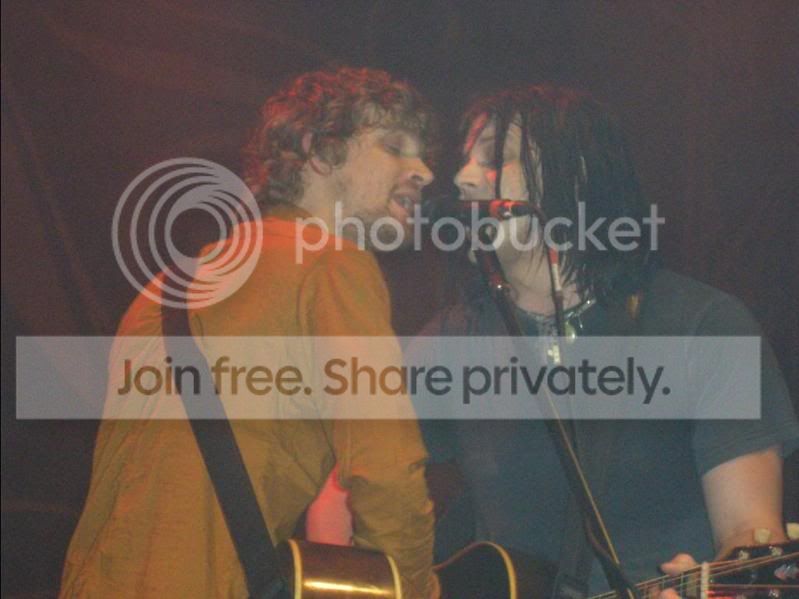
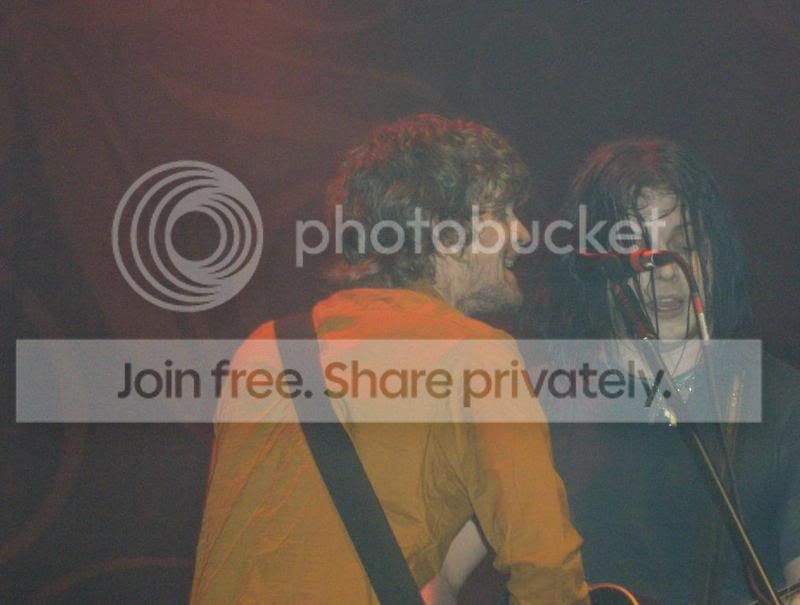
http://i62.photobucket.com/albums/h112/TheRaconteursLive/jack and brendan/brendan.jpg
I know the quality of most of these shots is really bad. but i'd like to bring out the best in them
are there any good tutorials? i've searched on google, but I've failed to find any
someone on this forum kindly edited one of my shots from this night, but i think i might need to use different techniques for the different lightings.
here are the originals (resized)
http://i62.photobucket.com/albums/h112/TheRaconteursLive/The Horrrors/1789.jpg
http://i62.photobucket.com/albums/h112/TheRaconteursLive/The Horrrors/1799.jpg
I'd like some advice on these also.
http://i62.photobucket.com/albums/h112/TheRaconteursLive/jack and brendan/brendan.jpg
I know the quality of most of these shots is really bad. but i'd like to bring out the best in them


 The point I was trying to make was that good gig photography comes from capturing the natural light thats there. Don't use your flash. Don't think that you can come home and Photoshop to stunning results. It can all be done at the gig with the right kit. Jimmy's results ain't bad, but the left hand side of the photo is pointless and you cut off the top of his guitar. You can't fix that now.


