

Hi all,
I'm confused. Well, being a relative n00b, I would be. So if you have anything to say, speak s l o w l y and lay things down simply as possible (although I doubt there's a non-confusing, layman way of answering)!
Recently I had some shots processed via Photobox. These shots were taken on my D100 and edited in PS (only minor fiddling). I reset the camera at some point proir to taking these shots, so I think I also managed to reset the colour space to default (sRGB). In the exif file for these particular shots under colur space it says:
"Colour Space not calibrated"
In all other shots before I reset the camera, it doesn't mention colour space at all in their exif file. Here are the images in question.
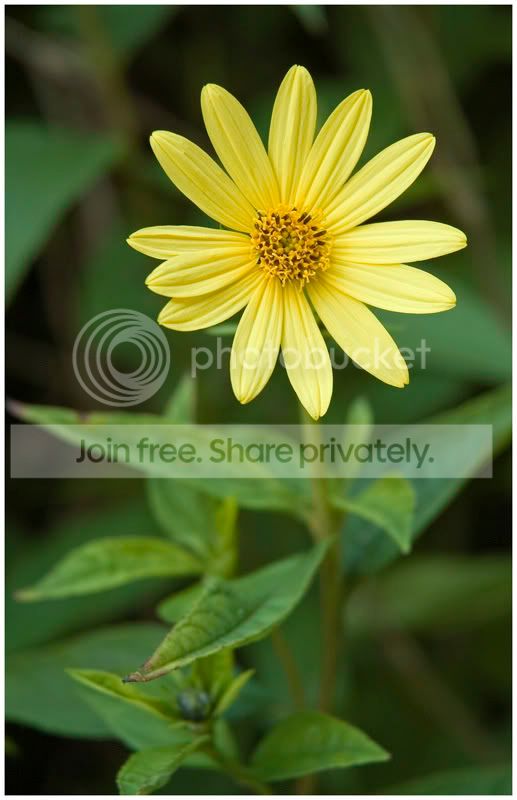
When I received the print of this image it had a nasty orange/yellow cast.
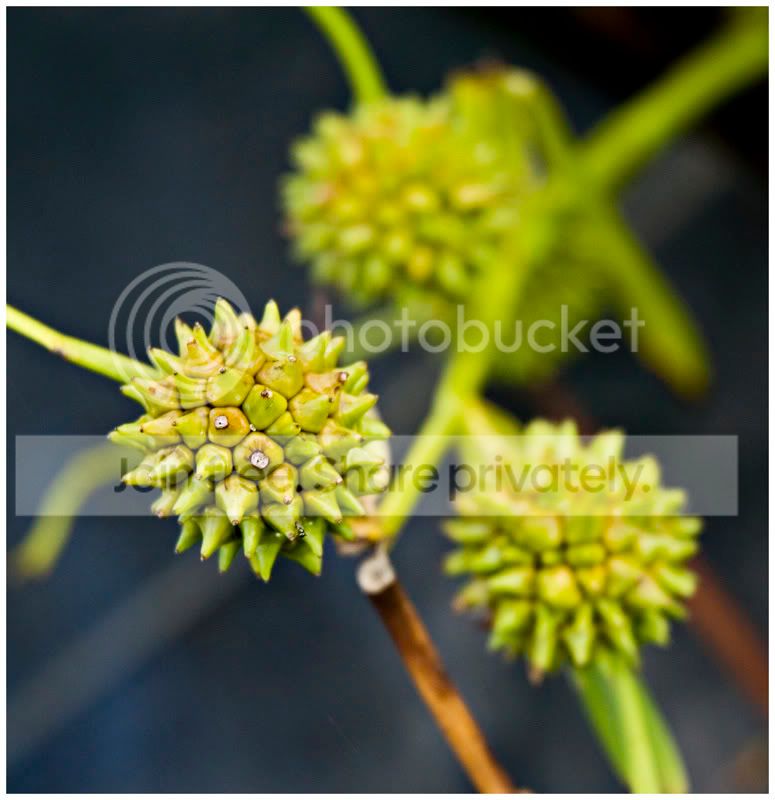
This one had a nasty yellow cast.
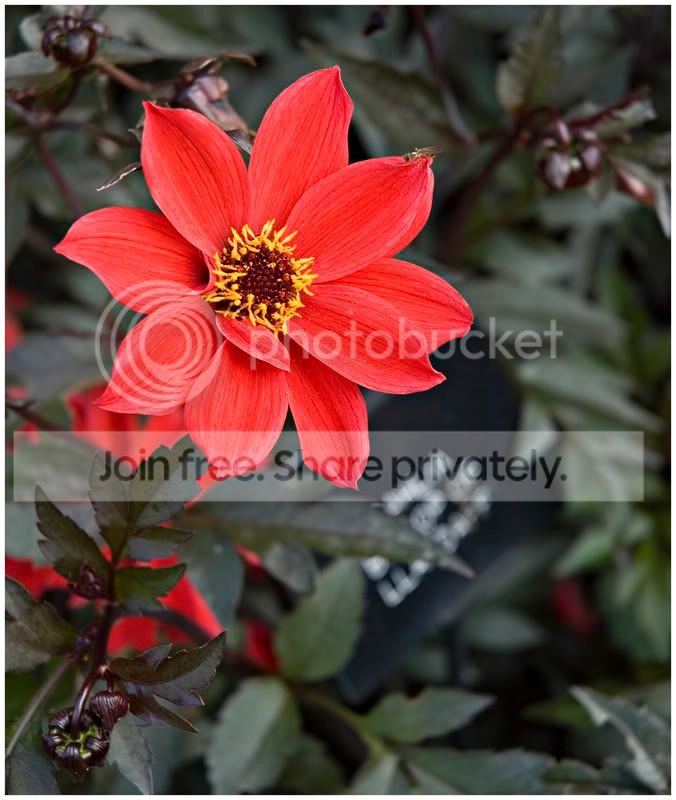
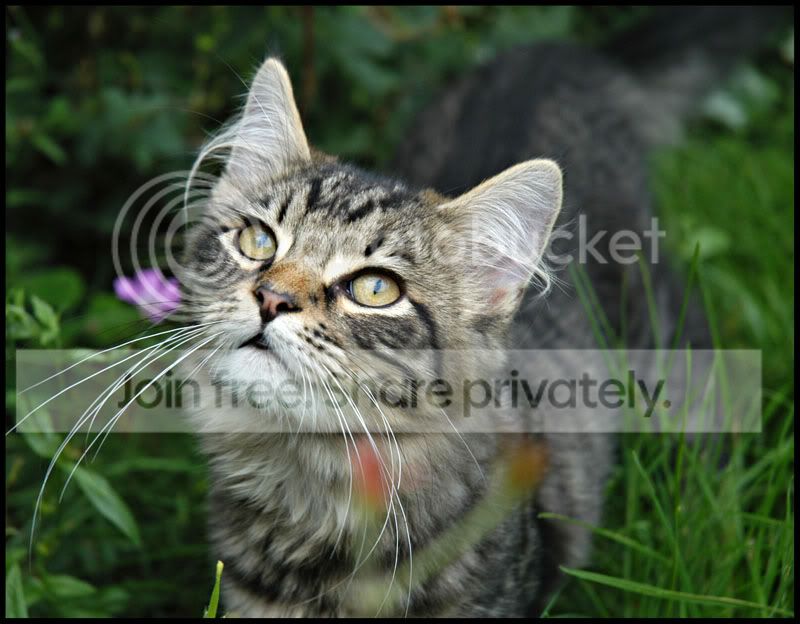
This one appeared to lack saturation, esp. in the flower head.
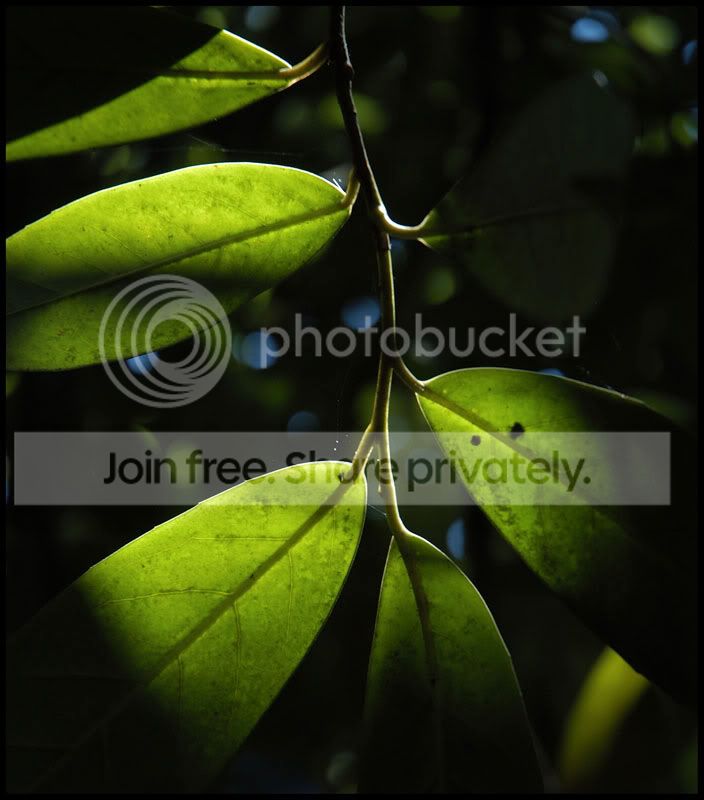
This also had a yellow cast.
So, to you, on your monitor, do these symptoms appear as described?
I had various other shots back from Photobox such as (the exif file for these shots doesn't mention colour space at all):
The print seemed fine to me. As per my monitor.
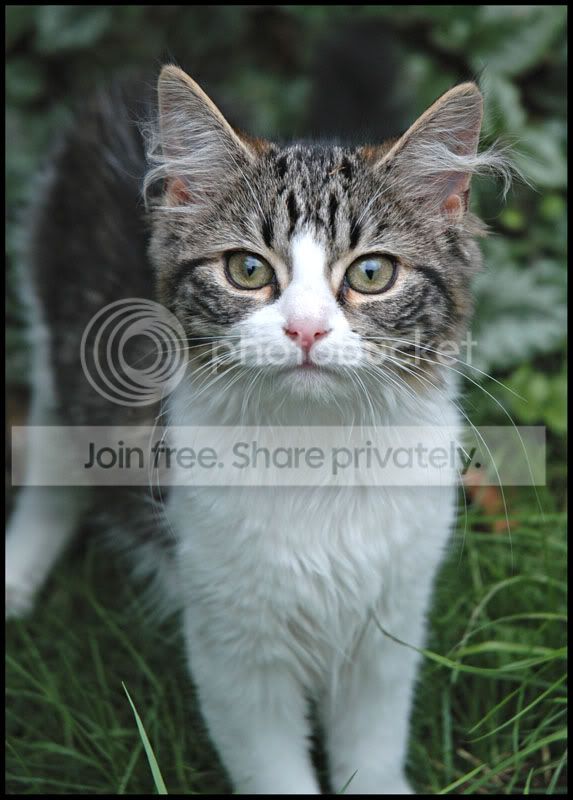
This one is fine too, as above.
I've just changed my colour space setting on camera to AdobeRGB. I've set PS to AdodeRGB 1998. I haven't had the chance to take any shots, but am I working on the right lines here?
Cheers for reading, and any feedback
I'm confused. Well, being a relative n00b, I would be. So if you have anything to say, speak s l o w l y and lay things down simply as possible (although I doubt there's a non-confusing, layman way of answering)!
Recently I had some shots processed via Photobox. These shots were taken on my D100 and edited in PS (only minor fiddling). I reset the camera at some point proir to taking these shots, so I think I also managed to reset the colour space to default (sRGB). In the exif file for these particular shots under colur space it says:
"Colour Space not calibrated"
In all other shots before I reset the camera, it doesn't mention colour space at all in their exif file. Here are the images in question.
When I received the print of this image it had a nasty orange/yellow cast.
This one had a nasty yellow cast.
This one appeared to lack saturation, esp. in the flower head.
This also had a yellow cast.
So, to you, on your monitor, do these symptoms appear as described?
I had various other shots back from Photobox such as (the exif file for these shots doesn't mention colour space at all):
The print seemed fine to me. As per my monitor.
This one is fine too, as above.
I've just changed my colour space setting on camera to AdobeRGB. I've set PS to AdodeRGB 1998. I haven't had the chance to take any shots, but am I working on the right lines here?
Cheers for reading, and any feedback


