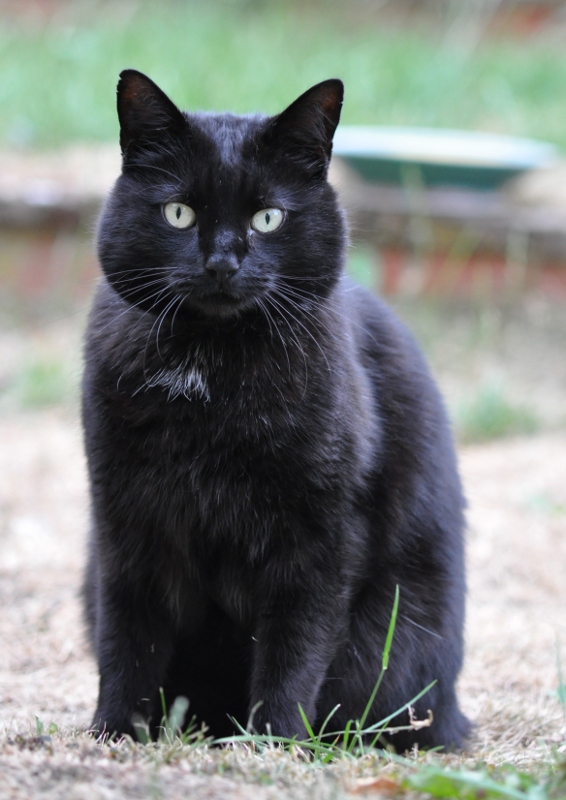
Cloning

Yeah the cloned out grass is pretty obvious, um, not sure about GIMP but with the clone tool in photoshop you can change the hardness of the clone tool, try using that to get a smoother cloned section. or (hope GIMP has it) use the blending tool over the top afterwards. Maybe burn it in aswell?
 
Thanks,

Yes, looks like GIMP has blend and burn, I just don't know how to use it. I'll play around I suppose.

The clone tool has lots of settings including hardness.
 
yes sorry to say yes it is very easy to see. You have cloned but not done any healing
4993561072_ec9fbfe07e_z.jpg

Click for full size
 
Sorry, I'm struggling to find time to play and learn this. I've tried again and done healing with burn afterwards. I think the result is a little bit better but still doesn't look perfect? Does it require a very steady hand? One of my problems might be my swerving mouse pointer...

What do you think:

Sabre_clone.jpg


I'm still not sure I entirely understand the technique... Do I just run the brush up and down the edges?

Thanks
 
Haven't used GIMP but..
My cloning technique is pretty much:
Select a healing source that's as close to and similar to the area affected.
This is because healing preserves the pixel detail, if you select from a spot that is out of focus and heal an in-focus area, you will notice it. (and because you'll want it to blend seamlessly)

You select a source and then paint over the whole thing you're trying to get rid of. Sometimes this cannot be done in 1 go so you can use multiple passes.

I don't actually see the original picture posted, did you post it at all or were there only edits posted?
 
Back
Top