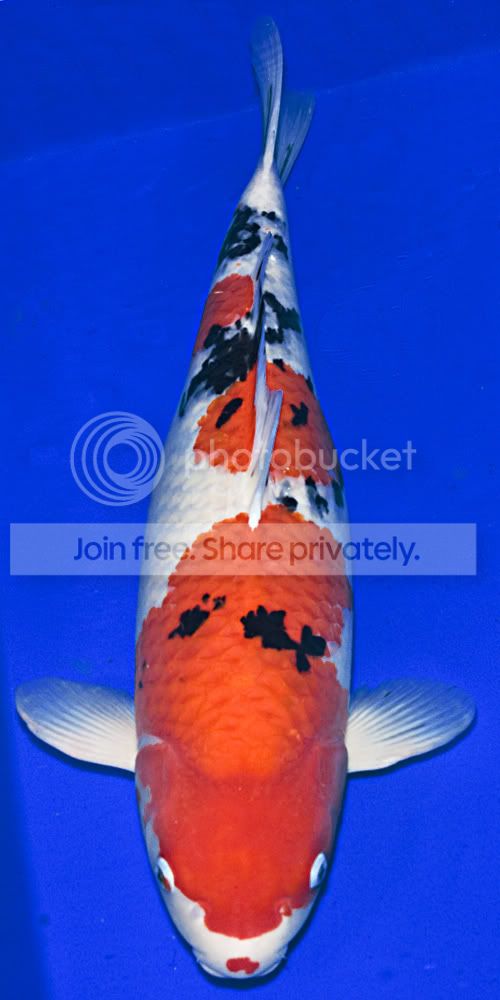
changing the back ground

rickj

Suspended / Banned
Messages
856
Name
rick
Edit My Images
Yes
Hi .
I take koi pics for mine and another koi dealers website and I am looking at a way to darken back ground to a darker blue as this will make the koi stand out more is there an eazy way to do this in cs3?
thanks in advance Rick
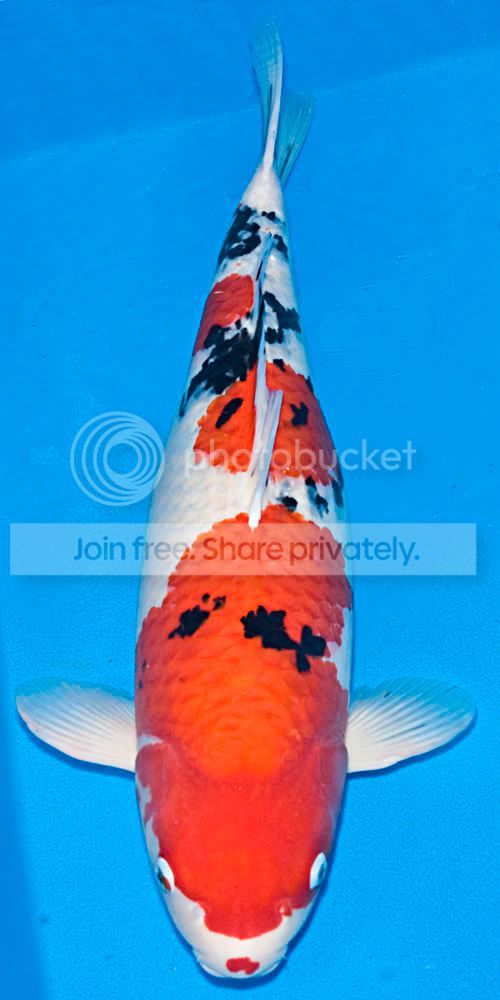
3.jpg
 
Not easily with this one Rick. The problem is the background isn't a uniform shade to begin with. In addition the blue is reflected in the fish in places and also shows through the fins. It is possible to do of course but it will take time and if you have a lot of images to do you'll be spending a lot of time on them.

The easiest way to begin (I think) is to use the Select/Colour Range and pick the blue up in there. Expand the selection a couple of pixels and then copy the selction as a new layer. The new layer can then be darkened as much as you like. Or - simply create a solid colour layer and then mask the layer to reveal the Koi. Either way it's going to take a long time to get it right.

To be honest the best way to improve these would be to get a rubber mat of a suitable colour and slip that into the bottom of the bowl before you put the Koi into it.
 
I used photoshop selective color. I choose the blues then moved the sliders to make it darker. I ran it twice.

Blue.jpg
 
Heres, my go. I copied the picture into another layer, darkened the picture through levels making the water more blue. I put that layer on top and then deleted the koi making the old version of the koi appear. Then I sharpened the fish and brighten it making it stand out more. The water isnt as dark as the others but I feel it makes the fish stand out more like you wanted.

Here they are side by side, my edit on the left.

34dh55h.jpg
o09q8.jpg


EDIT: Just seen that I didnt finish the tail at the top. :bonk:
 
The easiest way to begin (I think) is to use the Select/Colour Range and pick the blue up in there. Expand the selection a couple of pixels and then copy the selction as a new layer. The new layer can then be darkened as much as you like. Or - simply create a solid colour layer and then mask the layer to reveal the Koi. Either way it's going to take a long time to get it right.

Quicker than you'd think...

Select Colour Range - selected the background halfway down the pic and set Fuzziness 82

Then chose a Solid Colour Layer
Only adjusted the brightness value, bringing it down to 70% from 93%

Then a little Dodging & Burning on the mask layer to even out the edges of the tank.

5 minutes gave this.

koi.jpg


Another few minutes tidying up the mask around the fins is probably worthwhle, but it's not a major task.

BTW, the pic of Kinkakuji on your website's wonky, and isn't gold enough ;)
 
I understood there to be a lot of images that need this process so even 5 minutes is a long process when they could be photographed differently.
 
Back
Top