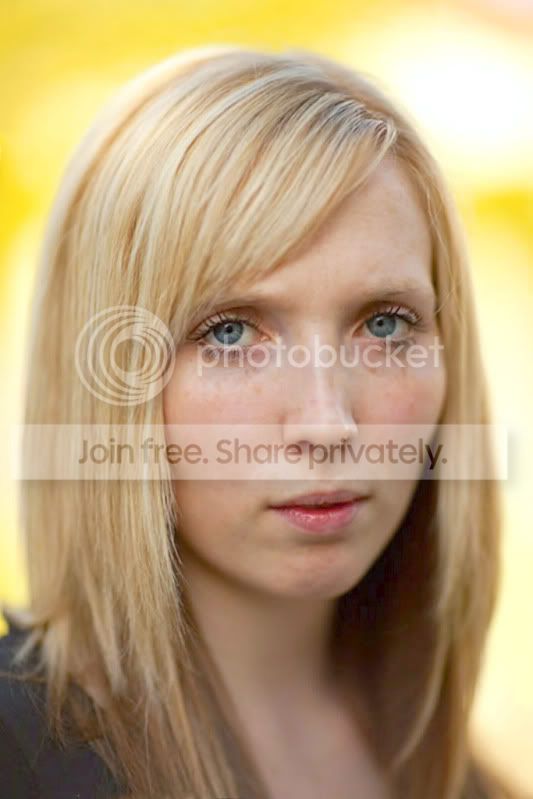
Can't afford an 85mm f1.2 or a tilt/shift lens, fear not, there's always this!

EdBray

Suspended / Banned
Messages
7,179
Name
Edward Bray
Edit My Images
Yes
I have been having a play around with OnOne Software's FocalPoint 2.

What is it, I hear you ask?

Well it's a plugin for Photoshop that gives you a series of tools that you can use to create OOF areas in an image easily controlling the amount of blur and the feathering of the OOF area to enable specific effects to be achieved.

You also have the facility to use a brush to apply localised areas of blur or remove specific areas of blur to create sharp areas in the image.

Yes, you can do all these things in Photoshop but this makes it easier and with more individual control of the various elements.

I bought it initially to use it to create 'fake model type images' similar to those produced by using the tilt function of a tilt/shift lens but it is capable of much more than that.

So to begin, here is the reason that I purchased the plugin:

Original Image:
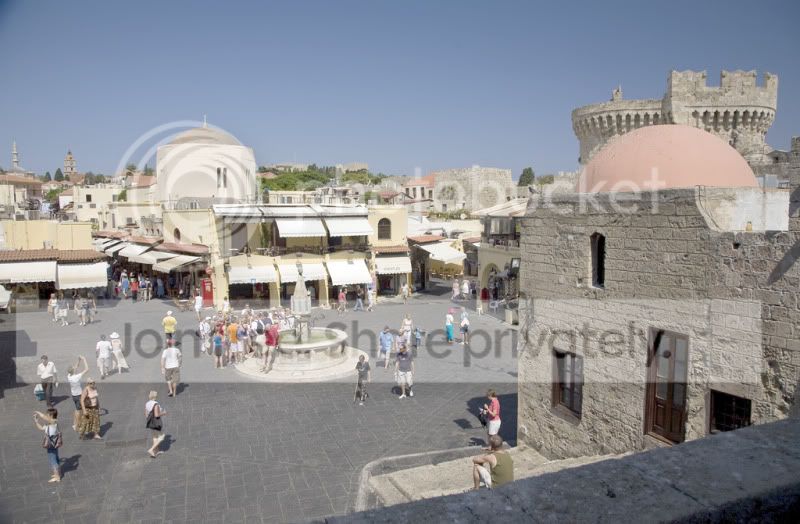
RhodesSquareoriginal.jpg


Image after using OnOne FocalPoint 2 and adding some saturation:
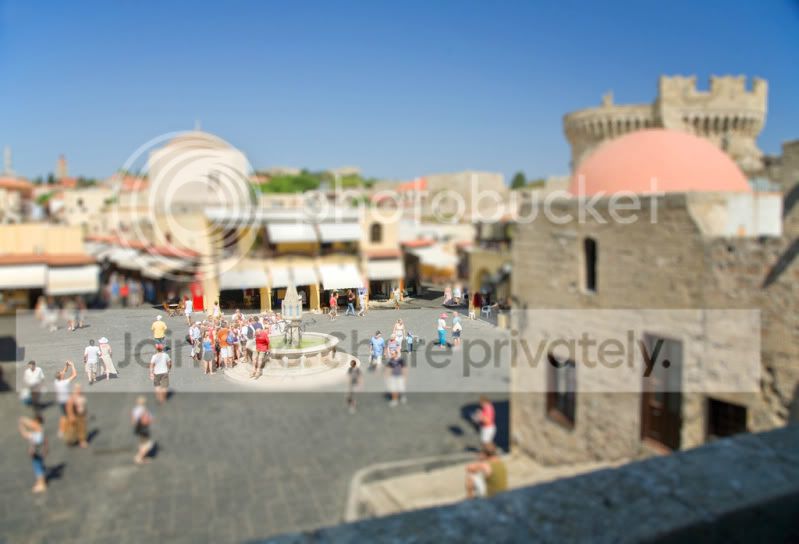
TownSquare-RhodesOldTownsmall.jpg


I then realised that the control it offered could be used to enhance portraits, so I took a holiday snap from a few years ago of a lady that was our guide during a trip in Croatia.

Original image:

GuideOriginal.jpg


Image after a little manipulation with both Photoshop (cropped, cloned area at edge of image, sharpened) and with FocalPoint 2 used to blur the background similar to that when using a large aperture on a telephoto lens.

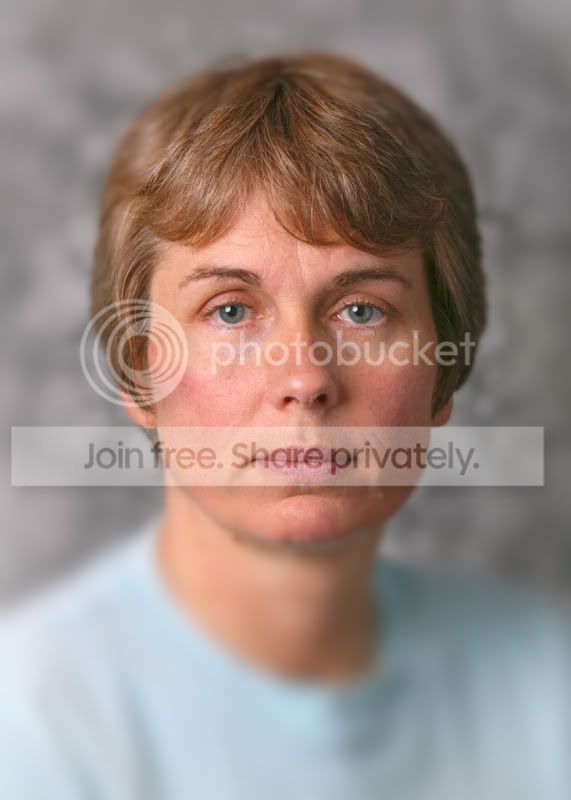
GuideOnOnesmall.jpg
 
I then realised that the control that it offered (deja vu or what) could do a lot more than I first realised, so using an image that I had taken of my wife a while ago I changed some of the settings within FocalPoint 2 for each variant.

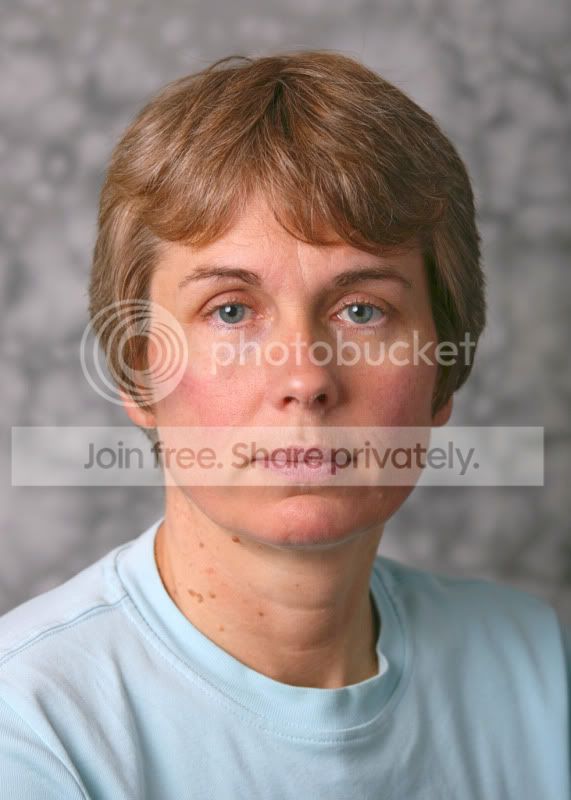
Original Image, all other images used this one as a starting point:

NikOriginalsmall.jpg


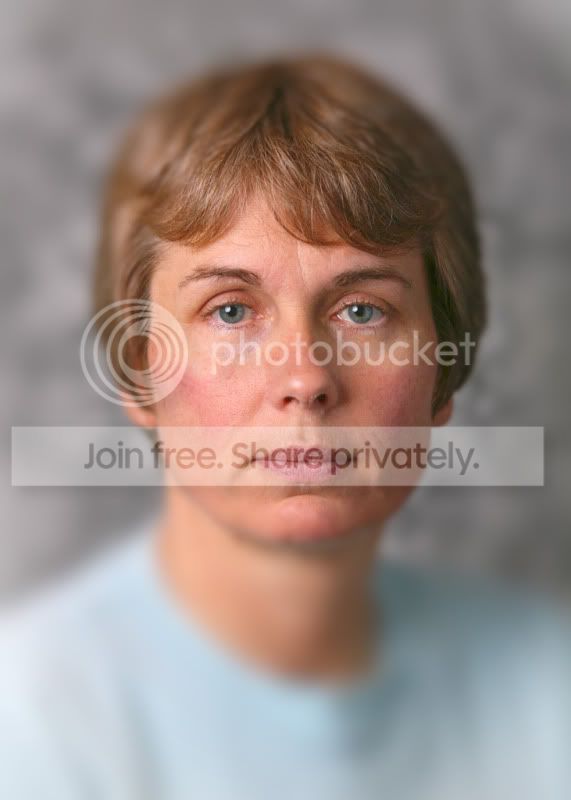
Using the six blade aperture setting:

NikFP26blade20curve.jpg


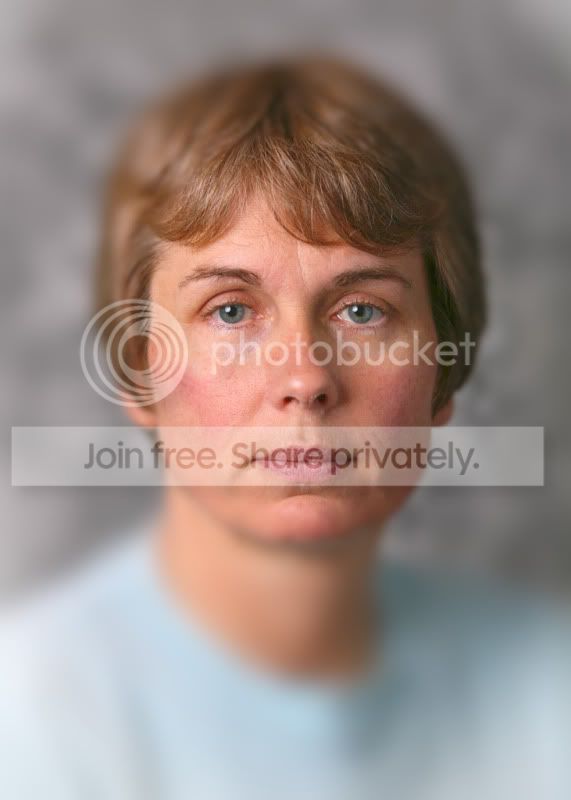
Using the 9 blade aperture setting

NikFP29blade50curve.jpg


Using the 11 blade aperture setting, fully rounded blades

NikFP211blade100curve.jpg


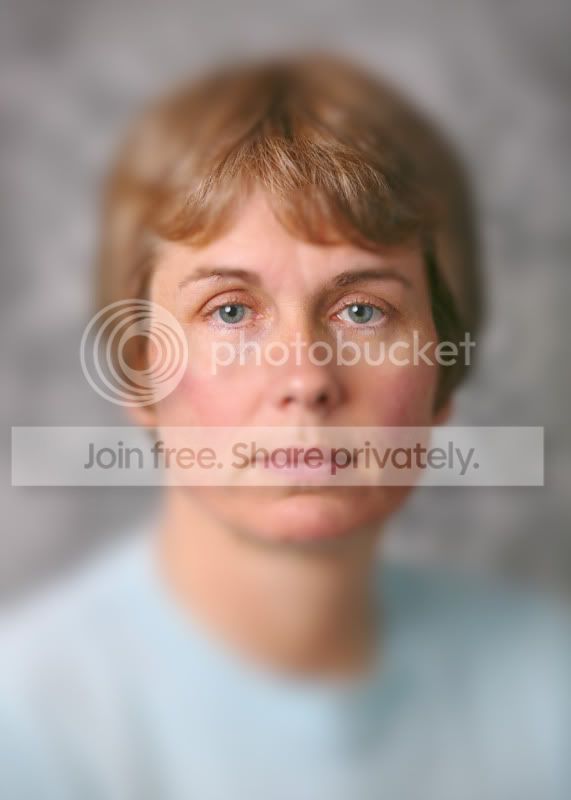
Using the 11 blade aperture setting. fully rounded blades, blur brush used to make the nearer features OOF to give the impression of an extremely shallow depth of field, this was assisted by also using the blur brush across the forehead front hair line.

NikFP211blade100curvelocalisedblurvignetted.jpg
 
The tilt-shift option works pretty well, but the faux shallow DOF on the portraits just looks like poorly applied gaussian blur to me I'm afraid.
 
I must admit in the cold light of day they do look overcooked.
 
I think a duplicated layer, elliptical selection, feathered edge, invert selection then apply gaussian blur at an appropriate level would give a better result.
 
I think CS5 has a feature that lets you selectively blur with the help of some layers.

The key to remember is that an 85 1.2 up close has very little of the subject in focus, the eyes are obviously the key to get, but even the profile of cheeks outwards to the ears will slowly fade out.

The images above to seem to reflect the physics of what the lens would do, so they look a bit pants.

There is something very special about getting it right in camera or with minimal tweeks.
 
Lens blur works quite well, but personally I prefere alien skin Bokeh, or better still a good lens.
 
Do you have a very fast lens Ed? I guess it would be interesting to see a real f1.2 shot alongside a very similar f8 shot fiddled about with to look like an f1.2. That way you'd know what to be aiming at when editing too. Give me a shout if you need a couple of shots and I'll see what I can do.

I'm interested because I know a couple of photographers who don't use ultra shallow depth of field as their clients assumed it was Photoshop trickery (or just though the pictures looked very strange). I know I rave about some shots I've taken with my 85/1.2 that my wife thinks just look odd.
 
Do you have a very fast lens Ed? I guess it would be interesting to see a real f1.2 shot alongside a very similar f8 shot fiddled about with to look like an f1.2. That way you'd know what to be aiming at when editing too. Give me a shout if you need a couple of shots and I'll see what I can do.

I'm interested because I know a couple of photographers who don't use ultra shallow depth of field as their clients assumed it was Photoshop trickery (or just though the pictures looked very strange). I know I rave about some shots I've taken with my 85/1.2 that my wife thinks just look odd.

Not any more, although I have owned both the Mk1 & 2 versions of the 85L. The Hasselblad 150mm HC at f3.2 gives a surprisingly similar DOF to that of a very fast portrait lens on 35mm or FF digital, but of course it also depends how close you get.

Just for reference and anyone that thought that the picture of Kirsty above was no better or little better than the posts of my missus, it was shot at f1.2 with an 85L and NO further PP was done except for slightly changing the WB and increasing the exposure, go figure.
 
Last edited:
it was shot at f1.2 with an 85L and NO further PP was done except for slightly changing the WB and increasing the exposure, go figure.
Ha! I knew as soon as I posted the submit button that you'd probably come back with this sort of reply.

The thing is Ed, I found the BG a bit gory with distracting hi-lites. Also, (and I guess this may be due to compressionfor the net) there's a lot of colour noise.
 
agree with the comments think its awfull, whilst I do not have a superior lens would say there is no substitution for good glass.
 
Back
Top