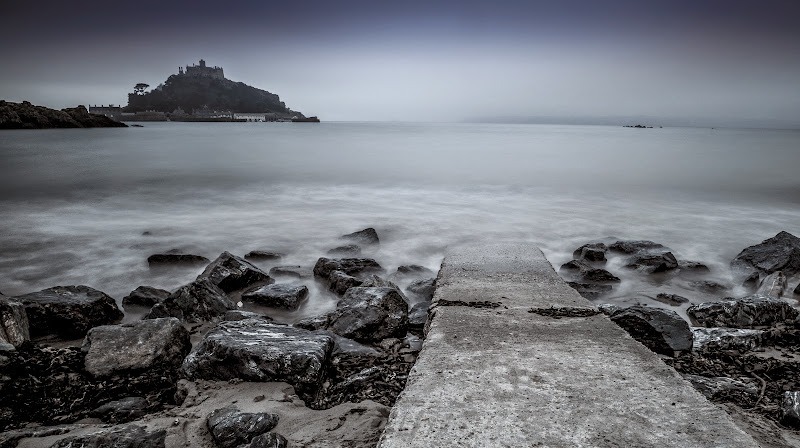
They are all quite processed in Lightroom so not in the slightest bit accurate in colours
 I've now uploaded Raw files, Tiff's and Jpegs for 2 different images at different ISO's up to 6400.
As I mentioned earlier the light was awful, so these are not the greatest photo's (reasonable contenders for worst ever though

). These are however straight from each camera Raw's with zero editing, cropping, correction or anything else.
The M files were converted to Tiff's and Jpeg's using Adobe. The M3 Tiff's and Jpeg's using Canon DPP 4.2 which can be downloaded here:
http://www.canon.co.uk/support/consumer_products/products/cameras/digital_slr/eos_m3.aspx
(when it asks for a serial number any Canon camera should be fine, I used the number from my M)
All were taken in AV mode as the light was changing constantly, so the exposure time may vary.
As the files are huge I've uploaded them all onto a website.
Mods- I haven't used this site for anything to date and all that's their is these pictures. Hope that's okay.
The images can all be downloaded here:
http://cornwallcamper.co.uk/
I've done a quick comparison of a couple of the shots myself and I really can't see what the fuss on DPReview is all about.
I mean here are two Jpegs, the first from the M, the second from the M3:
http://www.cornwallcamper.co.uk/wp-content/uploads/2015/M/Stream-M1-ISO800.jpg
http://www.cornwallcamper.co.uk/wp-content/uploads/2015/M/Stream-M3-ISO800.JPG
They are both ISO800 and f11 with an exposure time of 1/400th. The colours are different but so was the light.
If anything I think the M3's colours look more vibrant in this example.
Anyway, all of the files are on the link above for anyone interested.




 coltsfoot
 coltsfoot #2
 dogs mercury
 Wild Strawberry