macs
Suspended / Banned
- Messages
- 794
- Name
- Rich
- Edit My Images
- Yes
Hi,
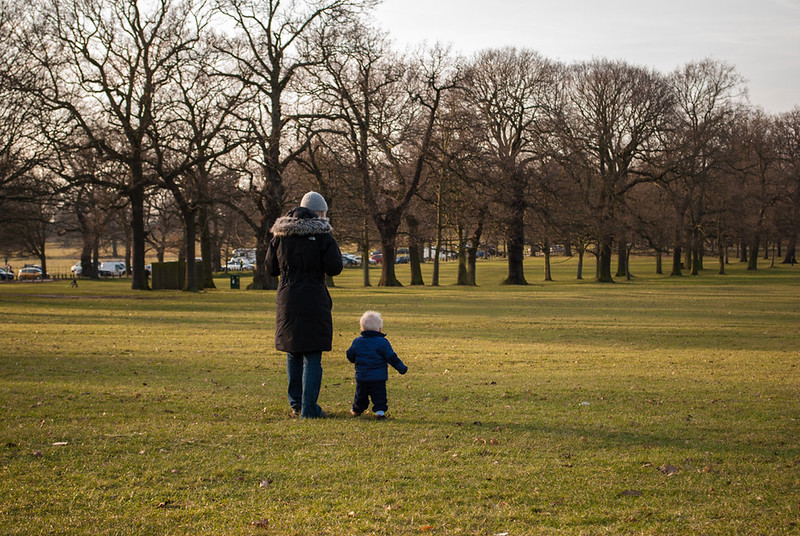
I took this shot last weekend and I'd really like to get rid of the people in the background but my editing skills are a bit lacking in the cloning department. I've blurred the background a touch to make them less 'in-your-face' but i'd still like to get rid of them.

Sorry about the low res photo, I grabbed it off Facebook as that's all I have at the moment as i'm at work.
If it can be done well then I will go back to the original and remove them, instead of blurring the background.
Thanks.
I took this shot last weekend and I'd really like to get rid of the people in the background but my editing skills are a bit lacking in the cloning department. I've blurred the background a touch to make them less 'in-your-face' but i'd still like to get rid of them.
Sorry about the low res photo, I grabbed it off Facebook as that's all I have at the moment as i'm at work.
If it can be done well then I will go back to the original and remove them, instead of blurring the background.
Thanks.