Grayman
Suspended / Banned
- Messages
- 1,089
- Name
- Graeme
- Edit My Images
- Yes
Hello TP'ers
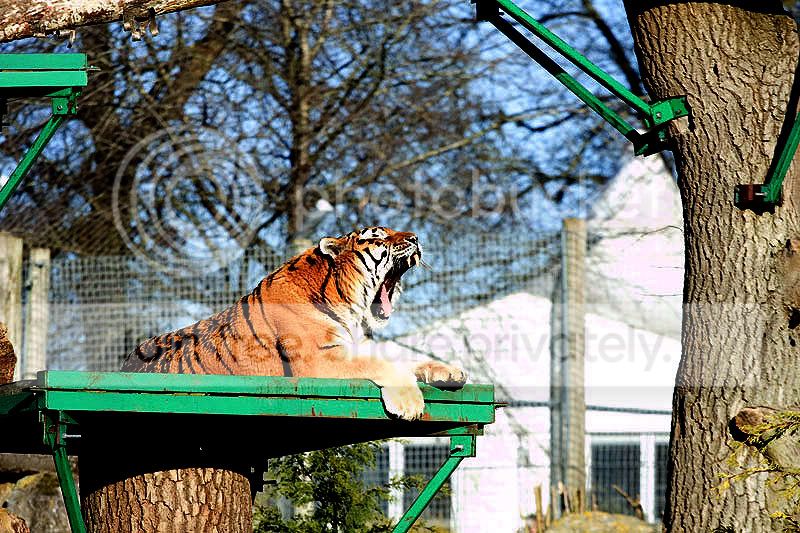
Was at Marwell Zoo (again!) today and got some nice shots of the AMur Tiger yawning. Unfortunately the shots' highlights were all blown - like the first picture below. I have tried some recovery, but am unhappy with the results. Is there a simplified way of recovering blown highlights? I use PSE 7.
Out of camera..only reduced for the forum

Some pp done - when I try recover often the picture looks quite false (sorry, couldn't think of any better word).

thanks
Graeme
Was at Marwell Zoo (again!) today and got some nice shots of the AMur Tiger yawning. Unfortunately the shots' highlights were all blown - like the first picture below. I have tried some recovery, but am unhappy with the results. Is there a simplified way of recovering blown highlights? I use PSE 7.
Out of camera..only reduced for the forum
Some pp done - when I try recover often the picture looks quite false (sorry, couldn't think of any better word).
thanks
Graeme