arad85
Suspended / Banned
- Messages
- 9,438
- Name
- Andy
- Edit My Images
- Yes
My partner is starting a soft furnishings/crafts business and I've been nominated as the product photographer. After kitting myself out with some studio flash/softboxes/product tables (courtesy of Lencarta - thanks Garry - very helpful), I set about taking some photos (5D2 and 24-105L or 70-200L). I couldn't get the colours to properly represent those of the fabrics.
After a bit of research, I splashed out £70 on a ColorChecker Passport (see: http://xritephoto.com/ph_product_overview.aspx?ID=1257). It includes a small set of patches and white balance card (not shown on the photos below) which allow you to set the white balance of the camera and calibrate the colour spread produced by the camera under the lighting conditions. The neat thing about this is it comes with software to automatically create a DNG profile that can be used within Lightroom/photoshop to "develop" the raw image. The process is simple - import the image, export it through the generator (in Lightroom) and restart LR. The profile is there to be used in the Camera Calibration section of the develop module of LR (or you can create a preset and apply it on import).
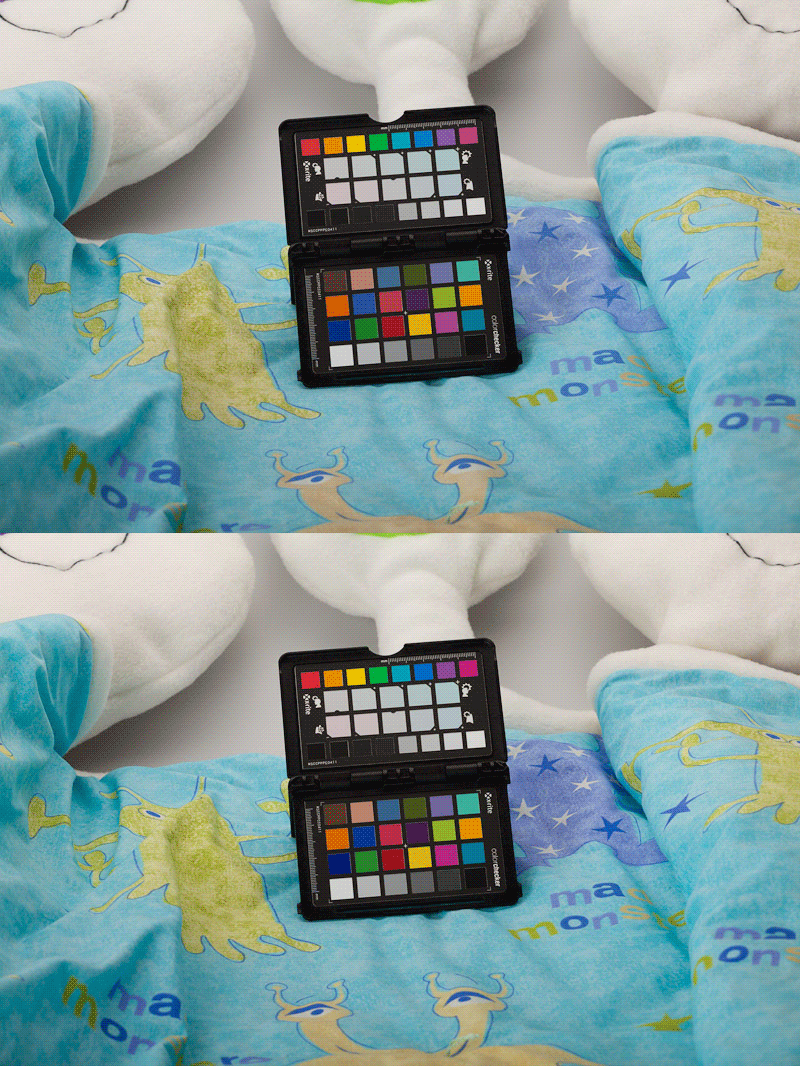
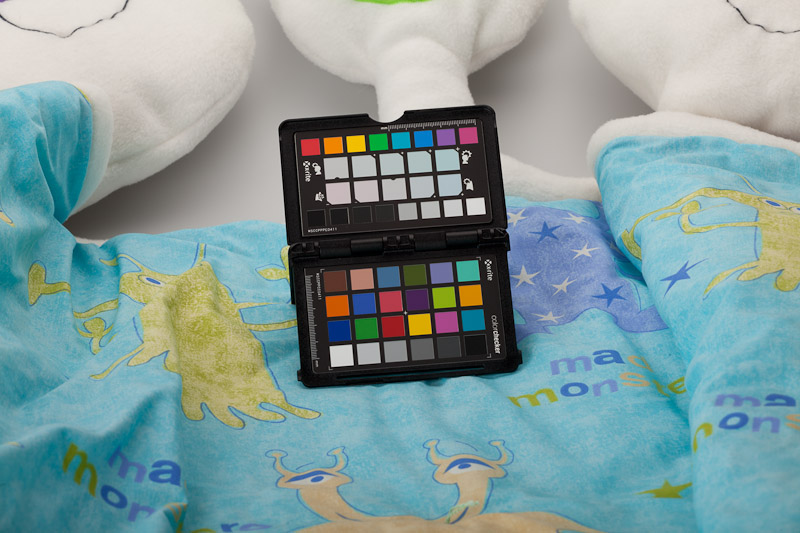
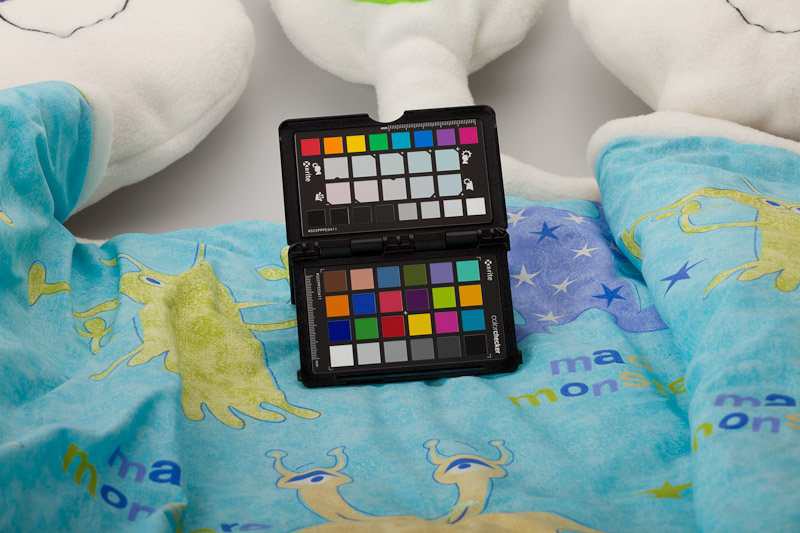
I think it makes a massive difference, see the two photos below. First as shot with the Adobe standard profile applied, second with the created profile applied. You'll just have to trust me that the colours are far more like what you see in real life. In particular, the yellow of the monster at the bottom is more sandy rather than orangey, the greens are less yellow and the dark blues are deeper (this is more obvious with a rollover, but don't think I can do that here).
and
After a bit of research, I splashed out £70 on a ColorChecker Passport (see: http://xritephoto.com/ph_product_overview.aspx?ID=1257). It includes a small set of patches and white balance card (not shown on the photos below) which allow you to set the white balance of the camera and calibrate the colour spread produced by the camera under the lighting conditions. The neat thing about this is it comes with software to automatically create a DNG profile that can be used within Lightroom/photoshop to "develop" the raw image. The process is simple - import the image, export it through the generator (in Lightroom) and restart LR. The profile is there to be used in the Camera Calibration section of the develop module of LR (or you can create a preset and apply it on import).
I think it makes a massive difference, see the two photos below. First as shot with the Adobe standard profile applied, second with the created profile applied. You'll just have to trust me that the colours are far more like what you see in real life. In particular, the yellow of the monster at the bottom is more sandy rather than orangey, the greens are less yellow and the dark blues are deeper (this is more obvious with a rollover, but don't think I can do that here).
and