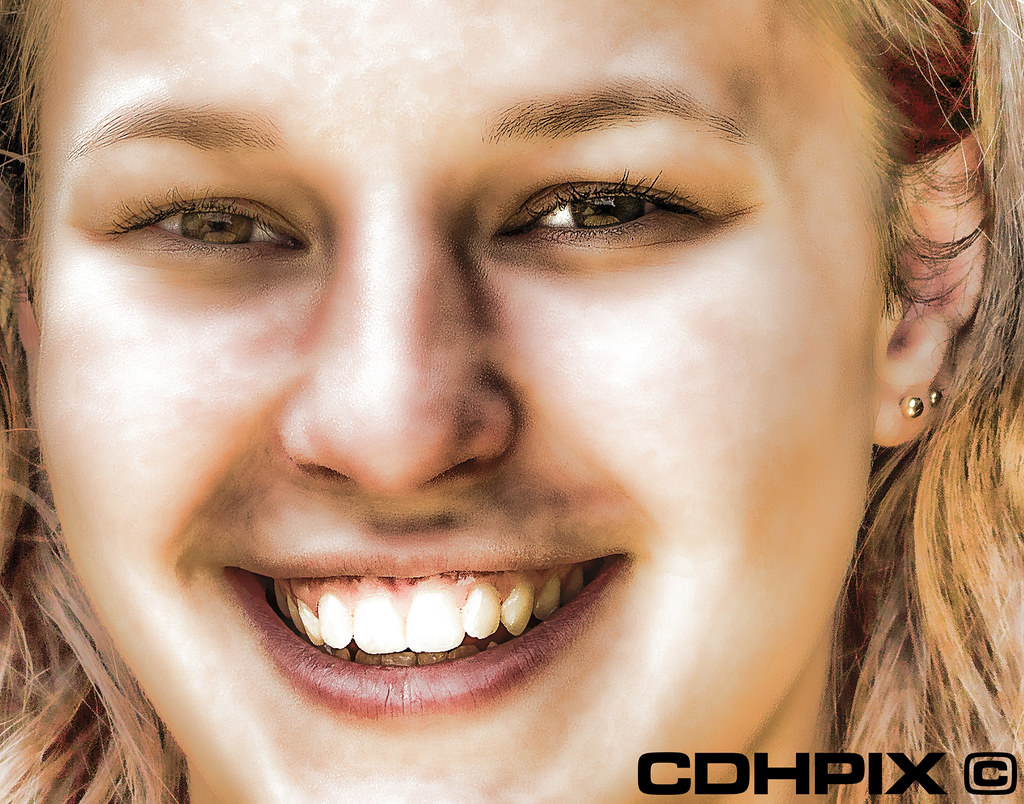
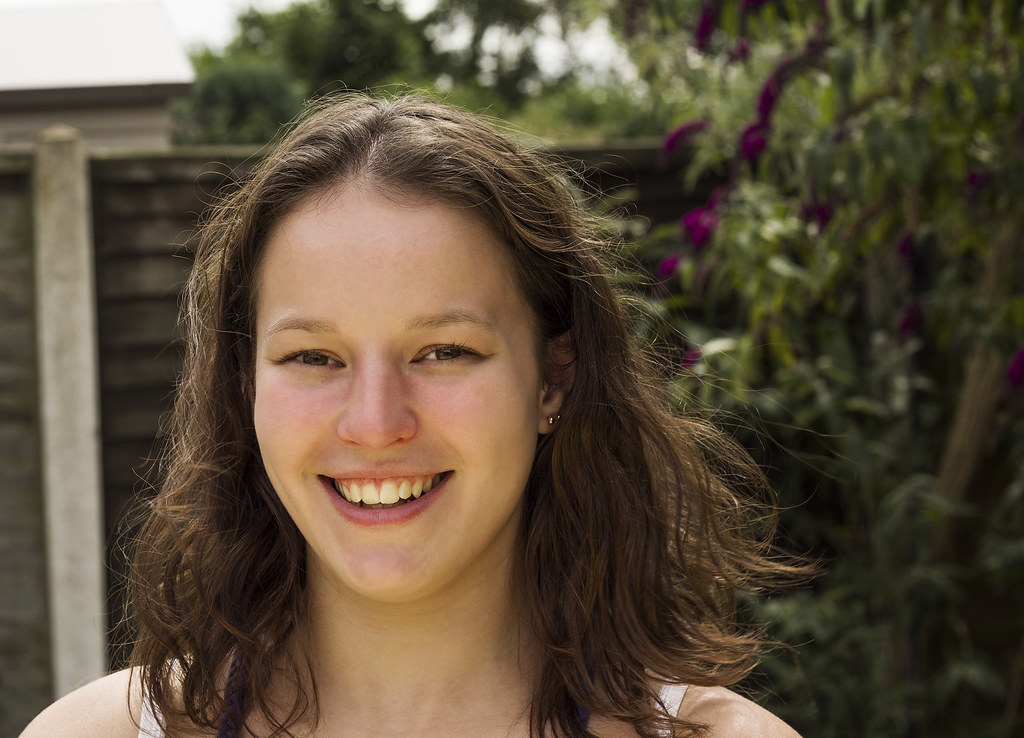
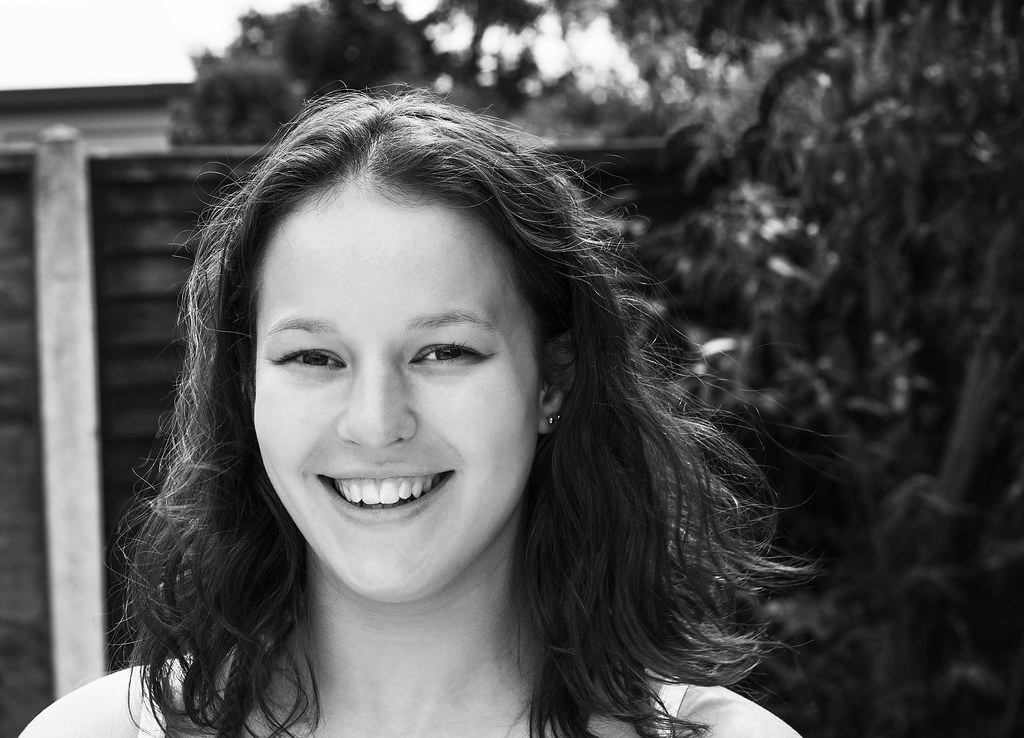
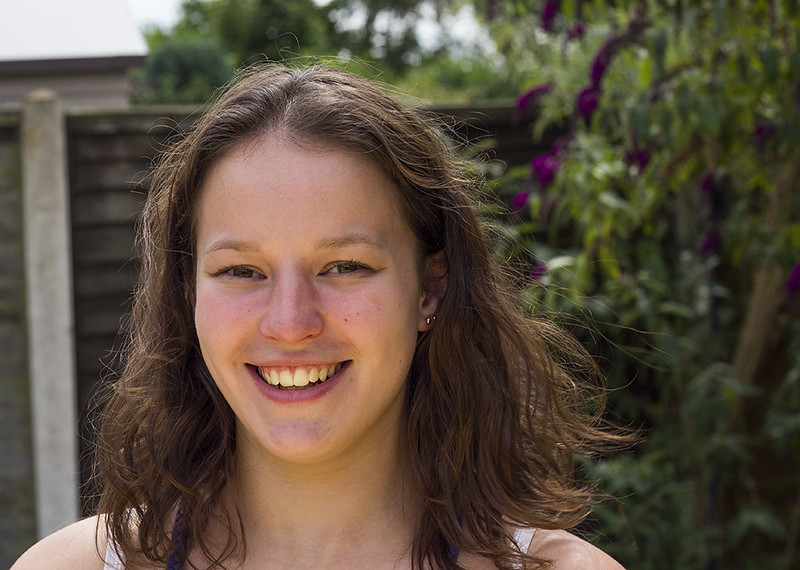
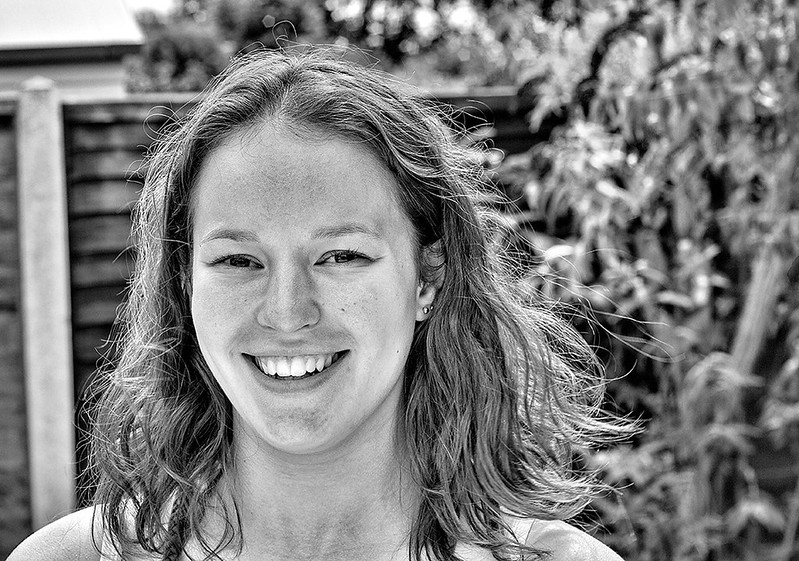
here are the originals, they have had some camera raw adjustments and ive cooled the image a little. then i ran a preset in silverefex.
Then that's not the original... it's already processed. It's also looking over sharpened too. That will not help.
the more i look at the colour one, the more i can see the lady has red blotchy marks on her chin and forehead. the skin isnt particularily good.
Maybe not, but then it's up to YOU as the photographer to use a method sympathetic to the subject matter isn't it?
i think its probably teenage acne, anyone have an idea how i can retouch and remove the redness of parts of her face?
Yes... retouch it using clone, heal, and airbrushing instead of running through filters like Topaz or silverFX, or whatever you're using.. that's not retouching.. that's applying a process across the entire image. This is not what retouching is about... and it sucks.
That black and white above is an absolute disgrace.. stop using "filters" and start using retouching tools in the individual flaws of the face. You can't apply a filter or process to the entire image and think you're retouching... you're not... you're applying a filter, and they all suck.. hard.
Photoshop, and photoshop elements have traditional retouching tools... use them. Yes, they take time, effort, and skill... but they work. Clicking options in a plug in or filter package is crap... as you've discovered. Also... converting to black using SIlverFX presets sucks too... it's way over the top. There's no subtlety in that image... it's a sledge hammer blow and it looks like hell.
There are a ton of you tube tutorials on using traditional retouching methods... watch a few, and work through them. Acne, blemishes etc, need individual attention using traditinal retouching tools. You can't put a blotchy face through something silver FX and expect it to work.
Also, and understanding of how colours translate to black and white will help you. Again... search some you tube tutorials on converting black and white to colour... just avoid ones that use presets and plug ins.. do it yourself.. once you've learned, the results will be much better.
You surely must see that you're really, really over-processing these images.. can't you?
Her skin looks fine when I convert it to B&W using separate colour channel adjustments... no need to retouch her skin at all, other than to remove spots. Photoshop elements is a good, cheap tool for almost all image retouching that needs targeted, individual retouching on image areas.