Before and after

Hilton Manchester - retouched this a while back for a club flyer, must have been a while ago as the Hilton was only part built.

retouch_01_a.jpg
retouch_01_b.jpg

Would love to know how this was done, very nice :D
 
Hello Kevin,

I still had that jagged outline I referred to before on the car.

I also found that when I used the polygonal lasso tool, several times it would generate the "line of marching ants" before I had completed going around the whole of the car, and there was no "undo" or going back, so I had to start all over again............... Have you experienced this?

I was using a mouse to select the points, would it be easier or more accurate if I had a Tablet Pen or is that another thing I would need a lot of time to practice with?

Regards

Roy


Hope you found the magazine helpful?

Try getting the lasso points closer together.

I did have a similar problem with the lasso tool completing the selection all on its own. It turned out that I needed to install the drivers for my mouse.

A graphics tablet is the best way to go with this but it takes quite a bit of time to get used to. I have one but still find it easier most of the time to use the mouse.
 
Hello Kevin,

Thanks for the advice, I will try and get the lasso points closer together, it is not helping that I have an arm injury and it is awkward/painful for me to use the mouse. (I tried reinstalling the mouse drivers but it made no difference – I will experiment with the mouse speed and selection settings) but occasionally the lasso tool will complete before I want it to.

I did have another go at the car and it came out a lot smoother but I gave up as the windscreen had too much glare on it and I really need another photograph taken with a polarizing filter to get a clear through shot and then start again.

I tried the tutorial on combining a building and the moon and got slightly better results as the selection process relied on the magic wand. I did have some trouble in getting the lights in the building to look realistic and I’m still not happy with the end result.

Here is my feeble effort:

This was my starting point - St.Albans Abbey:

crtpIMG_0088.jpg


And the final result:

crtpDig_Phot_special_effects_example88_to_90_Abbey_HDR2.jpg


Regards

Roy
 
Thanks for the comments, most appreciated.

I had tried Googling for the issues and found a lot of people were suffering the same ....... but with no real resolution other than saying it would be better to use the "Pen" tool............I need to master the Lasso tool first.

I did find one comment that sort of made sense: in that Photoshop is interprepting my separate clicks as a "double-click" - what was suggested is that I should "Zoom" in further so that I would have to make a bigger mouse movement between points and thus Photoshop would recognise it as separate clicks rather than 2 clicks being physically very near to each other.

There could be something in this as it tends to autocomplete when I am trying to make a curve round a small but complicated (for me) area.

Thanks again.
 
Think that is fab Roy. I live afew miles from St Albans myself :D How long did that take you to do in photoshop? I am trying to get an idea of time spent on editing.
 
Just come across this thread. Funnily enough I did something similar today for my 52 shot.

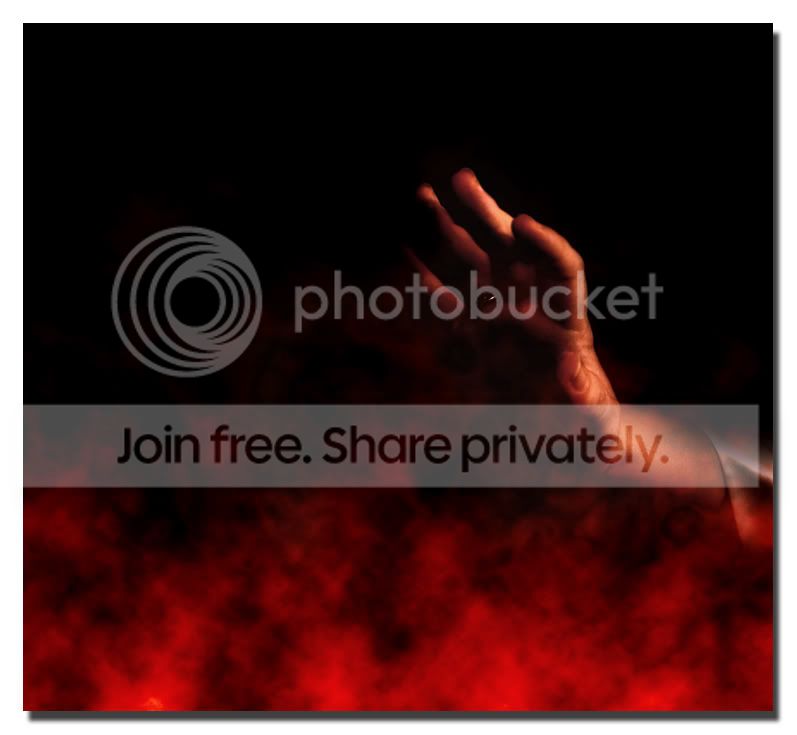
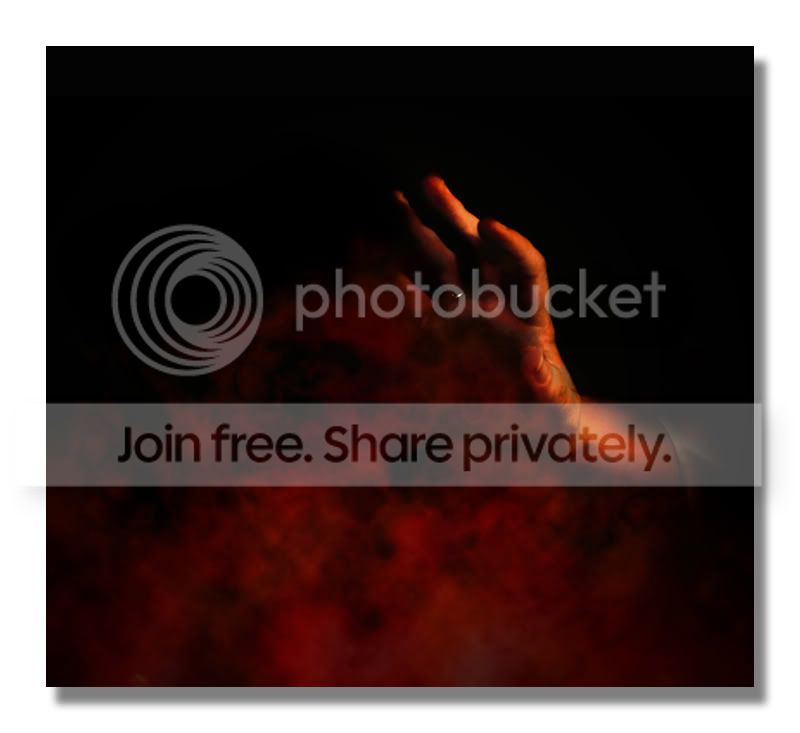
The photo of the hand has been combined with a separate layer using the render>clouds effect mentioned in the OP.
I had great fun with this, so I'll have to see if I can get hold of Digital Photo Magazine for some more tips.

:bang: Shame I didn't see this thread or the magazine first. My version involved a lot of trial and error and kind of making it up as I went along :lol: :lol: :lol:
But hey - sometimes that's the best way to learn!

pain4-1.jpg


And this was an alternative attempt. A bit heavier with the PP on this one.

pain2-4.jpg
 
Think that is fab Roy. I live afew miles from St Albans myself :D How long did that take you to do in photoshop? I am trying to get an idea of time spent on editing.

Hello Ceri,

Thanks for the positive comment.

I am still a relative newcomer to Photoshop and find the amount of options sometimes bewildering as you can so often achieve the same or similar end results through many different routes.

Doing that St.Albans Abbey conversion was fairly quick as I was following the tutorial from the magazine and I took about 30 minutes to get 95% done and then another 30 minutes as I tried to fiddle with the lights in the windows which I still think looks poor, but I don't know enough to be able to correct it myself.

There are so many Photoshop magazines and on-line tutorials to follow, that I should have no excuse not to be familiar with it, but I find unless I do the same thing repeatedly I soon forget the techniques taught in the mags! (old age as well)

I must also confess to being a bit lazy in that I do not practice enough - I know some people will spend hours correcting just one photograph..................

Regards

Roy
 
This thread is great, thanks to Hypnotic, I bought a copy of the mag last night. Hope to try out some of the stuff later.:)

There's some nice examples on here too. :thumbs:

Lisa
 
Hello Kevin "hypnotic",

I was most impressed with the transformation you made to the XK Jaguar - it looks really good and something I would like to try, but I have to confess I really struggle with any digital manipulation.

- one of my biggest issues is how to accurately select the outline - I have tried various methods, but always seem to end up with jagged edges or bits missing!

What process did you follow?

I would also be interested in how you:

- managed to get your steam cloud effect 'behind' the windscreen
- made the windscreen glass clearer (less reflection)

If you have the time, a short "how to" tutorial would be well appreciated.

In awe - Regards


Roy

Roy - just a thought, but you can add to the selected area, and also subtract. When you have the poly-lasso tool selected, there are (all from memory, as no PS at work) 3 or 4 small icons on the control bar above your image. Hovver over them to find the "add" one. Click this. You can then do the selection of the whole subject in much smaller bits. Also, if you end up with more selected than you require, click the "subtract" icon, and the next selection will be subtracted from the whole.

I've found it much easier to select items this way. You can also hold down CTRL I think, to do the same thing, but it does restrict you somewhat - I find it easier to use the "add to selection" button.

Cheers, Bradders.
 
Back
Top