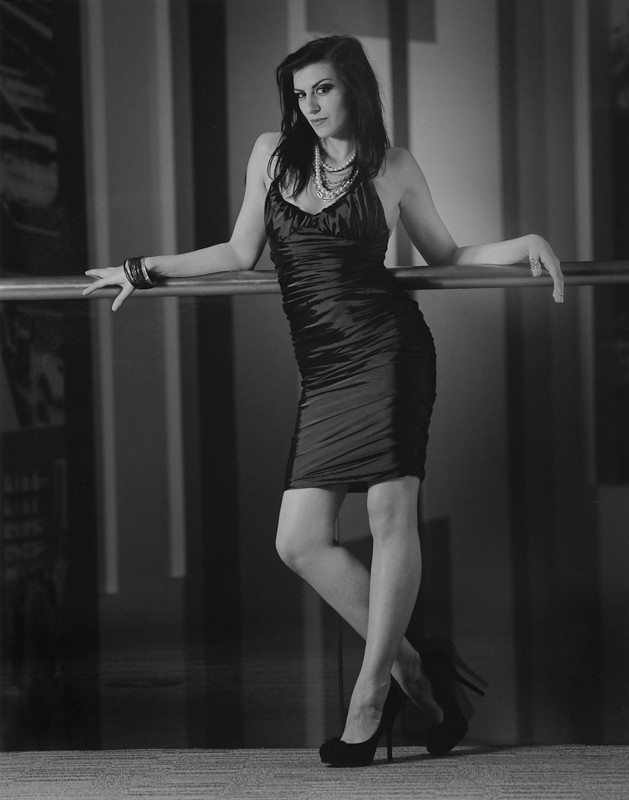
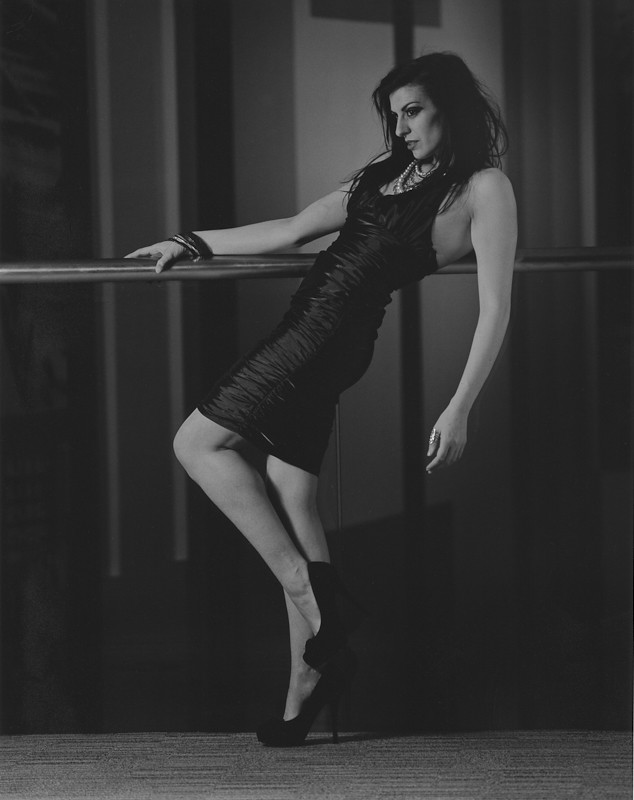
Black and white coloured filters are easy to guess what will happen. The colour of the filter will brighten colours the same as the filter and darken the opposite colour.
So with a Yellow filter it will make yellows brighter and blues darker as general rule; yellow is/was used as a default filter when shooting B&W because B&W films tend to be more blue sensitive so a blue sky would be a whitewash on B&W so the yellow helped with that, but Kodak T-Max films have reduced blue sensitivity so don't need a yellow with them. May help with contrast but i always find it too weak.
Orange is like a much stronger yellow, will darken blues, cyan, purples more and lighten yellows, reds, and orange. I personally prefer this over a yellow, give much better contrast with blue skies, can work well for portraits on pale skin as it lightens spots and other more red coloured skin imperfections.
Red filters will lighten reds, pinks, magentas and darkens blues, greens and cyan. This is why it makes white skin glow as skin imperfections tend to be in the red, pink, magenta range and it lightens all these colours making them blend into the rest of the skin, this can be useful if you are shooting people with these skin issues and you want it to be more flattering without a softening. Also combine a red filter with a polarizer for some dark skies.
Green will lighten yellows, olives and various greens and darken reds, blue, and magentas. Use for portraits if you want really "gritty" skin as it darkens skin imperfections. Good for landscape with greens as it lightens greens and somewhat darkens the sky.
There used to be various strengths of all these coloured filters but they are limited now, i'd love to get my hands on a super strong minus blue filter but i can't find one anywhere.