All things related to Apple phones & tablets

  • Thread starter Thread starter stupar
  • Start date Start date
Not phones and tablets, but there's a minor update to TvOS and HomePods. The problem is that some people are having problems after updating.
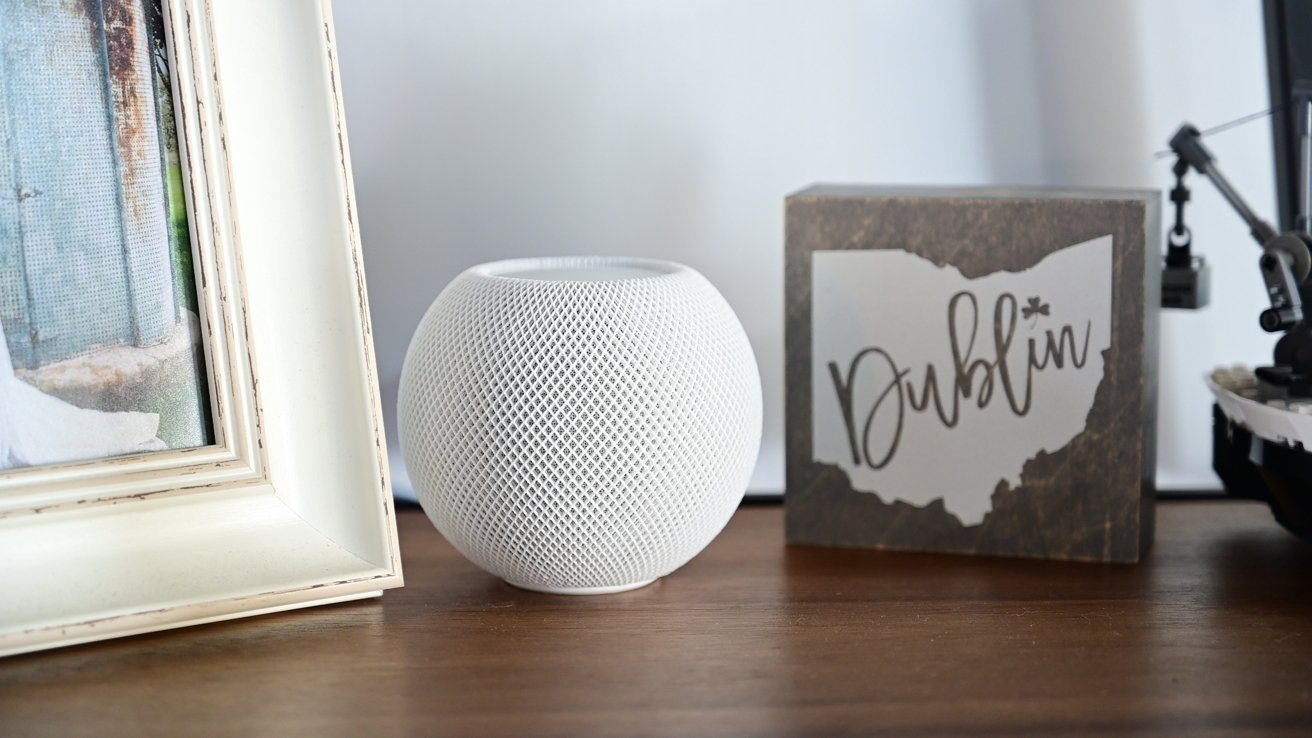
 
Not phones and tablets, but there's a minor update to TvOS and HomePods. The problem is that some people are having problems after updating.


I haven't been using mine recently. With energy bills going up I've turned mine off along with the TV and am now watching online only.

Only just seen this Garry, and thanks for posting.

"Only last weekend I was in an Apple store and very nearly purchased a couple of the latest "HomePods" as I thought for what they are the sound was extremely good, but for some unknown reason I decided to go away and think about it a bit longer. After reading these posts of yours I'm kinda glad I did hold back and stick with the system I've already got. Must admit I seldom watch TV seriously, much preferring to watch on my "iPad" using my "AirPod Pro's" (first generation). I've even measured the viewing triangle (I think that's what its called) from the TV to where I sit and believe it or not effectively the "iPad" on my lap works out at being larger than the TV (if that makes sense) and the sound from my "AirPod Pro's" is much better than from the TV.
 
Last edited:
It makes a lot of sense. When I'm watching TV+ on the train, my iPad Mini's screen looks much wider than my tv does, five feet away.

As for the "extremely good" sound, the bass on my iPod Minis is so loud, even on the quiet setting, that I have to have it on low volume with subtitles on.
 
Ho
That's pretty decent by the sounds of it.

The plus phones are lots better for battery life. I have the 6 plus and it can last 5 days easily. Bluetooth doesn't seem to reduce the battery either so I can leave it on.
w was this possible!? Daily. Charging for my 13 pro today and my series 5 watch barely let the day
 
Ho

w was this possible!? Daily. Charging for my 13 pro today and my series 5 watch barely let the day

That was years ago and yes 5 days of normal use. I don't sit and play with the phone all day though. I get 3 days out of an 11 now. More stuff on it. Can get 2 days out of an apple watch 3. You have to turn a lot of the crap off to make it happen though.

Turning down screen brightness and turning off all the unnecessary notifications and turning off background app updating off anything you don't want all make a big difference to battery drain amount.
 
"Heads Up"

iOS & iPad OS 16.3.1 released today.
 
"Heads Up"

For anyone using the "ProCamera" app on their iPhone there's quite a large useful update that's been released. A few things for the stills toggers but mainly for the video.
 
Beta 3's of all the OSes have been released and there's a rumour of an Apple Event on the 14th of March (next Tuesday). Rumours include that they will announce "a new 15-inch MacBook Air and the first Apple silicon Mac Pro, as well as an update to the 13-inch MacBook Air", and the additional rumour is that the Air could have an M3 chip.

 
Presumably you also have iOS 16 on the iPhone?
 
Yes.

It was connected the other day so don't know what's gone wrong.
Weird.

When I’ve had Bluetooth problems in the past, I’ve had to ‘forget’ the device from the list and start again. I don’t have a MacBook though.
 
iOS has saved a load of out of date and garbage passwords. I cannot delete them. Doesn't matter how I try to delete them when I go back into passwords they've come back. It's masssively infuriating as it means it's now trying to use logins that don't work. It's almost like it has synced from months ago for no reason recently and screwed then all up. There's hundreds of the damn things. I went through all of them ages ago and removed all of the wrong ones. Now they're all back!

Anyone else got impossible to delete passwords? Tried from both iPad and iPhone. Both do the same.
 
Anyone else got impossible to delete passwords? Tried from both iPad and iPhone. Both do the same.

Mine seem OK. Many of them go back over a decade, but they all look like ones I've used not too long ago or will use again eventually. I deleted three of them for one now defunct server and they deleted OK. I'll keep an eye out to see if they come back.
 
Beta 3's of all the OSes have been released and there's a rumour of an Apple Event on the 14th of March (next Tuesday). Rumours include that they will announce "a new 15-inch MacBook Air and the first Apple silicon Mac Pro, as well as an update to the 13-inch MacBook Air", and the additional rumour is that the Air could have an M3 chip.


Any news on an iMac with M3? My late 2015 27" is getting slow and I think that I will need to upgrade soon. The M2 Mac Mini look a reasonable price at the moment and I was thinking about that with a LG ultra wide screen as I'm sure any new iMac will only be in 24" with a 27" mac screen a bit on the expensive side.
 
I doubt that there will be any more product announcements before WWDC in June.
 
"Heads Up"

Anyone who's using "Pixelmator Photo" for some of there PP on an iPad or iPhone, then there's a very useful update out today that's added quite a lot of new things to the app. One very useful part of the app is it supports and shows Apple Pro Raw files fully & correctly. Its now had a name change and is called :- "Photomator".
 
Last edited:
It's weird then. They definitely disappear off the list then I go back and check and they're back again. Tried again and I can't even get even one to be deleted.
That’s a PITA. It’s painful to confirm which login is correct if you have multiple passwords saved, so going through that work and then having them come back would be really annoying.
 
That’s a PITA. It’s painful to confirm which login is correct if you have multiple passwords saved, so going through that work and then having them come back would be really annoying.
It's a total pain. But I've added Firefox as a password saver so it will use those and possibly copy over the wrong ones with the correct ones over time with any luck. The rest that aren't used I'll just have to ignore.
 
I'm confused (this is not unusual). I have Apple Notes on my iPhone SE (old, running IOS 15.7.3) and on my MacBook Pro (new, running Ventura 13.2.1), both logged into my iCloud account. I have just made a new Note on my Mac and it won't appear on the iPhone. I noticed at least one other Note on the Mac that's not on the iPhone, and I've just deleted one Note on the iPhone that stays there on the Mac. The most recent Note that did sync across was dated 3 Feb 2023.

Any clues? I'd hate to have to go back to Evernote! (Not terrible, TBF, but it seemed weird that it wouldn't let me see my evernotes if I was off net!)
 
I'm confused (this is not unusual). I have Apple Notes on my iPhone SE (old, running IOS 15.7.3) and on my MacBook Pro (new, running Ventura 13.2.1), both logged into my iCloud account. I have just made a new Note on my Mac and it won't appear on the iPhone. I noticed at least one other Note on the Mac that's not on the iPhone, and I've just deleted one Note on the iPhone that stays there on the Mac. The most recent Note that did sync across was dated 3 Feb 2023.

Any clues? I'd hate to have to go back to Evernote! (Not terrible, TBF, but it seemed weird that it wouldn't let me see my evernotes if I was off net!)
I mostly sync between iPhone and various iPads and usually it’s pretty instantaneous but I have sometimes seen delays but not actual failures.

I do suspect there’s a bug currently as sometimes on the iPad when I try to create a new note (maybe only a quick note) it refuses and gives the message “update Notes if you wish to create a new one” (or similar.wording but definitely “update”).

So far I’ve just ignored it and written on a Note I keep as a “scratchpad”.
 
I'm confused (this is not unusual). I have Apple Notes on my iPhone SE (old, running IOS 15.7.3) and on my MacBook Pro (new, running Ventura 13.2.1), both logged into my iCloud account. I have just made a new Note on my Mac and it won't appear on the iPhone. I noticed at least one other Note on the Mac that's not on the iPhone, and I've just deleted one Note on the iPhone that stays there on the Mac. The most recent Note that did sync across was dated 3 Feb 2023.

Any clues? I'd hate to have to go back to Evernote! (Not terrible, TBF, but it seemed weird that it wouldn't let me see my evernotes if I was off net!)
Have you had any warnings about versions of Notes not being compatible? I used to get that occasionally when I still used an old Mac that didn't support the latest version of macOS.
 
Back
Top