


- Messages
- 34,670
- Edit My Images
- Yes
So nobody then?
So nobody then?

No and not entirely clear why you are asking but:So nobody then?
No and not entirely clear why you are asking but:
Use Low Data Mode on your iPhone and iPad – Apple Support (UK)
With iOS 13 and later, you can turn on Low Data Mode to restrict background network use and save mobile data and Wi-Fi usage.support.apple.com
I think I saw the message once. Can't remember whether it was ios15 or a bit earlier. Turned it off anyway.
Oops! Sorry, I understand now. It’s off on my updated iPhone 11, just checked, and Ikve never seen the message. Does it survive Shutdowns and/or Resets?Sorry, that was the point of the 2nd screenshot. I'm getting the message that low data mode is on when it clearly isn't. Bit of a pain as it blocks automatic updates
Yes, it's been happening since before the last update.Oops! Sorry, I understand now. It’s off on my updated iPhone 11, just checked, and Ikve never seen the message. Does it survive Shutdowns and/or Resets?
It sounds very similar to thismYes, it's been happening since before the last update.
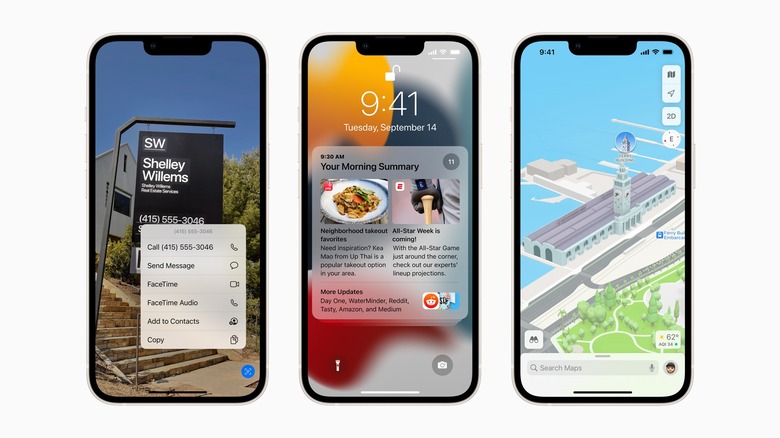
 bgr.com
The issue predates iOS 15 though.It sounds very similar to thism
which has been seen a lot -- I know it’s not the same but looks like the same sort of thing.'iPhone Storage Almost Full' Bug Plaguing Users Who Update To iOS 15 - BGR
Apple released iOS 15 on Monday, but users have already discovered an annoying bug telling them that their storage is almost full.

Photoshop is pretty woeful on the iPad (it can't even edit Raw files yet, although that is coming soon apparently). Lightroom is great though and I use my iPad as my main editing machine now. I think Affinity photo is the best Photoshop replacement available for the iPadIs anyone using photoshop on their iPad ? I’ve just bought myself a 11” pro and wondered whats it’s like on the iPad..

I think Affinity photo is the best Photoshop replacement available for the iPad
 completely with that Richard.
Annoying - Apple store do have base models of the 14" to get today, but I want 1tb rather than 512, so still a month or so to wait!

I was in that position last year. They have to make them up specially. It arrived about a week sooner than I was expecting it.
Anyone an Apple mouse user?

The current Apple mouse is quite possibly the worst Apple product I've had, very uncomfortable.Ended up getting the base 10 core model instead, should see me ok for a few years!
Anyone an Apple mouse user? Seems low profile and not sure I will find it comfortable - also thinking of a trackpad instead. Should be easy as use the laptop one a lot of time but cant get my head around not using a mouse!
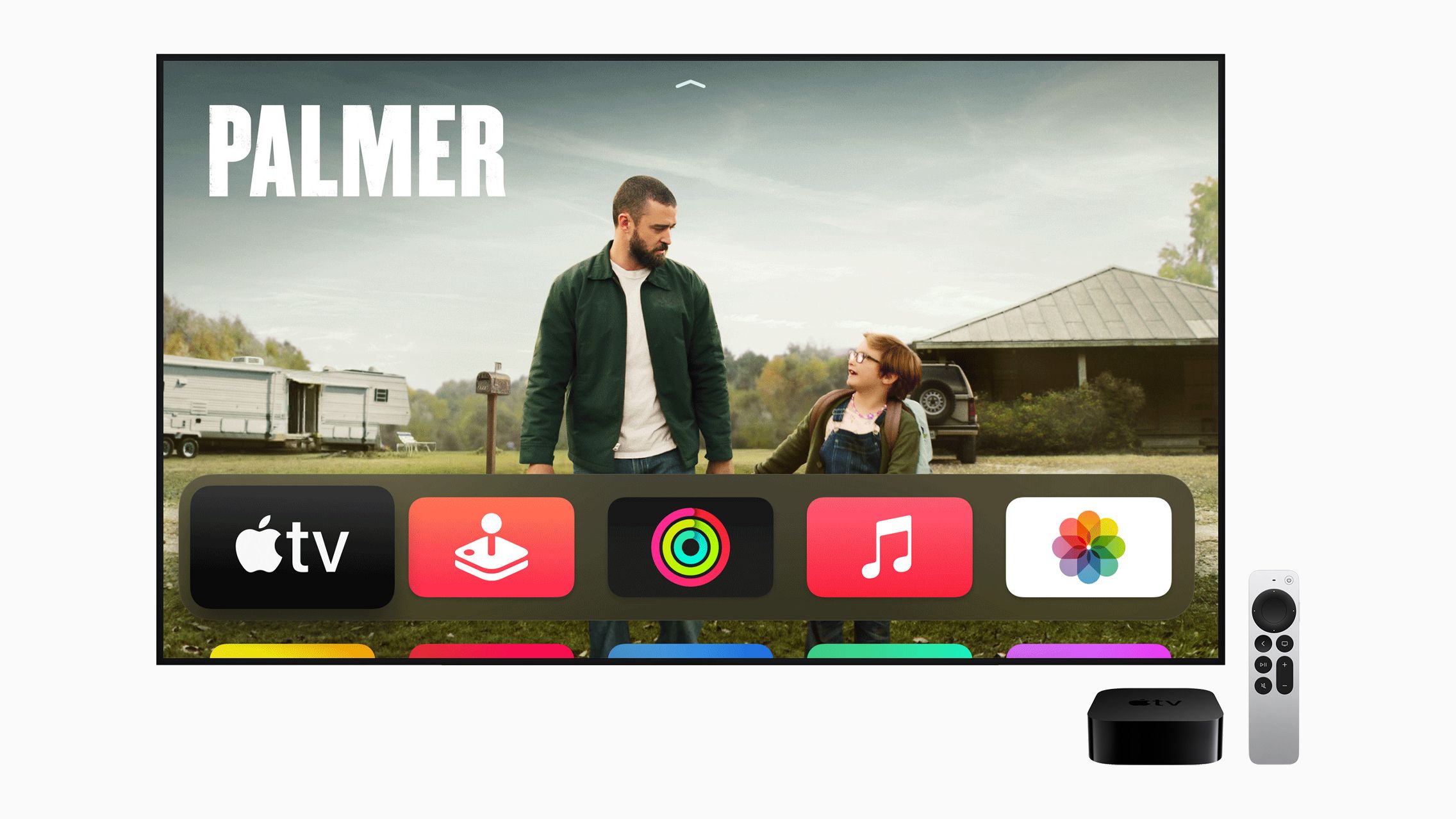
 www.imore.com
I don‘t know, but I found this"Just in case it is possible"
As some of you probably know I recently bought the latest "iPad Pro 12.9" which I like very much. I just wondered if anyone knows of a way of reducing the screen contrast a tad globally (probably not possible) ie the same as you can set and lock the screen brightness?
 mcmw.abilitynet.org.uk
I don‘t know, but I found this
How to increase contrast in iOS 12 for iPhone/iPad/iPod Touch | My Computer My Way
Enabling ‘Increase Contrast’ can improve the contrast of text on certain backgrounds to make text more legible.
which refers to increasing contrast. Most references elsewhere are to brightness or colour temp.

I like the Apple mouse, especially as you can do limited gestures on it - I got mine in 2010 with my iMac and have used it pretty much every day since.Ended up getting the base 10 core model instead, should see me ok for a few years!
Anyone an Apple mouse user? Seems low profile and not sure I will find it comfortable - also thinking of a trackpad instead. Should be easy as use the laptop one a lot of time but cant get my head around not using a mouse!
I'm interested in the Logitech MX3 - which version did you get? How easy is it to navigate through "spaces"? If you use them?Thanks both. Decided to go for the Logi keyboard and MX3. Bit of a saving on the apple products, and guess used to this setup (also, wife may use my office from time to time and she is on PC).
I like the Apple mouse, especially as you can do limited gestures on it - I got mine in 2010 with my iMac and have used it pretty much every day since.
I'm interested in the Logitech MX3 - which version did you get? How easy is it to navigate through "spaces"? If you use them?
You are not wrong.If you set up Family sharing on iCloud I think that allows you to access each others. I am no expert so might be wrong.

 www.theguardian.com

Finally solved it. There's an additional low datacmode in the wi-fi network.

"Astounded"
I'm absolutely astounded at the quality of images that can be obtained from my "iPhone 12 pro max". A few days ago I was dragged around the shops under duress and knowing just what these occasions have been like in the past I didn't bother to take a camera with me, only my iPhone.
To my absolute amazement during our trip my wife said to me did I want to get lost for a time or two of which I jumped at the chance, only problem was I had no camera with me and there was plenty of street photography to be had. So I started to do a bit of street stuff with my iPhone and kinda liked at how fast I could work with it just using the 26mm wide & 65mm tele lenses and the standard camera app that's included using it in RAW.
I didn't expect too much from the results as the weather and light were mostly pretty awful, am I mistaken as once some of the snaps are up on my computer and had my standard PP done to them the results are astounding. I would never have thought that I could get this sort of quality from my iPhone, so this bit of kit is now a very serious addition to the way I work the streets.
I have the 13pro and on our Xmas London trip I only took that (partly as kids are too old to pose for many pics) as it was freezing so didn't want to be faffing outside too much. Very good quality and thought the same as you.

Generally you put the ”old” and new near each other and the ‘new’ one will ask if you want to used the ‘old’ one as a source. It usually works flawlessly I can’t remember if it exactly replicates al, the installed apps but probably, since the process is designed for replacing the old with the new and the wiping the old for sale etc.I've got a new iPad Pro coming tomorrow to replace my iPad Air and I will be passing the Air onto SWMBO as a 2nd iPad, (she has another Air).
Having reset my Air, can I download the latest backup from her other Air onto it so she has two basically the same without any issues being caused?
I haven't yet wiped the Air.Generally you put the ”old” and new near each other and the ‘new’ one will ask if you want to used the ‘old’ one as a source. It usually works flawlessly I can’t remember if it exactly replicates al, the installed apps but probably, since the process is designed for replacing the old with the new and the wiping the old for sale etc.
I’m not sure why you’ve wiped the Air in advance of getting the Pro instead of usu g it to set up your identity etc. But then I don't know how many iOS devices you have!
I dont think so. I have an Air 3 and Pro 10.5 (so basically same form factor and run them simultaneously every day (one as a TV day time and podcaster night) and swap them around from time to time and everything stays in sync, (plus an iPhone with much the same stuff on.)I haven't yet wiped the Air.
My only concern is will sharing (initially) the backup of her Air with another Air (my wiped one) cause issues - she will keep both?
Sounds good, thanksI dont think so. I have an Air 3 and Pro 10.5 (so basically same form factor and run them simultaneously every day (one as a TV day time and podcaster night) and swap them around from time to time and everything stays in sync, (plus an iPhone with much the same stuff on.)
The only time I’ve had trouble with this sort of thing is when one was on a BETA iOS.
 www.independent.co.uk
 www.macrumors.com
Here's a detailed look at what's new in iOS and iPadOS 15.2
iOS 15.2 Features: Everything New in iOS 15.2
Apple today released iOS 15.2, the second major update to the iOS operating system that was released in September. iOS 15.2 introduces several features that Apple initially promised would come in iOS 15, but were ultimately delayed. This guide highlights everything new that's been added in the...


