Air brushing cs2

butterfly.shel

Suspended / Banned
Messages
212
Name
shellie
Edit My Images
No
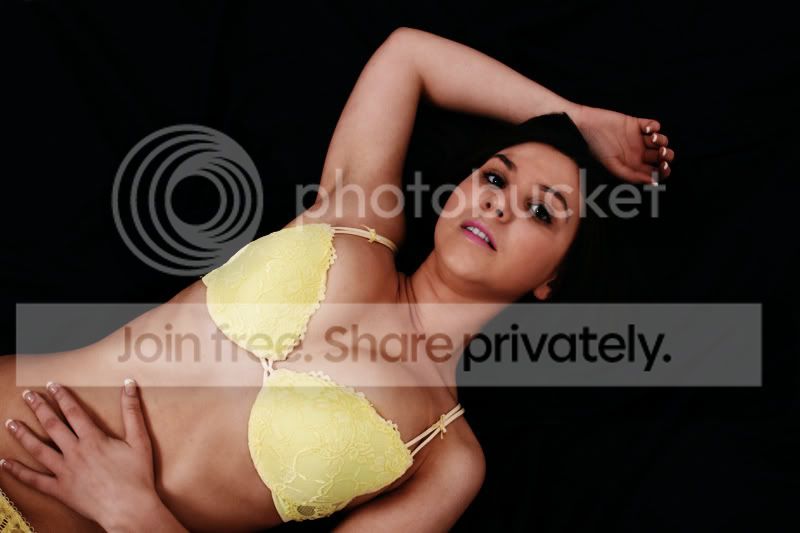
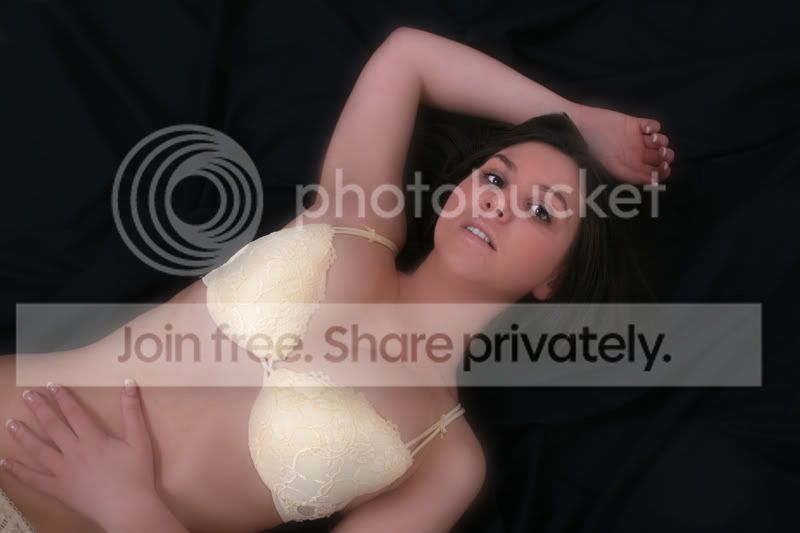
i have these 2 pics from my first glamour session and i ahve no idea what i can do with them, i know how to clone, change the exposure and sharpen but thats about it.
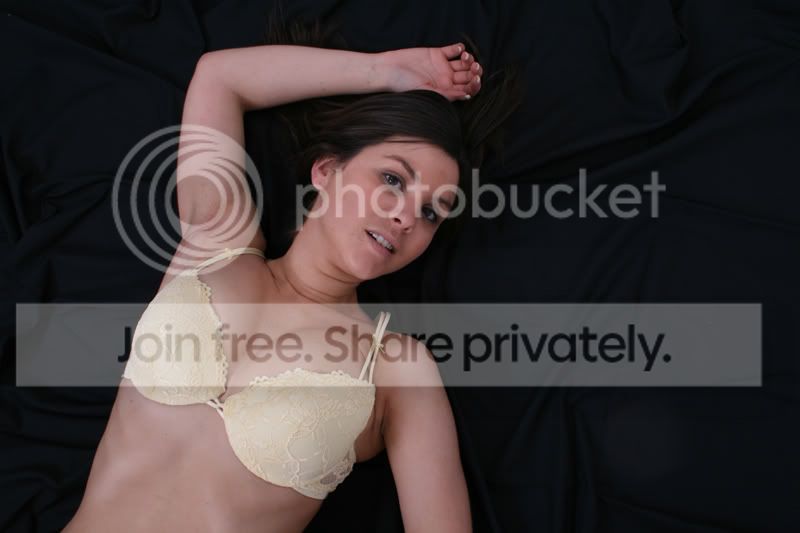
How do you airbrush using cs2 (please in simple terms i'm a beginner) just to give her an even skin tone. Or do i forget these and just go with the others i've done?
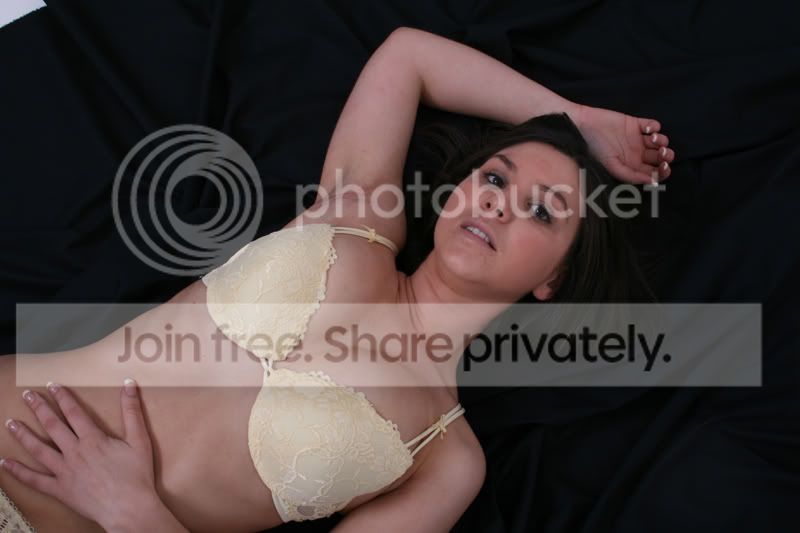
IMG_0457.jpg


IMG_0462.jpg


thank you for your time

xx
 
Very quick shot for you. No more than 5 mins spent on this so it could be a lot better if you put the time in.

There are loads of retouching techniques and if you google "Photoshop retouching" you probably find most of them.

retouch6.jpg


What I've done is as follows:

1.Curves adjustment layer added (always work with layers because it's easier to "step back" if you muck up).
2.Clone tool used to fix blemishes.
3.Colour balance layer added to fix colour cast.
4.Colour layers (layer with blending mode set to 'colour' and then paint with whatever colour you want) added to enhance skin, bra and lips.
5. Background layer duplicated and guassian blur applied. Layer mask used to only apply blur to skin. Opacity of this layer reduced to suit.

EDIT: Looking at this again, I've probably gone a little overboard with the fake tan!!
 
Only thing is with that edited version Garry, is that theres no definition to her hair! Its blended completely into the background.
 
Like I said, it's a 5min job and I didn't do anything with the hair. A bit of masking or dodging should sort it out.
 
Nice shots there my friend, not sure if they may have worked better on a white background due to her dark hair, just a thought :thumbs:
 
this is way too soft and i didnt really tackle the under arm but run some gaussian blur and use a layer mask, mess with the curves.


*edit*
sorry a more indepth idea of what I did.
duplicted the layer and used a gaussian blur, added a layer mask and left only the skin blurred. Then messed with the layer opacity (same as Garry)

used the spot healing brush on the face and underarm.

colour balance on the midtones for skin colour tone.

basically looking at it again me and Garry did the same thing pretty much lol he went a bit further mind.
 
I've had a quick go adjusting levels, curves, contrast etc, I then did a bit of skin smoothing using the PhotoshopMama Powder action but being a small image it's probably overdone.

Finished off by using the blur tool on the shaving/waxing rash and the clone stamp tool on the neck wrinkles to tone them down a bit. It's a very quick and dirty edit but it gives you an idea.

IMG_0457.jpg
 
Hope you don't mind, been having a go at airbrushing myself recently:

IMG_0457.jpg


Duplicate layer, gaussian blur and 50% opacity made into a layer mask and only have the skin blurred.

Cloned out the arm bits.

A desat on the teeth and the whites of the eyes.

Used the eye droper get skin colour and then 20% opacity on the bottom layer to smooth some of the bits out.
 
Back
Top