
and please use their services
You are using an out of date browser. It may not display this or other websites correctly.
You should upgrade or use an alternative browser.
You should upgrade or use an alternative browser.
Advice on PP
- Thread starter jimmy83
- Start date
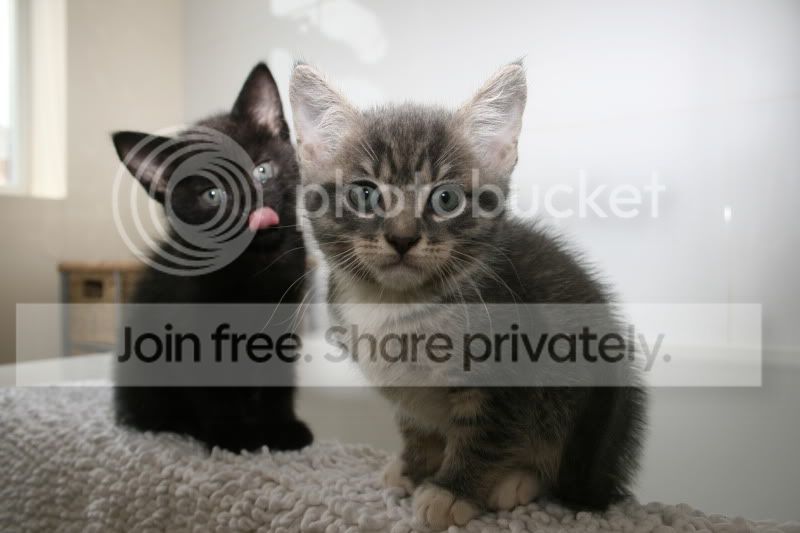
On the kitties, I'd brighten and cross-process and do up the eyes.
Then crop the window and the right side a little.
and do up the mat.
Ok, I'll stop now. might get carried away
Ok, cheers. I tried all but the eyes and mat. How would I go about changing those?
So far...


snoop69
Suspended / Banned
- Messages
- 2,451
- Name
- Paul
- Edit My Images
- Yes
Anyone got any views on the above?
Not sure about your cat edit as it seems to have a peachy coloured tint to it.
Hows this for a quicky?
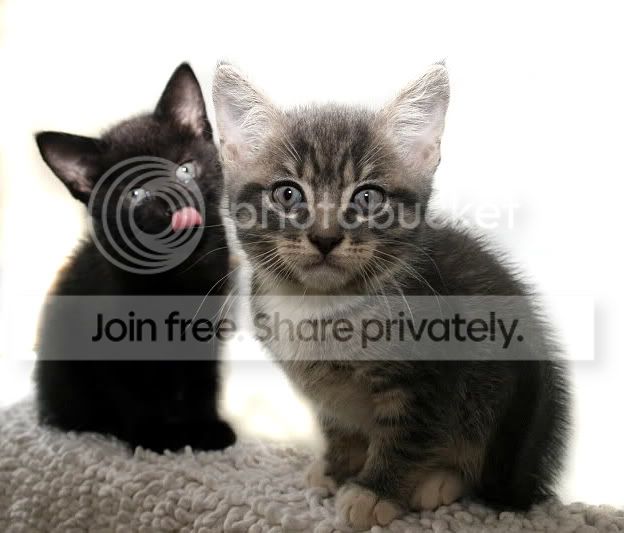
The water looks much better.
snoop69
Suspended / Banned
- Messages
- 2,451
- Name
- Paul
- Edit My Images
- Yes
Yeah looks good, what di you do? I just used. YouTube guide for cross-process-I kinda like it.
I cropped, cloned out what looks like a basket & used the dodge tool in Photoshop
to create the background.
I cropped, cloned out what looks like a basket & used the dodge tool in Photoshop
to create the background.
Ah thats looks great, Ive viewed it on my iPhone earlier. Love the blank background.
Would you mind going into a bit more detail on how you done it?

Following advice from this forum I set the dodge tool to 'highlights' set it to
12% & then just go over the background
Make the tool smaller for the tricky areas of course but it works a treat.
Not used the dodge tool, many thanks
Would like to add a little something to it still *** if poss, what I dont know

you could try and give the eyes a bit more punch by changing the hue/saturation?
Yes, thanks that was next on my list
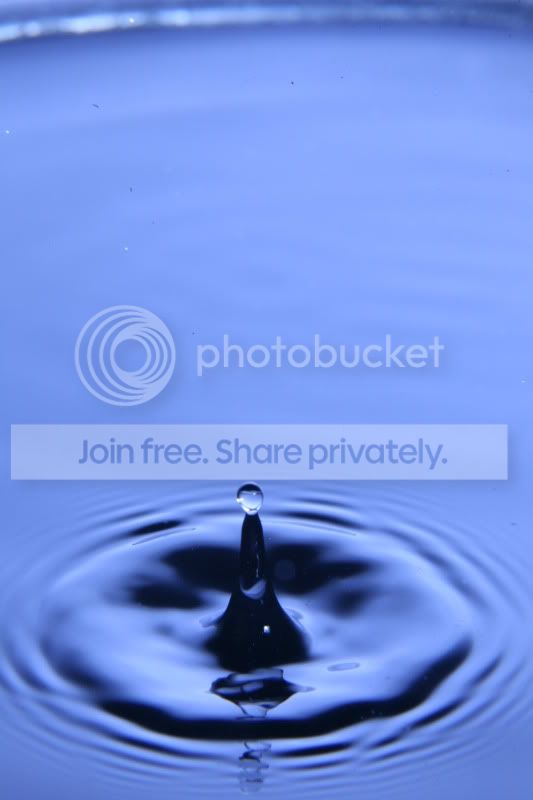
What do you think about the water drop?

CJB64
Suspended / Banned
- Messages
- 140
- Name
- Ceri
- Edit My Images
- Yes
tbh, I would nt change anything to the water drop. I think it looks good as it is. You could try and add a vignette effect (elyptical) around the drop to see what that looks like:shrug: The first shot on this thread is the sort of thing I mean
http://www.talkphotography.co.uk/forums/showthread.php?t=194166
http://www.talkphotography.co.uk/forums/showthread.php?t=194166
you could try and give the eyes a bit more punch by changing the hue/saturation?
How do you just change the hue/saturation for the eyes, each time I change it then make shte other layers visible they then change hue/saturation