A little help if you could x2

markyboy.1967

Suspended / Banned
Messages
8,171
Name
Mark Molloy
Edit My Images
Yes
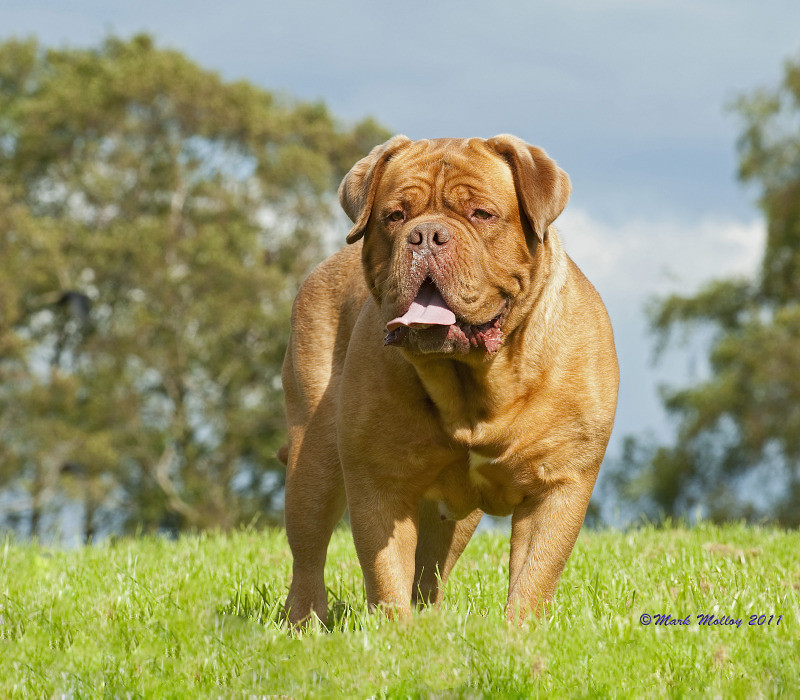
I would like to add a little grass to the bottom the this image, i dont need loas of rass just enough to make the image look like the feet area hasnt been cut off.What i need is for someone to list the steps to allow me to do it for myself and help me learn.
Dogue3jpg.jpg


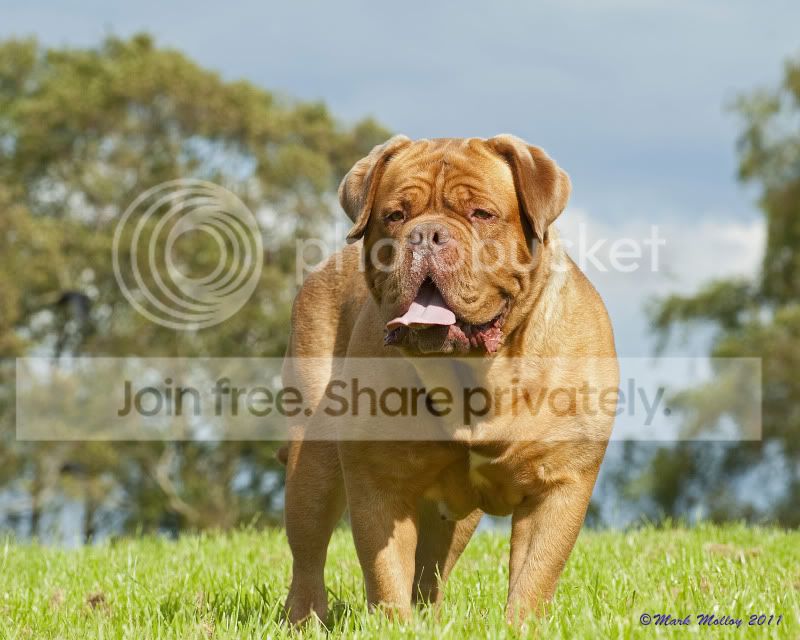
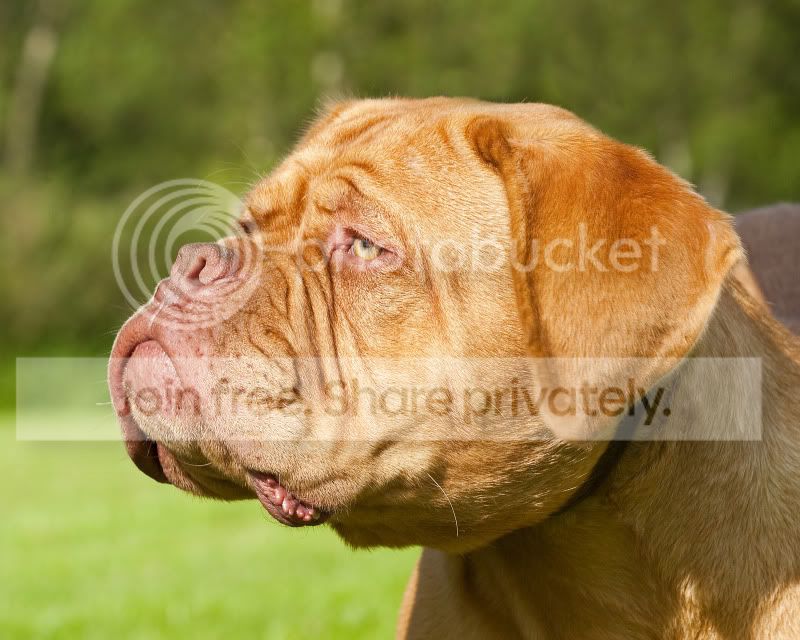
Last but not least is it possible to remove the shadow from around the dogs neck area and give it a similar colouring as the head area( no shadow ), again a few steps showing me would help.
DSC_8552.jpg
 
dsc8552comp.jpg


Here's a quick fix for you. (I'm not sure if this is what you meant though...)

How I did it...

- Clone out bright highlights on the neck area. To maintain original fur texture, you could dodge and burn the area but I cloned as I was just doing it quickly.

- To fix shadow, use Curves adj. layer. Drag midpoint higher to increase brightness of image. First thing you'll notice is that it's applied to the whole image - correct that using a layer mask. Click on the layer mask and invert it (cmd+i/ctrl+i), then paint on shadow area with white brush.

- Second thing you'll notice is that the lightened area will have a different colour tone. Match this to your target area (head, in this case) by using a Hue/Sat adj. layer. Create the adj. layer, then alt+drag the layer mask from the previous Curves adj. layer onto the Hue/Sat adj. layer that you just created - this replaces the mask and now your Hue/Sat adjustments will only affect the required area.

- Refine masks, if needs be.

That's it. Hope this helps!
 
Last edited:
Here ya go

5889502957_763472637a_b.jpg


Added 60 px to the bottom of the canvas, selected the eyedropper to sample the grass and got a green extended canvas. Then using the patch tool, selected some grass on the left of the image and copied it over the new part of the canvas, then cloned a few repeat brown bits out.

2 mins work.
 
Thanks, i will have a look into this. So how do i add pixels to the bottom of the image in CS4?

Go to Image:
Canvas Size
and add the number of pixels you want to add.
In the "Anchor" box click in the top middle box so the top of the image stays and you add pixels at the bottom
 
Back
Top