
and the site receives a small commission
You are using an out of date browser. It may not display this or other websites correctly.
You should upgrade or use an alternative browser.
You should upgrade or use an alternative browser.
150x150 image
- Thread starter debrito
- Start date


mattyh
Suspended / Banned
- Messages
- 7,021
- Name
- Matt
- Edit My Images
- Yes
Crop it. Select the crop tool, then enter the figures in the top two boxes, then run the crop tool over the image and double click to crop when you've selected the right bit.
I don't think you'll get it all in though, so you'll have to decide on the most important bits
I don't think you'll get it all in though, so you'll have to decide on the most important bits


I assume you are trying to take a normal 3x2 image and turn it into a 150x150 image.
If so you will need to crop it to a square first, go to crop and put in the dimensions 150x150.
If that makes sense?
yes i have done all that thanks but i loose too much of image,i thought it could be done but i was not doing it right
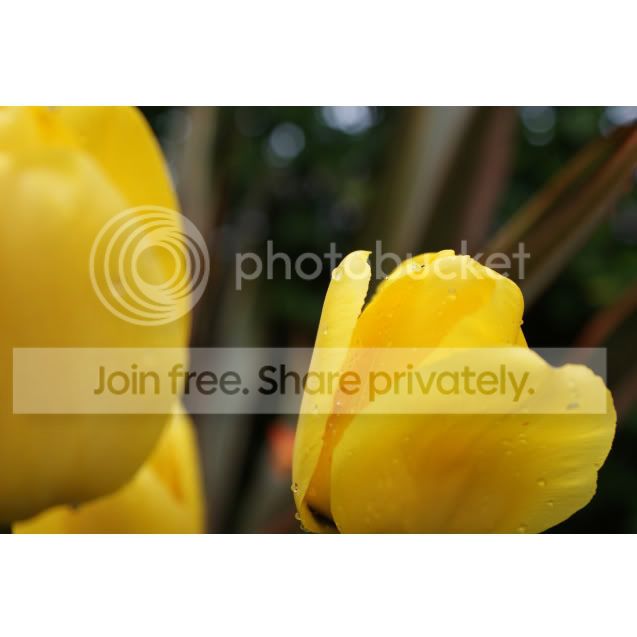
ill post the image
1


The maximum amount you could get is this...
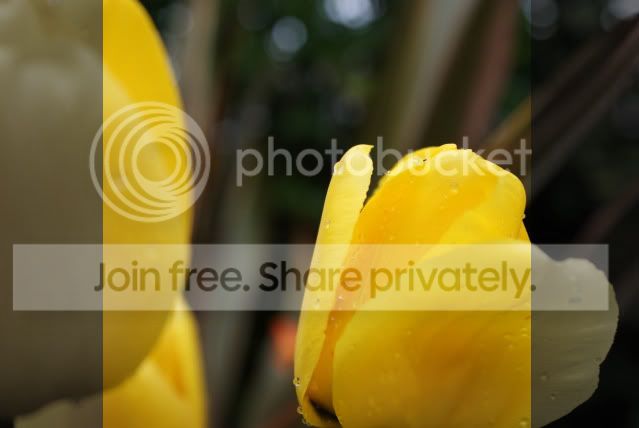
You can move the square to the left or right. There is no way to get more image or am I not understanding you correctly?
thanks for that is there no way to get it all in !
thats a bummer

Craikeybaby
Suspended / Banned
- Messages
- 7,590
- Name
- Lewis
- Edit My Images
- Yes
The problem is that they are different shapes, you will have to choose if you want it to be 150px x 150px and lose some of the side, or 150px x 100px and have the whole image viewable.
You could have it at 150x150 and use photoshop to reduce the size of the gap between the two parts of the flower. It will make the flowers look closer togheter but you still get all of the detailed parts in the image

Scarecrow
Suspended / Banned
- Messages
- 1,662
- Name
- Derek
- Edit My Images
- Yes
As with any basic geometry problem, you are trying to fit a rectangular shape in to a square hole. To do that you will either have to cut a bit off the long side of the rectangle, which will lose some of the picture, or you will have to squeeze it, which will result in a distorted looking image.

sitemaster
Suspended / Banned
- Messages
- 323
- Name
- Alan
- Edit My Images
- No
perennial problem for web designers too, clients supply images and expect wonders, sometimes it's just not going to happen
One way is to square the canvas, then resize. This of course means that you will have a white boarder on two sides.
Here's the code to do it...
Here's the code to do it...
Code:
#target photoshop
var strtRulerUnits = app.preferences.rulerUnits;
var strtTypeUnits = app.preferences.typeUnits;
app.preferences.rulerUnits = Units.PIXELS;
app.preferences.typeUnits = TypeUnits.PIXELS;
var White = new SolidColor;
White.rgb.hexValue = 'ffffff';
backgroundColor = White;
if(activeDocument.width.value > activeDocument.height.value){
	app.activeDocument.resizeCanvas(activeDocument.width.value, activeDocument.width.value, AnchorPosition.MIDDLECENTER);
	}else{
		app.activeDocument.resizeCanvas(activeDocument.height.value, activeDocument.height.value, AnchorPosition.MIDDLECENTER);
}
app.activeDocument.resizeImage(new UnitValue(150,'mm'), undefined, undefined, ResampleMethod.BICUBIC);
app.preferences.rulerUnits = strtRulerUnits;
app.preferences.typeUnits = strtTypeUnits;