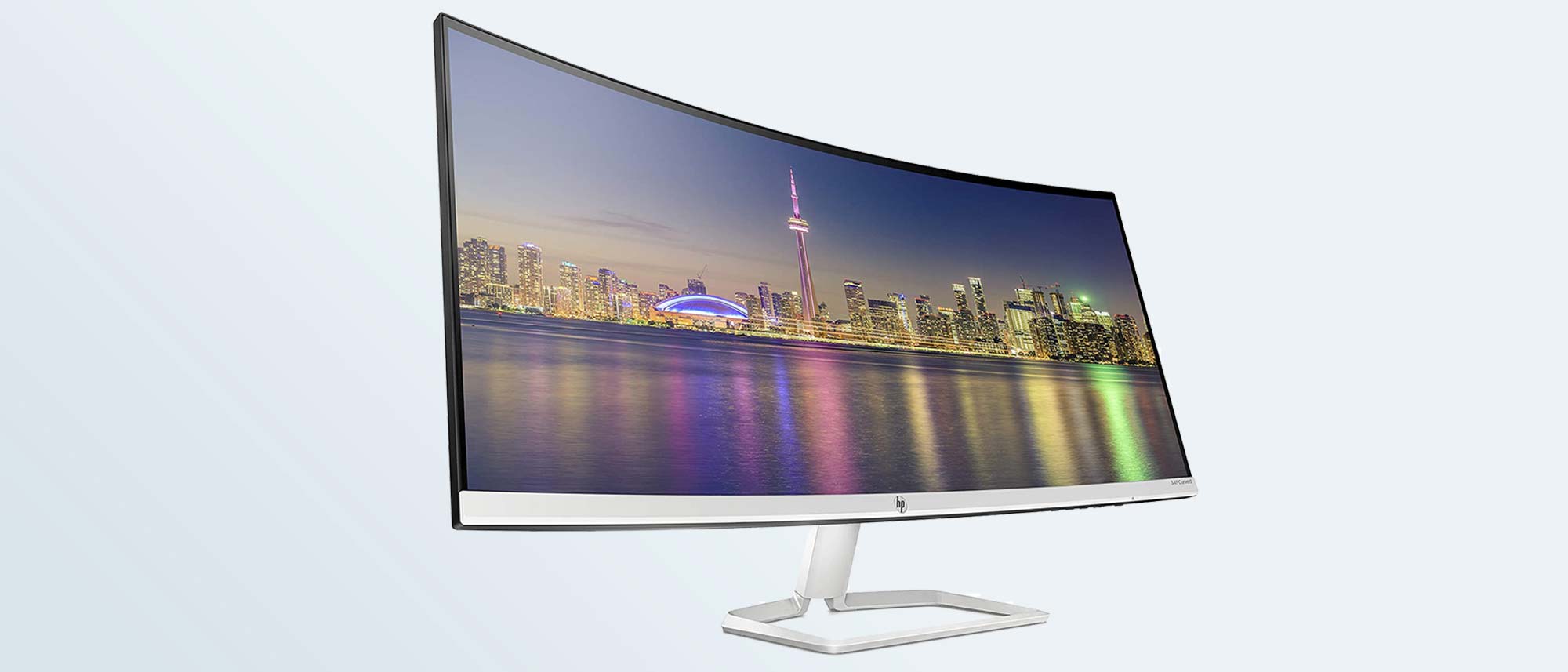
Would this monitor be any good for photo editing?

bass_junkie83

Suspended / Banned
Messages
4,367
Name
Dave
Edit My Images
Yes
I currently have a Dell Ultrasharp 2209WA 22" monitor. It is around 10 years old and has a row of dead pixels which is mildly annoying.

99% of my time is spent using it for work, mainly excel/word work and the occasional CAD and 3D modelling. More real estate would be great and additional resolution would be a bonus too.

I don't as much photo editing these days as I used to, but I need to retain that function for when I do. I would like to keep at least the performance I am used to, but of course an improvement would be great.


This seems to tick all the boxes for general working, but I am not sure what really makes a good, or at least half decent editing monitor. Any thoughts?

 
I had that the same Dell and now retired it :) NB I bought a 27" BenQ 'photographer' model.

Looking at the specs on the Samsung here 34 Inch Professional Monitor with va panel S34J550WQU | Samsung UK

It has VA screen not an IPS, but VA AFAIK by comparison had deeper blacks but that was when I was looking for the Dell all those years ago.

My question might be how well would calibrate if needed, as the specs in the above link have N/A against every sub heading under "Calibration???

HTH?

PS that Ultra Wide is some serious real estate!!!! :)
 
I had that the same Dell and now retired it :) NB I bought a 27" BenQ 'photographer' model.

Looking at the specs on the Samsung here 34 Inch Professional Monitor with va panel S34J550WQU | Samsung UK

It has VA screen not an IPS, but VA AFAIK by comparison had deeper blacks but that was when I was looking for the Dell all those years ago.

My question might be how well would calibrate if needed, as the specs in the above link have N/A against every sub heading under "Calibration???
I see, I have just had a quick read up on IPS vs VA and it does seem that IPS would be preferable.
I never had to calibrate my Dell, I did try it twice, once when I first got it and again a couple of years later but it never needed any adjustment.


PS that Ultra Wide is some serious real estate!!!! :)
It sure is, and another interesting feature is the twin inputs and being able to use half the screen for each input. But Maybe I am putting quantity over quality?


Looking at IPS monitors, I assume this is too cheap to ever be worth considering?

Or there is this, but I have never heard of the brand.
 
Only a quick look FWIW

The LG has the same 1080px high(as I think I recall?) as the Dell 2209W

Whereas the Iiyama is 1440px high.

My 27inch screen is 2560x 1440px and the 1440 I have found beneficial :) NB when I view youTube tutorials full screen on the 27" I have to push my chair back that bit more to appreciate what is going on across the whole screen ;)

A thought, the LG might look literally like a letterbox slot? And just how far away will you be sitting to truly benefit from what an Ultra wide screen offers, as I perceive that 99% of the time your 'vision' will be concentrated on only about 2/3 of the screen width?

PS Iiyama ~ AFAIK is long established brand though I have not seen it mentioned for some years.
 
May be a silly question...but do you take any 'ultra wide' images (Apart from stitched panoramas).
Perhaps it's OK for displaying two images side by side in landscape.
Of all the monitors I've ever used I can always remember a requirement for a bit more height or more width each time!
Just a thought.:)
 
Only a quick look FWIW

The LG has the same 1080px high(as I think I recall?) as the Dell 2209W

Whereas the Iiyama is 1440px high.

My 27inch screen is 2560x 1440px and the 1440 I have found beneficial :) NB when I view youTube tutorials full screen on the 27" I have to push my chair back that bit more to appreciate what is going on across the whole screen ;)

A thought, the LG might look literally like a letterbox slot? And just how far away will you be sitting to truly benefit from what an Ultra wide screen offers, as I perceive that 99% of the time your 'vision' will be concentrated on only about 2/3 of the screen width?

PS Iiyama ~ AFAIK is long established brand though I have not seen it mentioned for some years.
Thanks. Reading some reviews the Iiyama's colours are way out of wack out of the box, but is good once calibrated. But not knowing the reviewers it's impossible to know how good is good once calibrated, so it is a bit off putting.


May be a silly question...but do you take any 'ultra wide' images (Apart from stitched panoramas).
Perhaps it's OK for displaying two images side by side in landscape.
Of all the monitors I've ever used I can always remember a requirement for a bit more height or more width each time!
Just a thought.:)
The appeal of an ultrawide has nothing to do with photography. For work I am often flicking between 3-4 programs at any one time to having some more room would be really useful, and if that's all I needed any old UW screen would do the job. But I would also like it to have sufficient quality that I can also use it for photo editing.
 
Just a thought , you say you are switching between 3-4 programs at any one time, have you thought about multiple monitors it makes life a lot easier if you have the space
 
Just a thought , you say you are switching between 3-4 programs at any one time, have you thought about multiple monitors it makes life a lot easier if you have the space
Way back in the days of work in an office I had two 27" monitors plud the 15" display of my laptop. I am now using my laptop and a single 22" display.
One ultrawide monitor seemed to me to be a good natural progression from two standard aspect ratio monitors and with my current screen now being 11 year okd technology I assumed that at least equalling it's quality at an affordable price would be fairly easy, but maybe that is not the way things have progressed.

This HP looks like it might be worth considering. IPS screen, good colour accuracy (apparently) and a slightly higher pixel density than I current have. A bit pricier than what I was first looking at so I might have a fight on my hands getting my company to pay for it. But it looks like a big jump in price to get anything better.

 
Just a thought , you say you are switching between 3-4 programs at any one time, have you thought about multiple monitors it makes life a lot easier if you have the space
This, definitely a better option, 2 x 27" would be a much better purchase.
 
32" must be at least 4k and ideally higher. Forget wide or curved. These are gimmicks. Also you probably want Adobe RGB / dci-p3

How close do you sit to the screen to think 4k is the at least. The pixel size of a 4k screen at 32inch is tiny.

You absolutely need adobe RGB - to 99% ideally and DCI-P3. Wide gamut is of the utmost importance for editing.
 
Looking at your usage I wouldnt bother with Adobe RGB /P3 unless you print your photos quite often (Im guessing because you dont edit much, you dont print much either). SRGB and pay attention to the NTSC% though. I would definitely go 4k at 32".
 
Last edited:
Looking at your usage I wouldnt bother with Adobe RGB /P3 unless you print your photos quite often (Im guessing because you dont edit much, you dont print much either). SRGB and pay attention to the NTSC% though. I would definitely go 4k at 32".
That rogjt, o don't print much and when i do it isn't absolutely critical. I don't do any paid work these days and only occasionally have time for photography, I just don't wanr to lose the ability altogether .

I am pretty sure my current monitor doesn't come close to some of must have requirements being stated in here and that one has never been a problem.
 
That rogjt, o don't print much and when i do it isn't absolutely critical. I don't do any paid work these days and only occasionally have time for photography, I just don't wanr to lose the ability altogether .

I am pretty sure my current monitor doesn't come close to some of must have requirements being stated in here and that one has never been a problem.

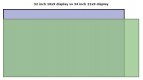
From a work perspective a regular 16:9 ratio might be better than a UW. This is a comparison between a 32" 16:9 and a 34" 21:9. I would personally rather have the extra height than width. YMMV.

IMO you have a decent budget and will get a good 4k screen with high NTSC % for your usage.

ratio.JPG
 
Last edited:
Every time I see reference to NTSC I can only ever say Never Twice Same Colour.

This of course refers to the earlier days of that colour TV standard, in the USA, compared to PAL in UK and other parts of the world. So I can only surmise that in regard to that TV colour epiphet it is now no longer true ;)
 
How close do you sit to the screen to think 4k is the at least. The pixel size of a 4k screen at 32inch is tiny.

You absolutely need adobe RGB - to 99% ideally and DCI-P3. Wide gamut is of the utmost importance for editing.

40-50cm at least.

Tiny is a very relative term. It basically means nothing. It's not even retina at 32". You are looking at 5K or 6K for that but given the cost one can be forgiven to delay that purchase a couple of years now.

I like to see things smooth and natural like you see text in a book or in real life than separate pixels and the jagged edges.
 
Thanks for the clarity Bass. We should have worked that out from your initial post!:oops: :$:)
"The appeal of an ultrawide has nothing to do with photography. For work I am often flicking between 3-4 programs at any one time to having some more room would be really useful, and if that's all I needed any old UW screen would do the job. But I would also like it to have sufficient quality that I can also use it for photo editing"
 
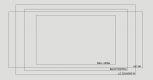
Taking on board comments about the usefulness of an UW monitor, I have done a little comparison against what I already have, a 34"UW, 27" and 32" 16:9 monitors.


1608549240569.png

To get what I was hoping from an UW monitor, I need to be looking at at least 49", which puts me in the ~£1000 region, so that isn't happening so a larger 16:9 monitor it will have to be.

A BenQ 27" 4K monitor can be had for around £450, where as a Samsung 32" 4K can be as cheap as £320. I am sure the Benq is much superior, but I wonder with a bit of calibrating would a cheaper but larger screen also do well?
 
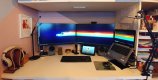
Just to update this thread, I decided on a Lenovo 28" 4K monitor, and it was a very good price so got two!

It may not be the ideal choice from a photography perspective, a single better screen for the same money could have been more sensible. But (at least on paper) it matches or exceeds the spec of my Dell 2209 which I was happy enough with so decided to give it a go. Reviews suggest with a bit of calibrating it will be fine for non-professional photo editing. Straight out of the box nothing looks drastically off to my eye.

20210118_090445.jpg

A pair of HDMI switches makes switching between my personal PC and my work laptop quick and easy.
20210118_105018.jpg

Setting them up has been a bit of a PITA, who knew running a pair of 4k screens needs so much thought.
My works laptop it connected to a Dell docking station, but it turns out that this model only supports a single 4k monitor and two HD monitors, so to get round this I am running one screen from the dock via an active displayport to HDMI adaptor and the other from the laptop itself via a passive adaptor, it kinda negates the benefit of a dock but it works and saves me needing to buy a better dock, for now at least.

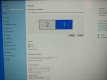
Hooking up my PC I thought would be much simpler, especially considering a recent GPU upgrade (before I planned to change screens). My GPU has a display port, HDMI and DVI connections, So I have the screens connected via the HDMI and the displayport with an adaptor. It worked at first but as soon as I went to adjust the resolution of the screens as it had defaulted to something fairly low, I lost the HDMI connected screen. The displayport output still works fine but nothing I do will make the HDMI screen display anything other than a black screen. However the PC is still detecting the second screen as it features in the display setting which I can still adjust, just nothing happens. :thinking:
Any pearls of wisdom as to why this is and how to fix it will be greatly appreciated!

As a work around I can run the second screen from the dock, but this seems to stop me from being able to use the dual screen function of software that has it such as divinci resolve.

20210118_084527.jpg
 
Back
Top