Rich E500
Suspended / Banned
- Messages
- 137
- Name
- Rich
- Edit My Images
- No
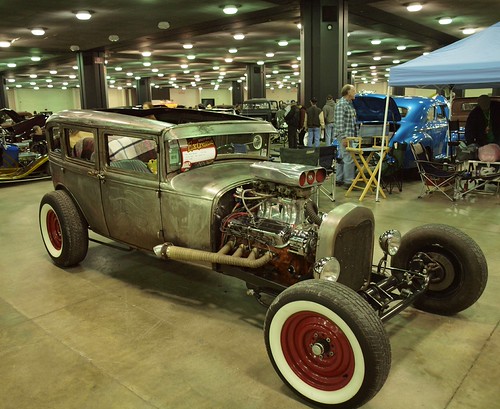
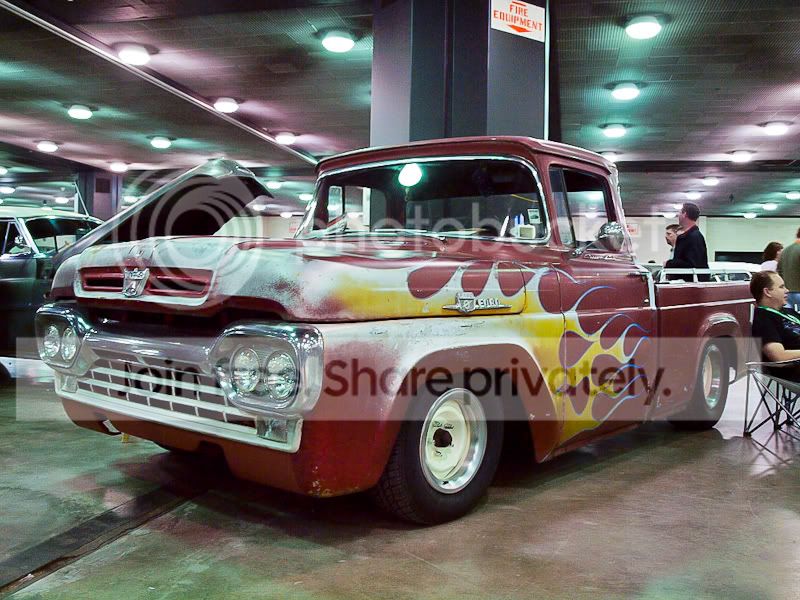
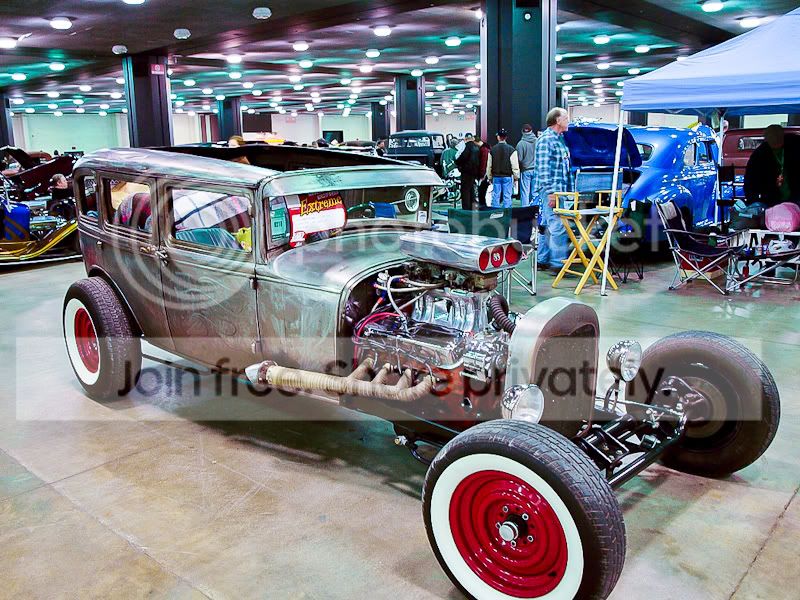
I took a whole bunch of photos last weekend under flourescent light at a car show, on the little screen on my camera the white balance looked ok, but on the computer it looks off, with a kind of sepia hue and all the metal halide lights have a different hue to them in the rows on the ceiling.
I've tried all sorts of adjustments with CS2 and followed instructions from various websites on how to correct white balance, but I just can't get it to work. It seems to correct one thing but make it equaly as bad with something else instead.
Can anyone have a go with this pic and see if they can get it looking a little bit better and give me an idea of what I need to do?
Thanks
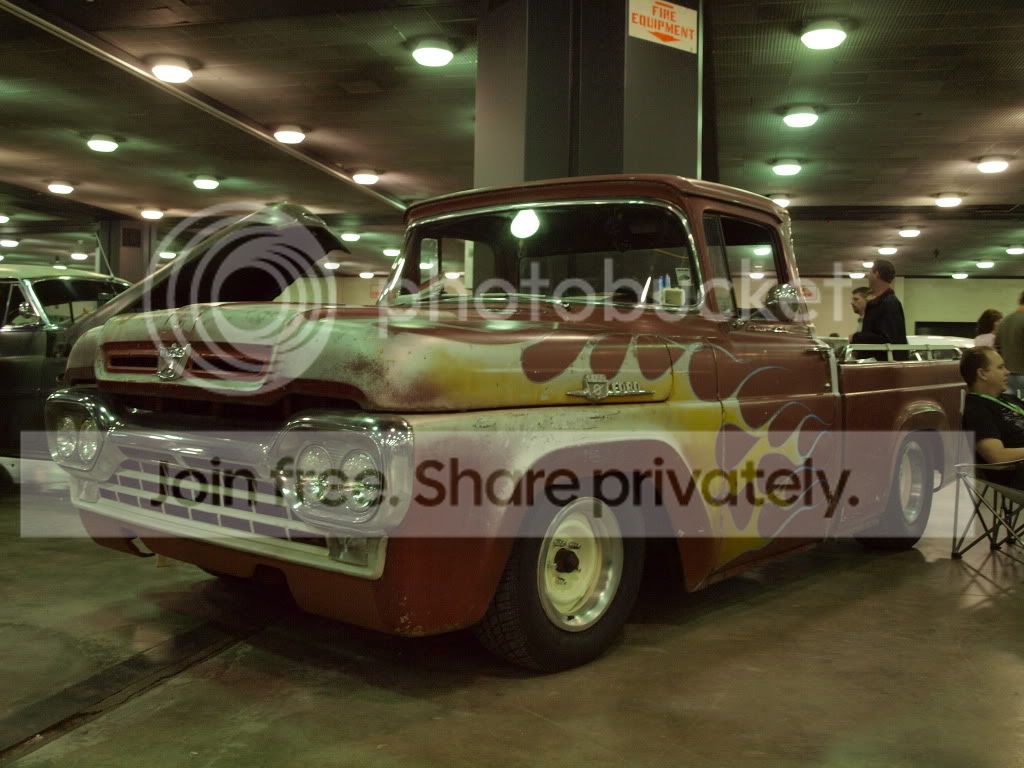
I've tried all sorts of adjustments with CS2 and followed instructions from various websites on how to correct white balance, but I just can't get it to work. It seems to correct one thing but make it equaly as bad with something else instead.
Can anyone have a go with this pic and see if they can get it looking a little bit better and give me an idea of what I need to do?
Thanks