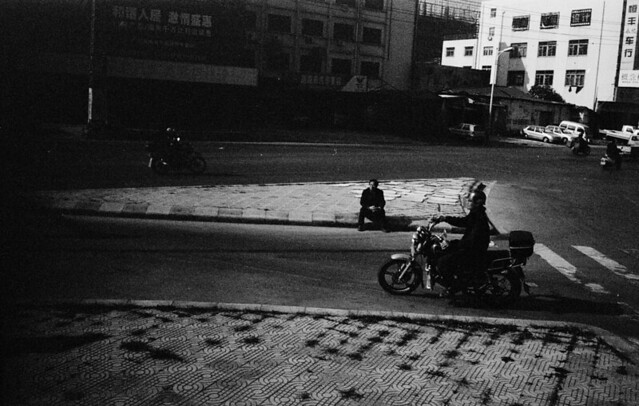
whats causing this...

AshleyC

Suspended / Banned
Messages
2,956
Name
...
Edit My Images
No
Just developed a couple of rolls of 35mm and scanned them in, im getting lots of this sort of thing.... (not all the dust, well done snappy snaps!)


Now if i was using a flash i would say the sync speed is out! This doesnt happen on every shot but quite a few off the last 2 rolls. I did a couple of rolls over the weekend and they were all fine.

heres one off the same roll from above


The leica has a weird film loading system where you have to shove it through a thin slot then a back plate comes down to flatten it. Im thinking its either not holding it flat all the time or the shutter / curtain is dieing.
 
No idea on how to help, I actually like the first one, it looks like the night sky :D
 
yeah that's the last time i use them!

Ive just done another test roll making sure fingers were well away from the lens etc so will get the dev'd tomorrow and if its still doing that then i'll pop it back to the shop. Its all under warranty but its just bloody annoying.
 
Would show both sides of the frame surely?

I've seen this (not so bad though) on a few of my shots where one side of the rubbed hood was collapsed and the other side was fully open.


I had to crop this IIRC as the right side was worse.
 
Last edited:
My initial thought was that this must be a shutter issue.

However, looking at the first image closely, at the top left there appears to be vertical black stripes and there looks to be a less obvious banding in the dark area of the second picture.

I reckon that this points to processing error rather than a problem with the camera.
 
well i cant rule that out i guess, but since its all automated wouldn't it knacker the whole role?
 
Does the black banding on the first picture extend into the film rebate between the negatives? If it does then that would point to a processing error. If the rebate area is free from defect then I suppose that would point to a camera issue.
 
First; Have you checked its on the negs? Snappy-Snaps haven't got something jammed in thier scanner or something?

Next; its not on every shot, and it looks like it's not always there.. your clouds in the first shot look like they are burning through it...

I am wondering of an aperture leaf is jamming? Is it an auto stop down iris?

Top pics look like you were shooting on higher f-no than last..... could this be a clue?
 
He's using his Leica M3 so an aperture leaf problem is unlikely.
 
Here was the neg for the top one


The sprocket holes all look clean. If it was a shutter issue wouldnt it be straight rather than curved like that? plus, as mentioned parts wouldnt show through, it would all be black. I was thinking my finger could of been over the lens but it would of shown up on the bottom of the frame rather than the top. Just a bit of a mystery. Ive got two test roles which i'll develop tomorrow and see how they come out.
 
Last edited:
If it were a processor error, the marks in the rebate near the black parts wouldn't be visible as they would have followed the same fate. This looks like a camera issue to me, maybe a shutter curtain is on it's way out?
 
I have a similar issue with my M2, I believe it is a dragging shutter. On mine it happened with the fastest shutter speed 1/1000. Other shutter speeds seemed fine.


5236222682_c4b4ed83be_z.jpg


Were the first two taken on the fastest speed, and the other on a slower one?
 
yeah that was it. I did another test roll, half of it at 1/500th and the other half at 1/1000th and all the 1000th ones were borked the 500's were all perfect.

So back to the shop it goes tomorrow :( You'd think they would test these things before selling them.
 
Back
Top