
Want to Get these on canvas, but need tweeked!

mantamark

Suspended / Banned
Messages
184
Edit My Images
Yes
Hi guys, i have two photos i want to get onto canvas, they are by no means amazing photos, but i really like them & think they will work nice in my room, but they could do with a bit of a tweek, pics...

1st one, i like, but i'm not keen on the water colour, can anyone do anything with it?
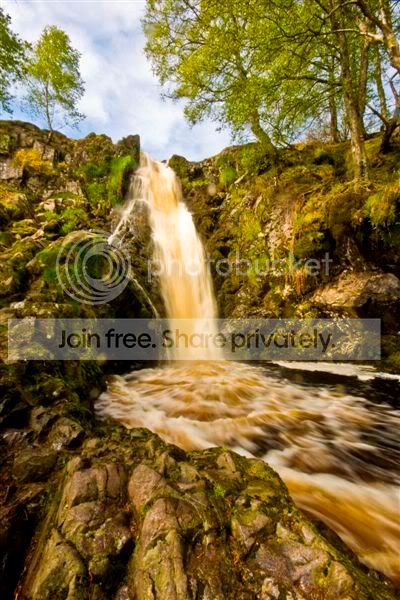
IMG_0327edit.jpg


2nd one, i also like, but think its missing something, just a bit flat? Few spots on the lens aswell.
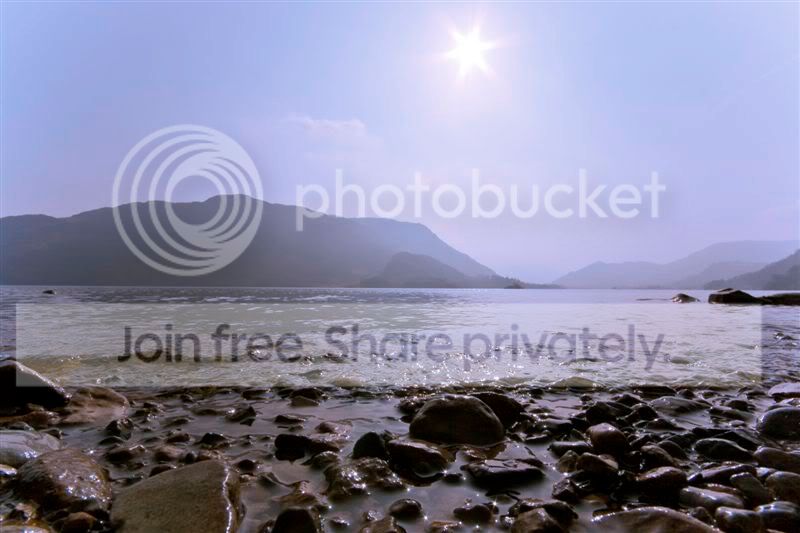
IMG_0010.jpg


If anyone thinks these sizes wont be suitable for a big canvas, i can sent over the original raw files via email.

Any help would be great, been promising the missus i'd do these for ages, now i finally have a go, i cant get them right!

Thanks in advance.

Mark.
 
3644538449_b5eef8f336_o.jpg


Difficult to know what you want from the 2nd one but my take on it would just be to drop the gamma.

3645346000_77808c9a51_o.jpg


There's no way these would print any larger than they're shown here. You'd need a big file to print a large canvas.
 
I'm not sure what i want from it either, i like the general idea, but i think its too blue & hazy? Not sure if that can be rectified?

Thanks for the efforts, looks much nicer.
 
I'm not sure what i want from it either, i like the general idea, but i think its too blue & hazy? Not sure if that can be rectified?

Thanks for the efforts, looks much nicer.

I thought it was too blue, but just setting the colour temp (white balance) to 6500K (Daylight) produces....

3644595935_543a3507a2_o.jpg
 
Number one is 2592x3888 (10.8"X16.2")

Number two is 3888x2592 (16.2"x10.8")

Wanting number one about 60cm tall, and whatever wide to keep perspective.

Wanting number two about 80cm wide, and whatever tall to keep perspective.

Thanks for the help.
 
Ahhh, thats better!

Still reading my Photoshop book, not got too far into it yet!

Thanks very much!
 
No1.

Just draw a freehand mask around the water and desaturate within the mask to mono.

Leave the mask in place, select the fill tool, choose a blue as your paint colour at a very low opacity and apply a few clicks to taste within the mask. Remove mask and save - job done.

No2,

Lower the gamma to darken to taste.

Set colour temp to 6500K - save, and Bob's your auntie.

Best to do this on the full size files if you want big prints.

You can do it! ;)
 
I'll have a crack at it tomorrow, time for bed now i think, sore eyes!
 
Personally I wouldn't take all the colour out of the water, I think it's looking a bit false, and the second pic I'd be tempted to make a sunset type shot.

3646825200_03b85bc8d4_o.jpg


3646826692_5c8bc0ff56_o.jpg
 
The 2nd pic also has a slightly wonky horizon . . . . .
 
Back
Top