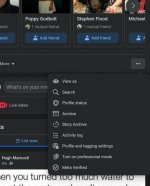
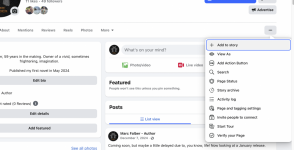
Turning off professional mode on a facebook page

beyond the blue

Suspended / Banned
Messages
2,036
Name
Neil
Edit My Images
Yes
I'm trying to put together a facebook page and turn off professional mode. All searches say click the three dots and click turn off 'professional mode', I'm damned if I can find this option, can anyone help?
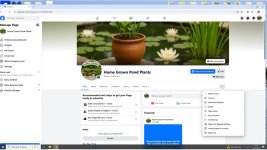

screenshot.jpg
 
I think the 3 dots in question are those in the top right-hand corner below the X to close the web page.
 
3 dots under the "people you may know" strip

1000010353.jpg
 
Just realised yours is from a personal profile, you don't get "people you may know" on a page.

Oh I do, a big long line of them, of no interest to me whatsoever. :)

/edit unless you mean that you don't?
 
Back
Top