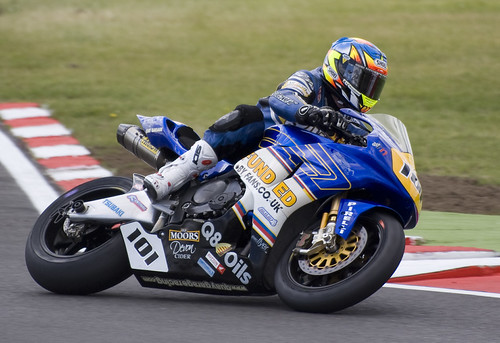
I agree with Geddie on this that it could do with a bit of a sharpen (though ever so slightly less than in his edit as artifacts were visible along some edges). I'll try to explain. Disclaimer: I'm no expert. This is only what I have learned through my own reading, trial and error.
Applying an Unsharp Mask.
1. Open your image in PS.
2. On the layers tab, right-click and select 'Duplicate Layer'. Click 'Ok'.
3. From the top menu, go to Filter -> Sharpen -> Unsharp Mask.
4. This opens a new dialog with 3 settings: 'Amount, Radius & Threshold'.
Now although people suggest various starting points for these values, they are just that - starting points. What works for one image, might not work on another. 'Amount' seems to set the degree of sharpening. The larger the image, the higher this value needs to be to have an effect. I start 100 and work up until I see sharpening artifacts and reduce it a bit.
For 'Radius', I use 0.5. If it's not quite enough, Thom Hogan suggests using 2 low values applied as 2 separate USMs with values of say 0.5 followed by 0.3. The reasoning he uses is that a higher value detrimentally affects adjoining pixels. Until someone tells me otherwise, I'll take his word for it.
'Threshold', I leave at 0. Some people suggest having it around 3, but again it depends on the image. You just have to have a play and see what works.
This
Thom Hogan guide has a few sharpening methods.