
and please use their services
You are using an out of date browser. It may not display this or other websites correctly.
You should upgrade or use an alternative browser.
You should upgrade or use an alternative browser.
Selective Colouring -advice please
- Thread starter moojii
- Start date


Grendel
Suspended / Banned
- Messages
- 9,005
- Name
- Paul
- Edit My Images
- No
There are lots of ways of doing that but the easiest is this:
Copy the background layer, make sure it is at the top of the layer stack and convert it to B&W using whatever method you prefer. Then simply erase the areas from the top layer (B&W) that you want to show in colour. Make sure you zoom in BIG when you're erasing for greater accuracy
Copy the background layer, make sure it is at the top of the layer stack and convert it to B&W using whatever method you prefer. Then simply erase the areas from the top layer (B&W) that you want to show in colour. Make sure you zoom in BIG when you're erasing for greater accuracy
R
RobbieW
Guest
I think I saw a similar post yesterday, have a search for "selective colouring" and you will find many different ways and tips.


R
RobbieW
Guest
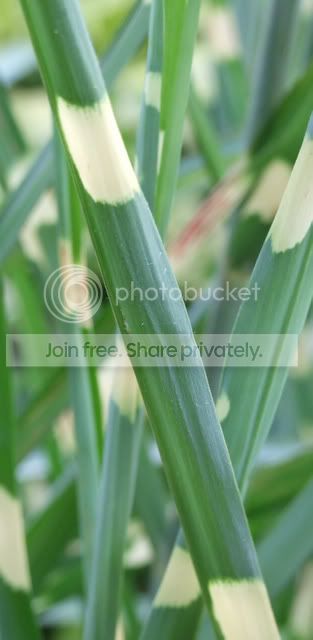
is this what you mean

not the best as the original pic is quite small and working on a laptop which has a naff screen
not the best as the original pic is quite small and working on a laptop which has a naff screen

- Messages
- 12,095
- Name
- Tom
- Edit My Images
- Yes
Hi, I have taken a screen shot of Photoshop set up to do that selective colouring so it might give you an idea.


This thread may also be usful http://www.talkphotography.co.uk/forums/showthread.php?t=37165