Samsung Note 3 - full of adverts / pop ups after reset

technics100

Suspended / Banned
Messages
1,989
Name
Adam
Edit My Images
Yes
I bought a 2nd hand Samsung Note 3 for my wife.. got the phone, did a full erase.. started to set it up for her, but it's getting loads of adverts, pop ups etc.. no apps installed, just seems to be doing it from fresh.. any way to do a full proper wipe? running 4.4.2 I think..

Cheers
 
I bought a 2nd hand Samsung Note 3 for my wife.. got the phone, did a full erase.. started to set it up for her, but it's getting loads of adverts, pop ups etc.. no apps installed, just seems to be doing it from fresh.. any way to do a full proper wipe? running 4.4.2 I think..

Cheers

How to hard reset the Galaxy Note 3: hardware buttons
1. Turn off your Galaxy Note 3.

2. Press and hold Power, Volume Up and the Home button until you see ''Recovery Booting'' in blue at the top of your screen. Release the buttons.

3. You'll now be in Recovery Mode. Use the volume buttons to scroll up and down and Power button to confirm. First wipe the cache partition.

4. Scroll down to ''Wipe Data/Factory Reset'' and press Power to confirm.

5. Scroll down to ''Yes'' and press Power to confirm.

6. You'll see a notification in yellow at the bottom of the screen to confirm the reset has been completed. Scroll to ''Reboot System Now'' and hit Power to confirm.

7. Your Galaxy Note 3 will now reboot. Once it has rebooted, you can restore your apps and data.

https://www.androidpit.com/factory-reset-note-3
 
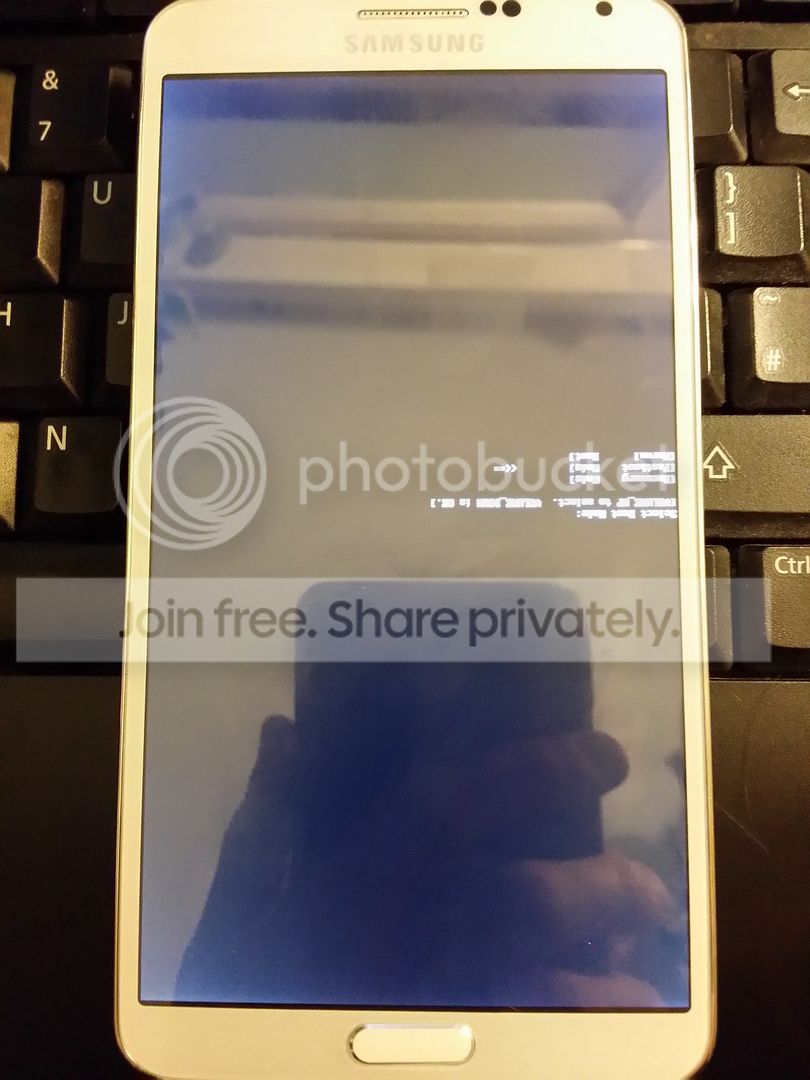
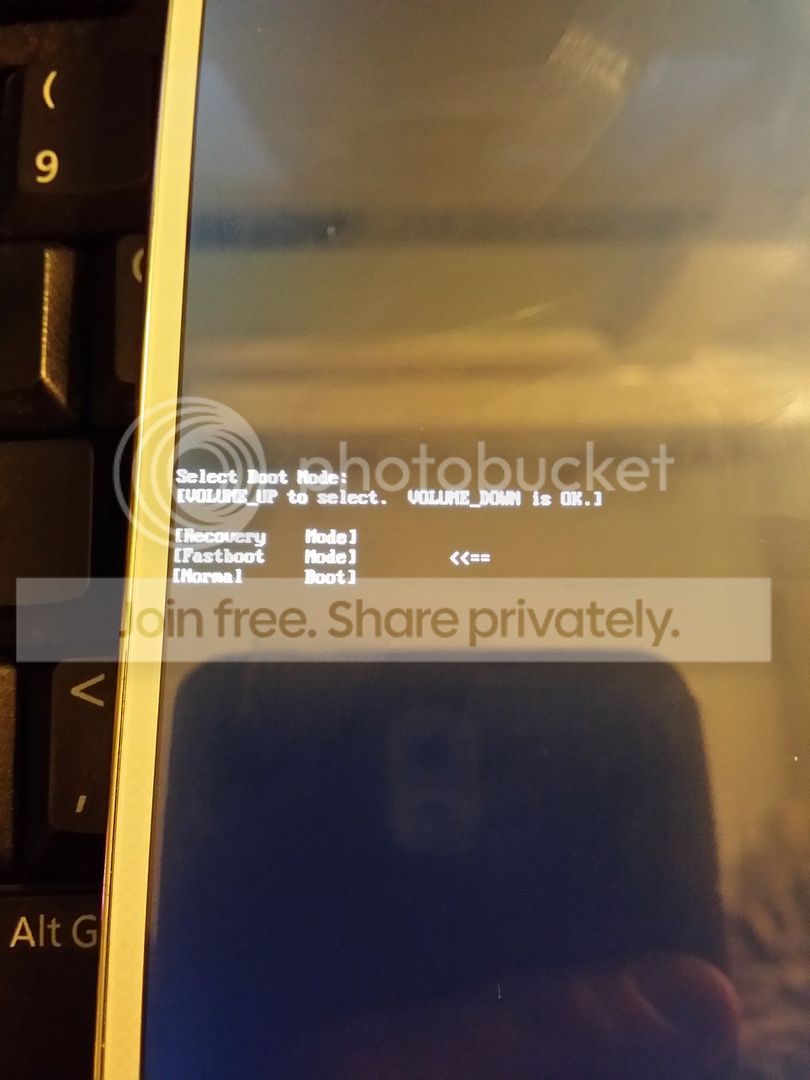
Thanks guys.. dave1, I tried that, got to the boot screen although it's upside down!! I can scroll through the 3 options , recovery, fastboot or normal, but can't select one when I press any of the buttons..
 
Thanks guys.. dave1, I tried that, got to the boot screen although it's upside down!! I can scroll through the 3 options , recovery, fastboot or normal, but can't select one when I press any of the buttons..

Are you sure you are pressing home+power+volume UP?

You should have more than 3 options.

image.jpg
 
What happens if you dial *#0*# on the keypad?
 
The s-pen doesn't show a dot.. it's a hard tip.. ran that app.. so not sure it's a note 3.. calling it a SM-n9000, which is what it says on the box..

Bought off gumtree.. so not a trusted source.
 
The s-pen doesn't show a dot.. it's a hard tip.. ran that app.. so not sure it's a note 3.. calling it a SM-n9000, which is what it says on the box..

Bought off gumtree.. so not a trusted source.

I suspect you have a fake, that boot screen looks like a Chinese Mediatek.

That's also probably why you have all the adverts and pop ups, there isn't any easy way to get rid of them.
 
Wick, I didn't even know you could get fake bloody phones!! I have a N9005, but it appears to be genuine anyway..
 
Is there still anyway to get the pop-ups etc off it? I ran avast and it found some stuff, but still loads coming up.. some quick risque!!
 
Is there still anyway to get the pop-ups etc off it? I ran avast and it found some stuff, but still loads coming up.. some quick risque!!

They are often baked into the OS, sometimes it can be possible to root to remove but on some versions they can also masquerade as system files making it almost impossible.

Problem is, there isn't a single clone model, there are a large number, made in different factories, running different firmware and with different add-ons. Some are virtually impossible to tell apart from the genuine item visually while others are easier to distinguish. It's always the S-Pen that gives them away though as none of the fakes have that feature.

If you can pin down the actual hardware you could be able to find a way to root it and then hopefully delete some of the malware.
 
Last edited:
I would be going back to the person you bought it from and get your money back
 
Back
Top