Riu's Photo 52 week 8 "Chaos added"

  • Thread starter Thread starter riu
  • Start date Start date
I like it but the verticals look out and I know there is some distortion but the naer verticals would be better plumb. Very possible slight WB issue too.

Oh I don't think you can have 2 hotels and a house on any property.......
 
Last edited:
thanks for feedback, how do i adjust the verticals?

As for 2 hotels and a house, nowadays you can build anywhere. lol.

Why i choose the Angel was it sounded like a pub name, and where i live a lot of the pubs have been replaced by houses or flats. :-)
 
Last edited:
Hi Steve,

I like the out of the box thinking (Get it, ‘Out of the box’) for the Theme of ACCOMMODATION. I think Tom is over thinking the verticals issue, I agree its relevant for real buildings but in this image its not. Likewise, I cant see anything wrong with the WB but its a long time since I actually say a Monopoly board :-)
 
I like it but the verticals look out and I know there is some distortion but the naer verticals would be better plumb. Very possible slight WB issue too.

tiler, just checked my stash of property in the monopoly box, and the verticals are as shown, this how they have been moulded. But can you what you mean.

TA
STEVE
 
Nice work Steve :thumbs:

Verticals look OK to me, slightly out, must just be the way its moulded

Nice take on the theme
 
Last edited:
fit's this weeks theme very well i like that well thought of
 
Really vibrant colours and a great take on the theme.
 
In the past i have not for looked for photography opportunities, however since undertaking the 52 challenge i cannot believe how much of a difference it as made to how i view things.

The normal boring Sunday morning drive to the supermarket was even better as i looked for photo opportunities on every street corner. The other half thinks i have got a "mid life crisis".
However the trip up and down the aisle's is still the same. Lol
 
Excellent shot - what a fabulous idea. A quality start to your 52 / macro / manual focus career!
 
Great colours and a good interpretation of the theme.
 
Brillant idea, lovely colours and a well taken shot. :thumbs:
 
Haha! Brilliant! The idea is very clever! Where the buildings are placed and the orientation works for me.

Have you block filled in the colour of the board the other side of the playing squares i.e. to the upper and left of the houses?!
 
Have you block filled in the colour of the board the other side of the playing squares i.e. to the upper and left of the houses?![/QUOTE]

My PS skills are very limited, the only thing i did to the left of the houses was to use the healing tool (think thats what it is) to remove a couple of marks.
But really pleased with the feedback.

thanks :thumbs:
 
The NEW recruit.

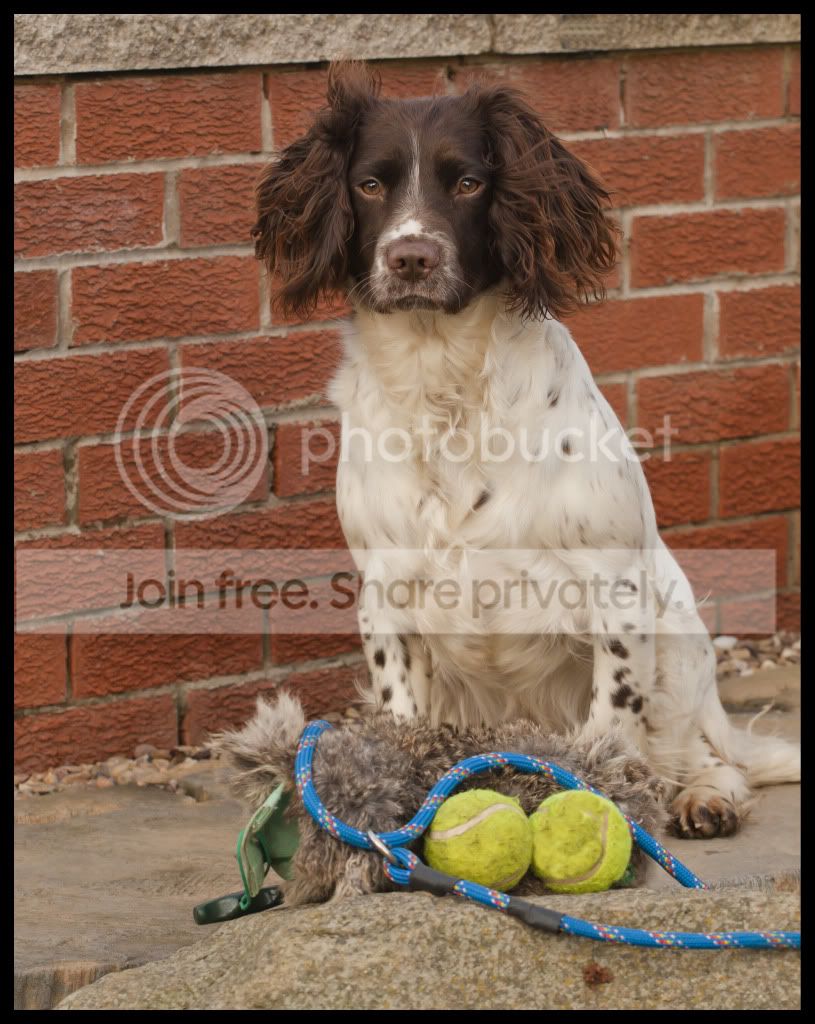
Here's Lottie the new recruit to my team of working dogs.
Will possibly reshoot this in the week in a better location, but just in case work gets in the way. Here goes.


NewRecruit.jpg


http://i932.photobucket.com/albums/ad169/riu_06/photo 52 challenge/Accomodationaquiredbychance.jpg

regards
Steve
 
Great capture.
Lovely pose, detail and colours..

Wish my cats would pose like that....

:)
 
So here's my attempt at week 3 and style. i have attempted to capture the theme this week in two different ways. Both capture "style" but i have also tried to capture two different styles.
In the second image i have attempted to create the shot in a sort of magazine / newspaper style. However my PS skills are very basic, but i am sure this challenge will not only see my shots improve technically but also my editing skills.

style1.jpg


style1a.jpg
 
hi Steve ,sorry but I seem to have missed your week 1 shot :bang:

Love the shots for week 2 ,great position for Lottie & lovely colors . The only teeny thing that irritates me is the line of bricks above her head in the 1st picture .Not sure how you could fix that other than by moving her to somewhere else ?
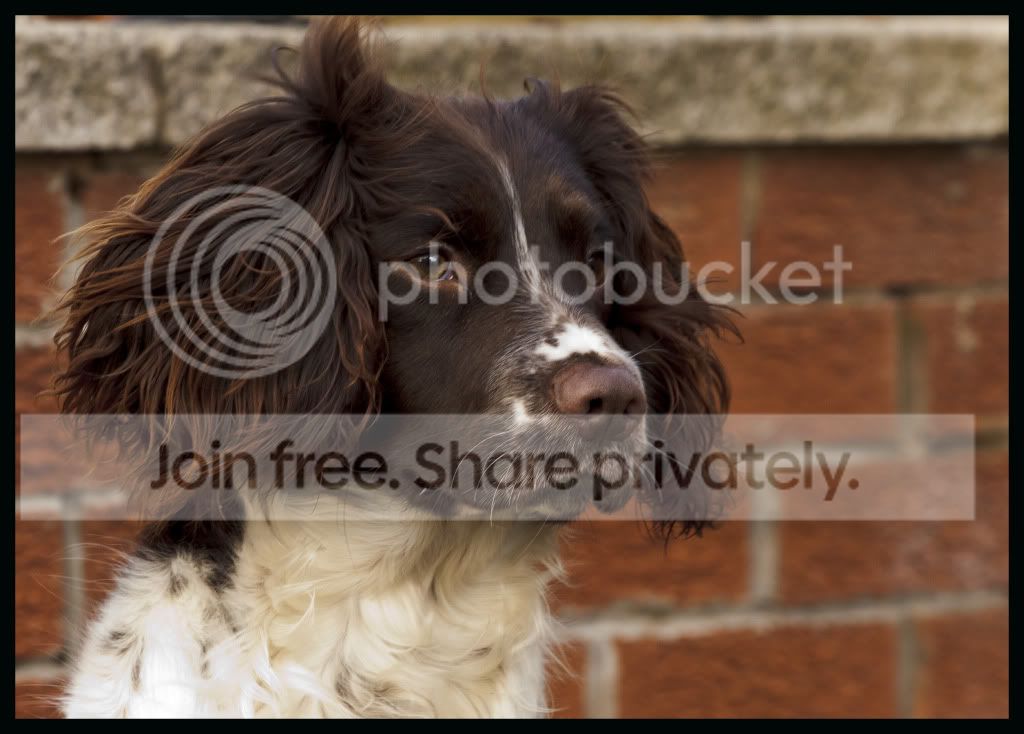
The close up is for me almost perfect :clap: Great DOF & texture/color .Only a small thing but you've maybe cropped it a little to tight as just nipped off some fur above her left ear / Did that have anything to do with trying to lose the background above the wall ? & maybe the eye could have been a tad sharper ? Still a great shot though :thumbs:
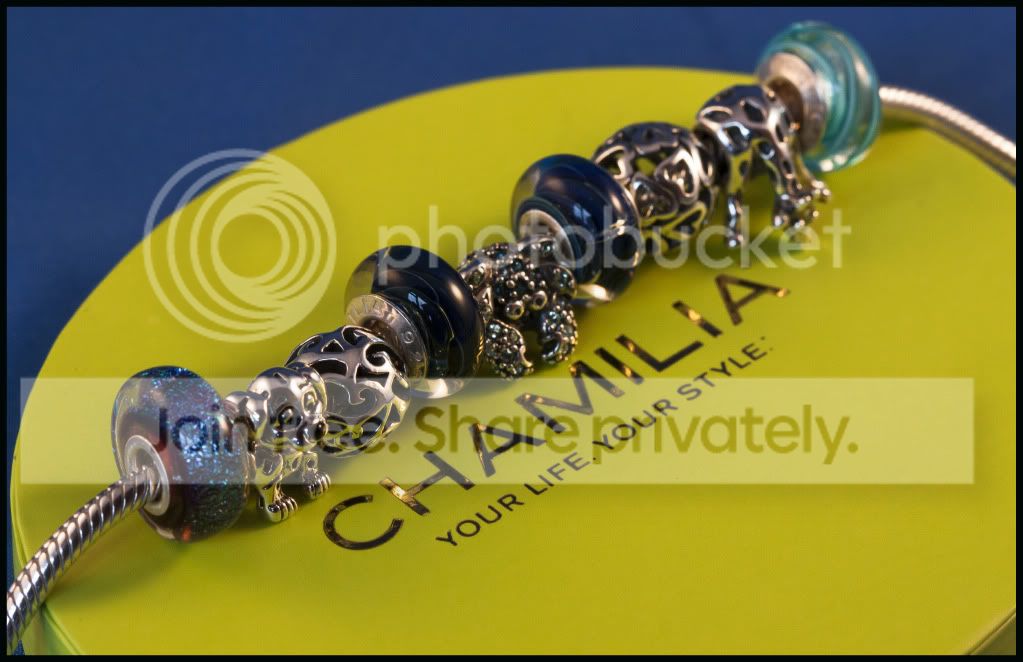
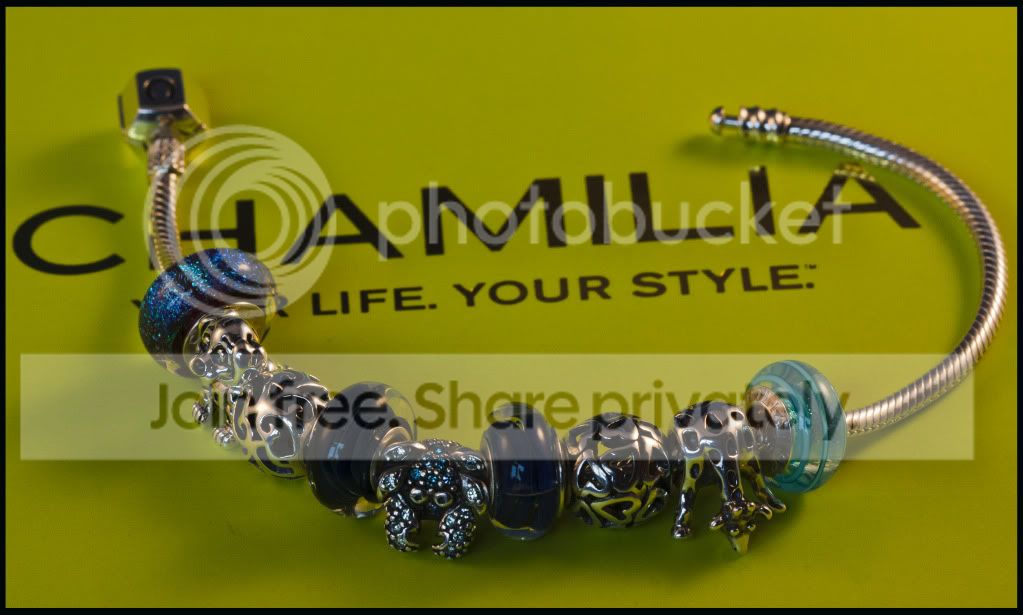
Week 3 I keep going back to look at . Love the idea as definitely stylish ,but that greeny color does nothing for me,sorry . The bracelet focus looks just right to me,captured the detail really well ,there's just something ,maybe the way the bracelet is laid out that is bugging me :shrug:

Photographs are very much a subjective issue so hope I have'nt offended you, I'm no expert
Good luck with your next 49 weeks :thumbs:
 
Photographs are very much a subjective issue so hope I have'nt offended you, I'm no expert
Good luck with your next 49 weeks :thumbs:[/QUOTE]

Blondie,

I am definately not offended by your comments, the reason i entered this was to learn from others that have more experiance than i have. I totally agree with your comments, the close crop was as stated to remove a crap background, the brickwork , yes would have been better to take the shot elsewhere.
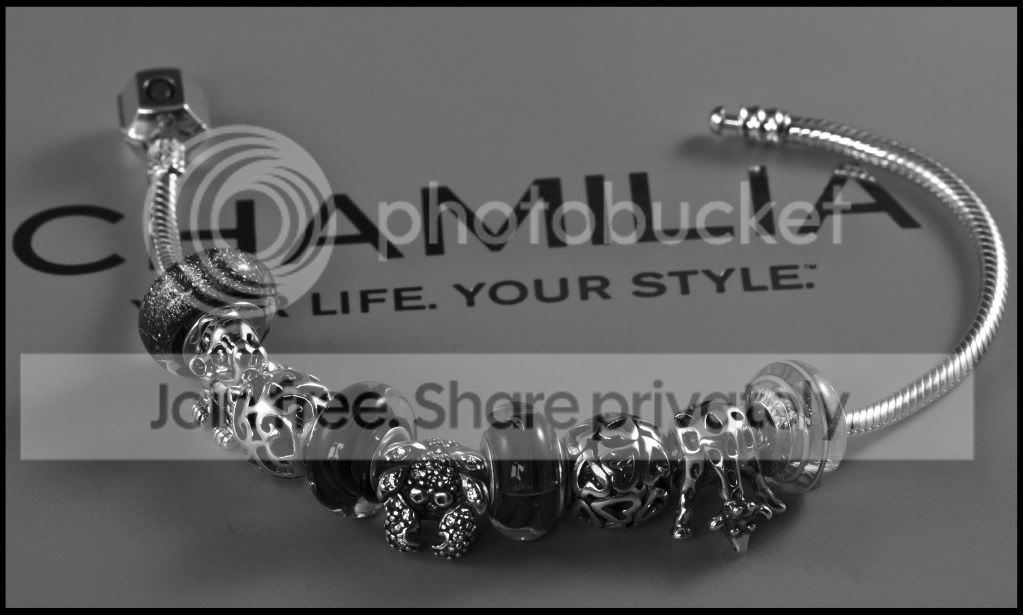
Week 3 shot, not sure what i could do with the horrible green box the bracelet came in, that was one reason why i tried the mono colour version.

But many thanks for the comments. :thumbs:
 
Style .

So here's my attempt at week 3 and style. i have attempted to capture the theme this week in two different ways. Both capture "style" but i have also tried to capture two different styles.
In the second image i have attempted to create the shot in a sort of magazine / newspaper style. However my PS skills are very basic, but i am sure this challenge will not only see my shots improve technically but also my editing skills.

style1.jpg


style1a.jpg


style3.jpg
different take

http://i932.photobucket.com/albums/ad169/riu_06/photo 52 challenge/NewRecruit.jpg
http://i932.photobucket.com/albums/ad169/riu_06/photo 52 challenge/LottieNewRecruit.jpg
http://i932.photobucket.com/albums/ad169/riu_06/photo 52 challenge/Accomodationaquiredbychance.jpg


regards
Steve
 
Hi Steve

mt PS skills are almost non existent too:lol:

Much prefer the 2nd color shot of the bracelet ,think the blue background works much better , have you played with the green color as well? Looks much less harsh .Really like it :thumbs:
 
I think I prefer the black and white shot mate... Decision time though... What one are you going for?
 
I think I prefer the black and white shot mate... Decision time though... What one are you going for?

Have to agree with you Mark, the black and white. However i have enjoyed the challenge so far. Dont think i would have tried anything like i have so far apart from the dog pics. Just need to work on the technical aspect, the editing then i think i will have got it cracked . lol
 
.......... i have enjoyed the challenge so far. Dont think i would have tried anything like i have so far............

I agree with you there riu.

I'd normally be outside with my camera snapping away at landscapes.
The 52 and one week deadline is forcing me to look elsewhere for ideas.

I like your jewellery shots, the last one is the one for me, but I think all the shot needs to be in focus rather than the last few bits of bracelet being OOF.
 
My take on this weeks theme "open"

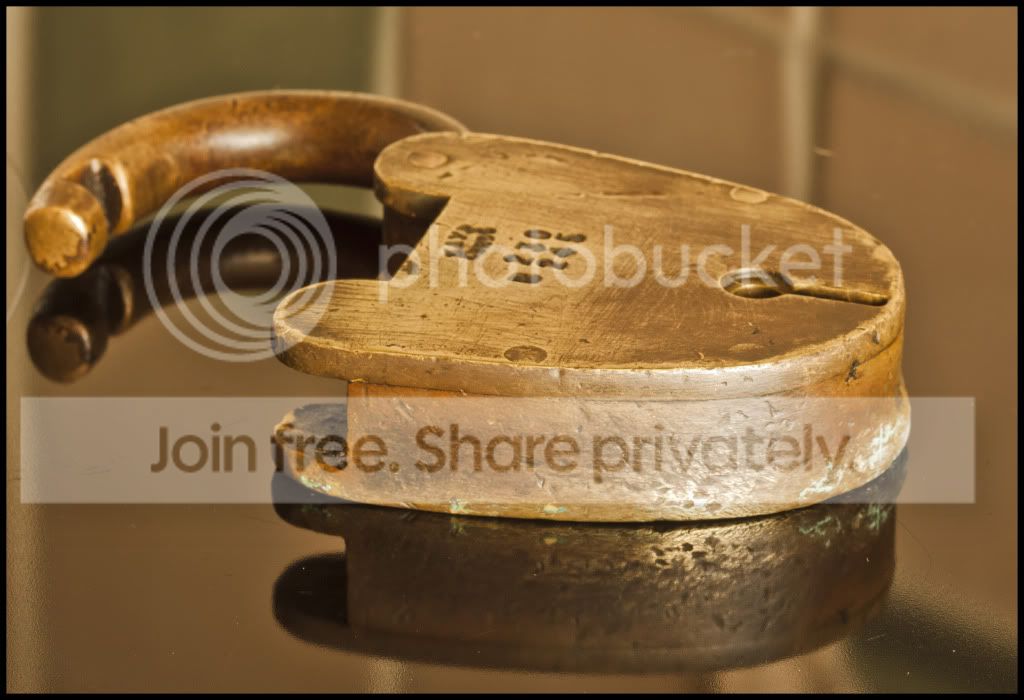
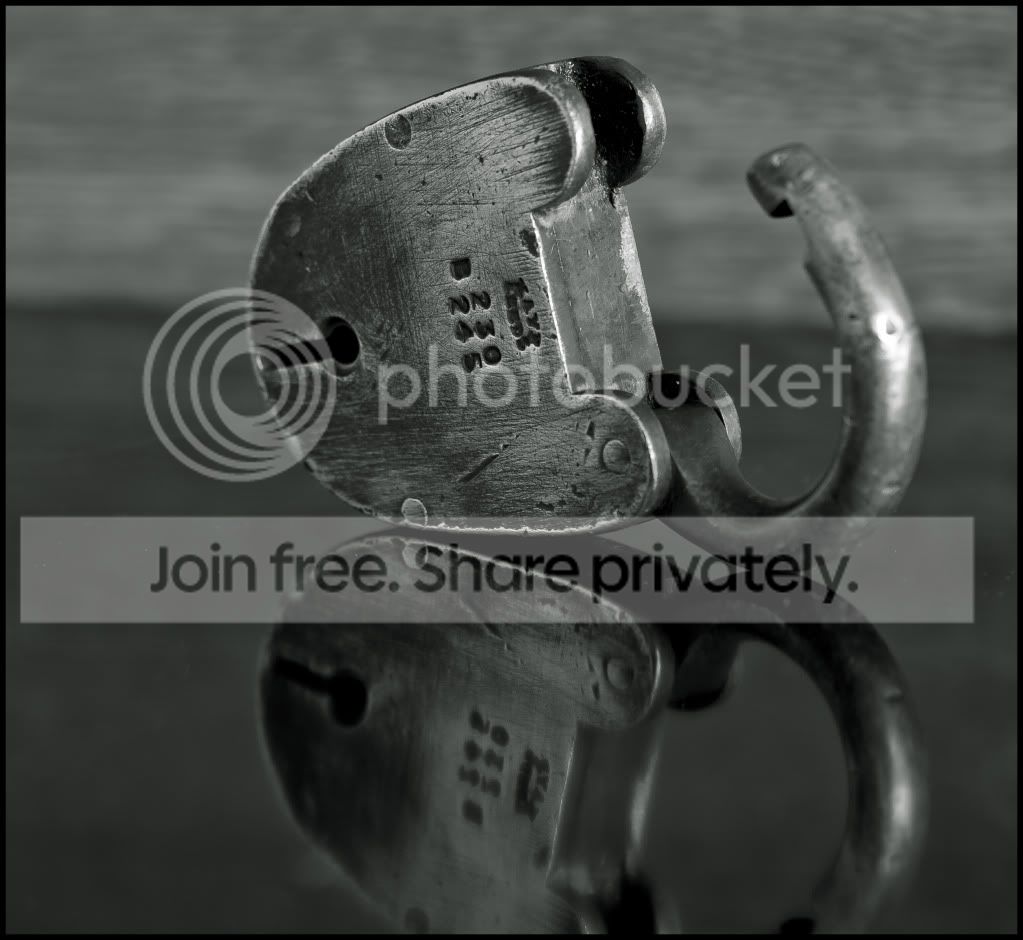
An open old brass lock. This lock is clearly open, however the lock in question as also opened up a bit history on the property where i live. The lock was found a couple of weeks ago whilst digging in my garden. The lock was found open and with the key in. After cleaning it up a bit and soaking in oil, it soon was fully operational. The clean up revealed "KAYE" "LEEDS". A quick google revealed

The company was established in 1864. They made pad and mortice locks and special locks for the railway, particularly the South African Railways.
A feature of their mortice keys was a flat shank. They also made fine quality oilcans identified by a large letter K on the side.
In 1960 were owned by the Gloucester Carriage and Wagon Co. In 1962 they were bought by Associated Fire Alarms who closed them down shortly after
. .

Since this i have found out that the bottom of my garden was once part of a railway siding, so it looks as though the lock must have come from a wagon or something.

lock1-1.jpg


lock2.jpg


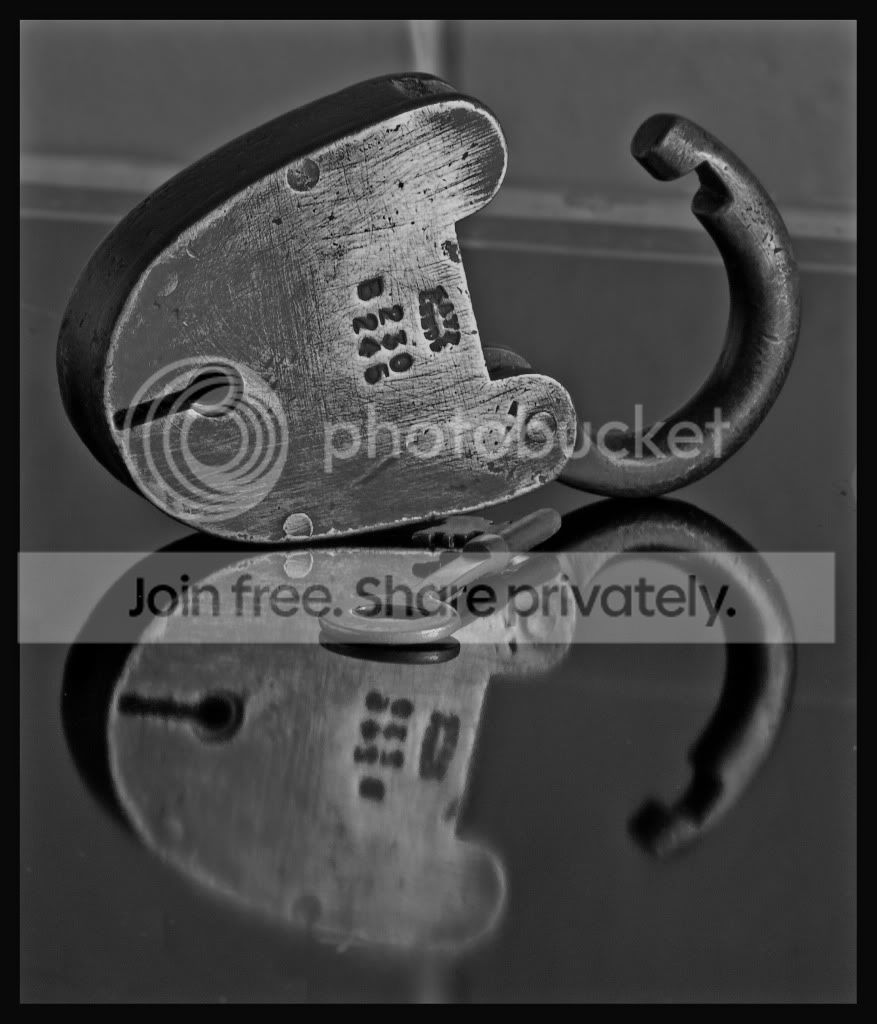
Attempt to get more of the lock in focus and include the key. Background could be better, trying to sort a piece of black corian.

lock5a.jpg
 
Last edited:
Steve. I prefer the B&W version. Great reflection on both shots. :thumbs:

IMO, I may have considered changing the aperture, so ensure that the whole padlock was in focus. The shackle seems a tad OOF on the B&W (I think the OOF shackle on the first shot works though). I would have also been interested to see the key laying in front of the padlock.

Nice bit of history, I will look out for you on Antiques Roadshow :D

Ray
 
Def the second of your two open photos is by far the best in my opinion. I'm also in agreement with Hippo above that the whole lock being in focus would make a better shot. Also maybe moving the the right a touch and loosing the background and trying to get the whole reflection in the shot would have worked... This with a black background might look great in colour too... maybe?
 
i prefer the second shot as well reflection is great
 
I agree, the b&w is best.

It would be nice to see the whole padlock in focus or possible a much tighter crop. I do like the angle of the photograph.

I'd also like to see all the padlock in the reflection.

Cheers.
 
from a technical point of view I like the second one, but purely based on the history of the lock, I like the antique look of the first one.

a really good find.

Simon.
 
Another vote for the B&W conversion here as the best of the two. I think you've made a good job of both of the shots though :thumbs:
 
Many thanks for the feedback. I take on board what you have all said and all been well will attempt to re shoot the picture with all the above recommendations. The only reason the whole reflection is missing is that i set the lock up on the cooker ceramic hob, and you could see the round circles of the hob, BUT i have now found the clone icon in cs5. So will give it ago also.
Once again thanks for the feedback, it really helps me to improve :thumbs:
 
Back
Top