Returning to photography and looking for editing software

Grandadfatboy

Suspended / Banned
Messages
17
Name
Ian
Edit My Images
Yes
Hello everyone.

I’m new to the forum and returning to photography after a considerable absence. I currently use a Canon EOS 70D, EFS 10-18mm IS, EFS 18-200mm IS, Sigma 18-125mm 3.5-5.6 and Sigma 70-300mm F4.5-5.6. I also use a Samsung S23 Ultra.

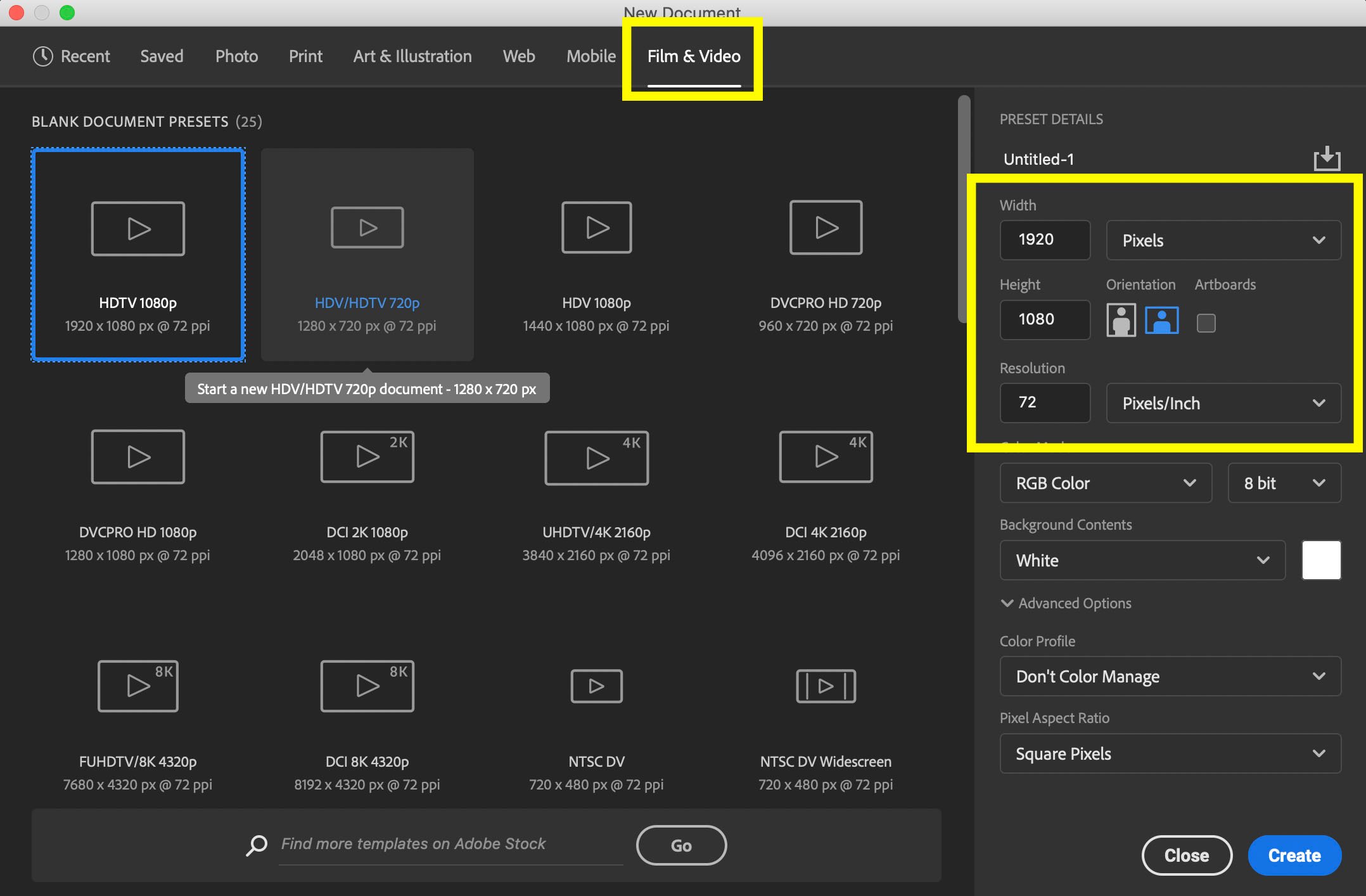
With the expectation of getting more seriously involved, both with photography and video and their editing, I purchased a new home pc with the spec to cope with the workload. I am currently searching the threads for suitable software to edit both photo and video and will check out the options recommended. Should I need clarification on which to use I will of course ask.

Many thanks.
 
Well I guess the obvious choice would be, the subscription to Photoshop and Lightroom, for £10 a month, or cheaper if you can get it on black friday, however their are cheaper alternatives, one of the best being Affinity 2 which you can buy outright for around £60 or a lot less if you get their offers, their are others to buy outright, like Photoshop elements and OnOne, I personally use PS/LR package, as it suits me, and I don't want another learning curve, but I'm sure others here, will also advise what they use.
 
I've always used Lightroom for many many years so that's my pick. I like what it can do, I enjoy using it and because I shoot, import, etc and then flick from shoot to shoot to mix things up, I couldn't live without the catalogue side of it. That might even be the most important to me with how I work.

If you just want to open a photo edit and finish then Affinity is certainly worth the cost without a doubt. I actually have Affinity too as I often find it better for some panorama stitching.
 
I subscribe to lightroom and Photoshop. But also have the full Affinity package as it is so inexpensive. If you wait for an offer.
However I mostly use Photoshop as I started wth it many years ago.
In many ways affinity is just as good, however it does not have the library system which comes with lightroom. So you would have to do your image database some other way.. any filing system that uses key words would be fine.
 
I'm another Affinity and Lightroom user but as you'll notice at the top of this screen, we have an ad at present for DXO PureRaw and PhotoLab which are also good, I'm just trying that out at present. I'm not sure ion it does video though. There are some free options too, which may not have the bells and whistles - not sure.
 
I use Capture One and like it but, to be honest, you’re probably best off going for Lightroom - there’s so much guidance and help out there it makes little sense for someone starting photo processing to use anything else. I just hate it, that’s all!
 
I bought Affinity when they were doing an introductory offer, not long after ver2 was released. It does everything I need it to, and I like that it's a one-off payment.
 
There are loads of replacements for Photoshop, but is there something that can replace lightroom? I just at want to get off the Adobe treadmill but can't find anything that would take over lightrooms job.
 
I use Adobe photoshop 2024 on a monthly subscription but I've no idea if it can do video.

Can it?
 
I use adobe premier elements 2020 and Adobe elements 2020 my desktop computer has a CD player and they are on those cd's. However things can get rather expensive if you want to go that bit further and work with 4K videos or higher. Then I use editing suites designed for 4k if shooting in MOV mode
It could mean getting 4k monitor-A graphics card in your computer that can handle 4K videos . if it can't (buffering (stalling during playback)may happen.
Another aspect to think about is sound, wind rumble across a microphone is the death of a video unless the sound track is altered. To prevent most is to get a muffler (dead cat) to go over a external microphone preferable one with hair not just sponge. Small microphones (and had several) are to my ears sound too high pitched. I use an Azden SMX-3oV

Panning across a scene too fast will result in juddering in the playback. There is a trick to stop this. So you don't pan from one side to another too quickly. As you pan let an object take around 7 to 9 seconds to cross from one side of the screen to the other, that way you should not have any issues
If getting seriously into videoing best to get a proper camcorder and I would recommend one from Panasonic. I find the colour rendition is about the best.
Have been making videos for home use for over 12 years and made mistakes along the way, if i can help just ask.

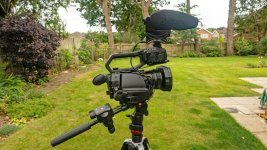
my current rig

bbbb.jpg
 
There are lists of best photo editing software with their pros and cons like this one by Shutterbug, so you can look into them to compare your options, but yeah, the easiest answer would be Adobe, I think.
 
Thank you for all the replies. I can now connect 2 x 2TB hard drives to my desktop as a way of storing/backing up my stills and video. We are coming to the end of the outdoor classic car show season, which has been the main focus of my photography over the last couple of months, which should give me time over the winter to evaluate your suggestions for editing software.

I do intend to get into landscape and astrophotography along with shooting more video. Looks like it is going to be a busy winter when I'm not out with the camera. Thanks again for all the replies.
 
Back
Top