theMusicMan
Suspended / Banned
- Messages
- 3,838
- Name
- John
- Edit My Images
- Yes
Hi All
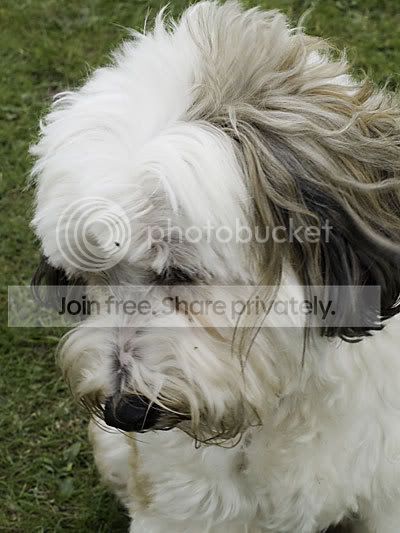
I took a few impromptu images this morning at my daughters rugby game, and one of these was of a gorgeous breed of dog I had never seen nor heard of before - a Tibetan Terrier. He was simply gorgeous. However, I now have a few images of him with either grass, a lead, or the owners trousers in the background.
Is there a way in Photoshop to say amend only the grass colour to white? or to remove the entire background altogether so that I can put him on a white background - but keep the detail in the edging of the image...?
I took a few impromptu images this morning at my daughters rugby game, and one of these was of a gorgeous breed of dog I had never seen nor heard of before - a Tibetan Terrier. He was simply gorgeous. However, I now have a few images of him with either grass, a lead, or the owners trousers in the background.
Is there a way in Photoshop to say amend only the grass colour to white? or to remove the entire background altogether so that I can put him on a white background - but keep the detail in the edging of the image...?