

You are using an out of date browser. It may not display this or other websites correctly.
You should upgrade or use an alternative browser.
You should upgrade or use an alternative browser.
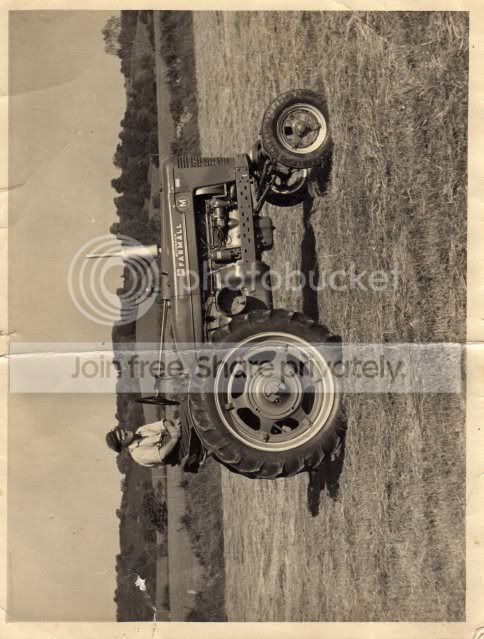
remove crease??
- Thread starter Just-Jay
- Start date

itsdavedotnet
Suspended / Banned
- Messages
- 5,864
- Edit My Images
- No
is that the largest you've got the picture?


That is amazing for a "quick go"
You'd be amazed at how much you can get done in 2 minutes with CS4


- Messages
- 2,821
- Name
- Conor
- Edit My Images
- Yes
You'd be amazed at how much you can get done in 2 minutes with CS4
Darn! You were just ahead of me! Nice work all the same.
You'd be amazed at how much you can get done in 2 minutes with CS4
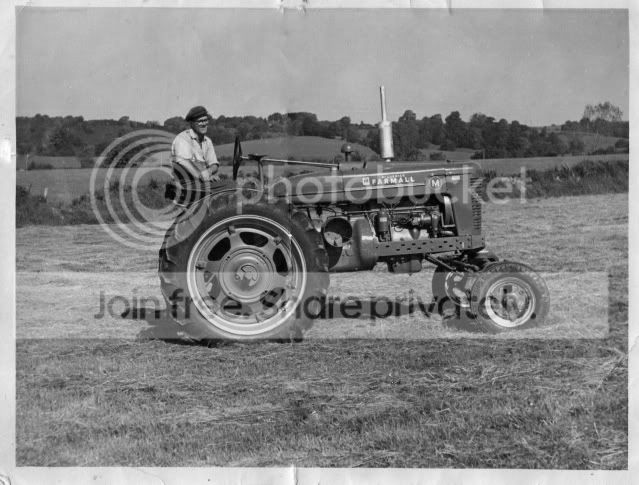
May I ask, Was this just done using the clone tool? Or is there another method?
It's awesome for a 2 minute attempt

May I ask, Was this just done using the clone tool? Or is there another method?
It's awesome for a 2 minute attempt
Yup, just a quick clone and heal then ran it through Noiseware.
Could do a lot better with a high-res scan as I've not got the detail round the wheel rim quite right
OP

Just-Jay
Suspended / Banned
- Messages
- 536
- Name
- Jason
- Edit My Images
- Yes
what would you like jpeg or tiff??Yup, just a quick clone and heal then ran it through Noiseware.
Could do a lot better with a high-res scan as I've not got the detail round the wheel rim quite right
what would you like jpeg or tiff??
jpeg's fine as long as it's not compressed too much


- Messages
- 6,283
- Name
- Chaz
- Edit My Images
- Yes
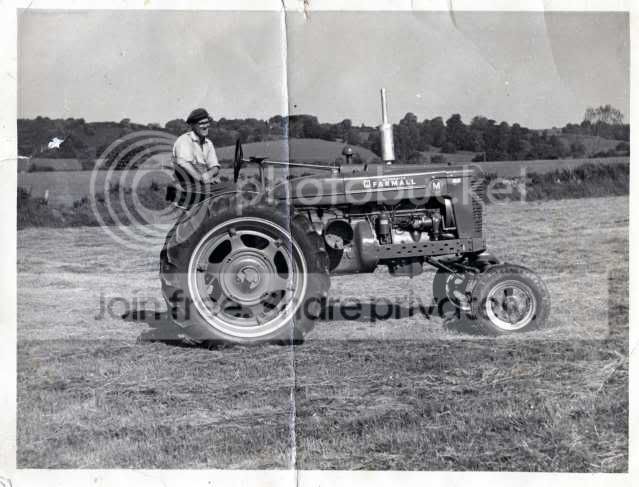
after doing a lot for my own family I have got to love doing this so here is my copy of it

OP
Just-Jay
Suspended / Banned
- Messages
- 536
- Name
- Jason
- Edit My Images
- Yes
after doing a lot for my own family I have got to love doing this so here is my copy of it
how can i get the full image of this?

- Messages
- 6,283
- Name
- Chaz
- Edit My Images
- Yes
You need to send me a larger copy of it as I can only make it the same size as you post if you like to pm me I can give you my email
- Messages
- 2,821
- Name
- Conor
- Edit My Images
- Yes

GrittyShaker
Suspended / Banned
- Messages
- 1,424
- Name
- Scott
- Edit My Images
- Yes
Here's my go. Just wanted to try out PS Elements really. I've been using GIMP until now, which is great for a free programme. Amazing how much easier Elements it to use though. Trial version at the moment, but I'll definitely be paying for the real thing once it expires.


mrtoad
Suspended / Banned
- Messages
- 18,182
- Name
- Geof
- Edit My Images
- Yes
Just had a quick go over it, got a higher res scan? It'd come out a lot better if you do

amazing!!
- Messages
- 6,283
- Name
- Chaz
- Edit My Images
- Yes
and here is that one reduced to fit here but full size was 20.6Mg


mrtoad
Suspended / Banned
- Messages
- 18,182
- Name
- Geof
- Edit My Images
- Yes
and here is that one reduced to fit here but full size was 20.6Mg
chaz that is a great job!!


Liam
Suspended / Banned
- Messages
- 2,162
- Edit My Images
- Yes
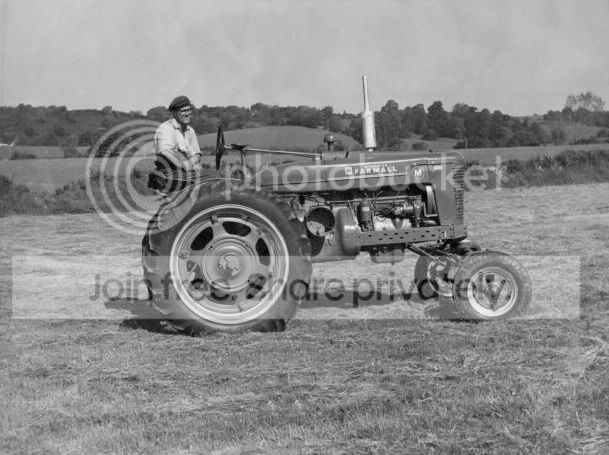
Had a quick go myself, it seems most are struggling to clone through the wheel.
I found that if you take a selection of the left hand side - copy it to a new layer - flipping it horizontally and then placing it over the top of the right hand side works quite well.