RAW Files and GiMP

Orangecroc

Suspended / Banned
Messages
2,559
Name
Ben
Edit My Images
Yes
Being new to all this, I have settled with GiMP because it is free, and so far so good with Jpegs.

I haven't shot anything in RAW format yet, and I wanted to ask what the advantages of doing so are, and whether or not it is compatible with GiMP.

Also, are there any free viewers that will recognise RAW files for quickly sorting through images and dumping the duds?
 
I like to use gimp and raw therapee. I usually shoot in RAW + jpg, so I can quickly review and pick the files I want to process in a normal file manager. However you can just open a folder in Raw therapee and browse through the pics. It will also allow you a one click to edit in gimp (if you set up the paths in raw therapee), although I usually go along and add all the pictures to a process queue, and leave them to export to tiff (for import to gimp later).

I am sure others have better flows, but this works for me, and the volumes I work on.

RAW is better as you have more control over the image (instead of the camera choosing how to process to jpg for you).
 
RAW is better as you have more control over the image


+1 zillions!

I bought and use Capture One…
but I think it is available for +/-
£8,00 a month!
 
I bought and use Capture One…
but I think it is available for +/-
£8,00 a month!
Actually...
12 EUR +VAT (12 months, paid monthly) - which is around £12 per month, or...
180EUR +VAT (one year prepaid) - why is this more expensive than above? (and it's their recommended rate o_O)
 
I use to think I will not shoot Raw as editing was a pain, then I got a washed out sky and just could NOT get any detail back in Jpeg. Then I tried only Raw and again got a washed out sky, but this time I got some detail back, so I would say try shooting in Raw and see how you go :)


I buy it so I don't have these considerations.

Many of my students got it at 10 $ or 8£ /m.
I maybe outdated on their price structure.
 
Last edited:
@Orangecroc What operating system are you using? "Raw therapee" is a free package to "develop" your raw file into an image you can then edit in Gimp
 
Your camera, a Canon SX50 HS according to your profile, would have come with Digital Photo Professional. You can use that to view and edit your photos as well.
 
According to the Canon site, you can download it for free.
 
As I said above, I usually use tif format between them. Can't just beat having a play. There are some plugins for gimp I wouldn't be without, like wavelet decompose, wavelet denoise, and heal selection that don't come as standard, but really add some of the features people always go on about in photoshop...
 
As I said above, I usually use tif format between them. Can't just beat having a play. There are some plugins for gimp I wouldn't be without, like wavelet decompose, wavelet denoise, and heal selection that don't come as standard, but really add some of the features people always go on about in photoshop...
Awesome, thank you. Where would I find plugins for gimp?
 
Well, DPP is a let down. It shows the canon .CR2 files as unsupported.

I have an idea DPP comes as v3 and v4. I think all but some of the very newest need v3. But don't you just pick what camera you have and it tells you which version to download? Or if you already have it on disc, find someone with an external disc drive. I would have thought even if you went to a computer shop (probably not PC World....) they'd charge you peanuts for doing it for you.
 
Edit: NM, didn't read the posts above.
 
Last edited:
Most if not all the raw processor plugins for gimp are based on Dcraw.
Probably the most popular is Rawtherapee which is stand alone tweeked version, and not just a front end plug in.
It is said to handle fuji x-trans well, and supports the camera aberration corrections.
However I can not vouch for that as I have not tried it.
 
Last edited:
Win 10 allows me to preview the nef raw ffiles out of a d500 no probs in the standard file explorer.

My version of lightroom doesnt know what they are so i use the free adobe dng converter (which frequently gets updated) to convert the nefs to dng's which i can then use in lightroom.

https://helpx.adobe.com/photoshop/using/adobe-dng-converter.html
I found that with windows 10, the picture viewer loads them to preview, makes it a bit easier for throwing out the rubbish.

Most if not all the raw processor plugins for gimp are based on Dcraw.
Probably the most popular is Rawrherapee which is stand alone tweeked version, and not just a front end plug in.
It is said to handle fuji x-trans well, and supports the camera aberration corrections.
However I can not vouch for that as I have not tried it.
I have been using Rawtherapee, It seems like a very good one for free! It has helped me process the shots to Jpeg and more often than not, left me not feeling the need for too much post processing beyond "developing" them.
 
I haven't shot anything in RAW format yet, and I wanted to ask what the advantages of doing so are ...
A basic function is highlight protection, ie avoiding highlight areas blowing out to pure white. This starts with a good exposure in the camera though - so that camera exposure settings and raw processing can work in harness.

Another thing with raw is that you can shift the colour temperature. Mostly I leave the camera on auto white balance, but occasionally it needs tweaking at the processing stage. Every time you tweak a jpg you degrade it. Raw is indestructible.

Also in processing, you can decide on the tonal distribution within the picture. Essentially, you are taking maximum control of the technical and creative aspects of the photograph.

If you keep your raws, you can revisit them as your processing skills improve or as your ideas change.
 
I have been keeping my raw files, all sorted by subject to make then easier to review in the future.
After a few comments on the shots I've posted, I have moved to semi auto modes and adjusted the exposure to between -⅓ & - 1 when there are more light areas and lots of bright sky.
 
I have been keeping my raw files, all sorted by subject to make then easier to review in the future.
Good thinking. Digital files do mount up though, so a periodic culling can help.
.. I have moved to semi auto modes and adjusted the exposure to between -⅓ & - 1 when there are more light areas and lots of bright sky.
Yes that's a sensible range of exposure compensation. But sometimes you'll need more (for highlight protection), and sometimes you'll need to go the other way, dependent on how the scene's lit. And highlight-wise, you might be surprised how reflective leaves and bark can be. Experience is a good tutor - learning to see light levels rather than just seeing 'things' in front of the camera.
 
I too use Raw Therapee and Gimp.

One use case I have is creating 2 images from one raw file. One developed for the highlights, and one for keeping detail in the dark tones. Then blending them in Gimp.
 
Going by advice from you guys in this thread and a few others, I have been more particular about my processing.
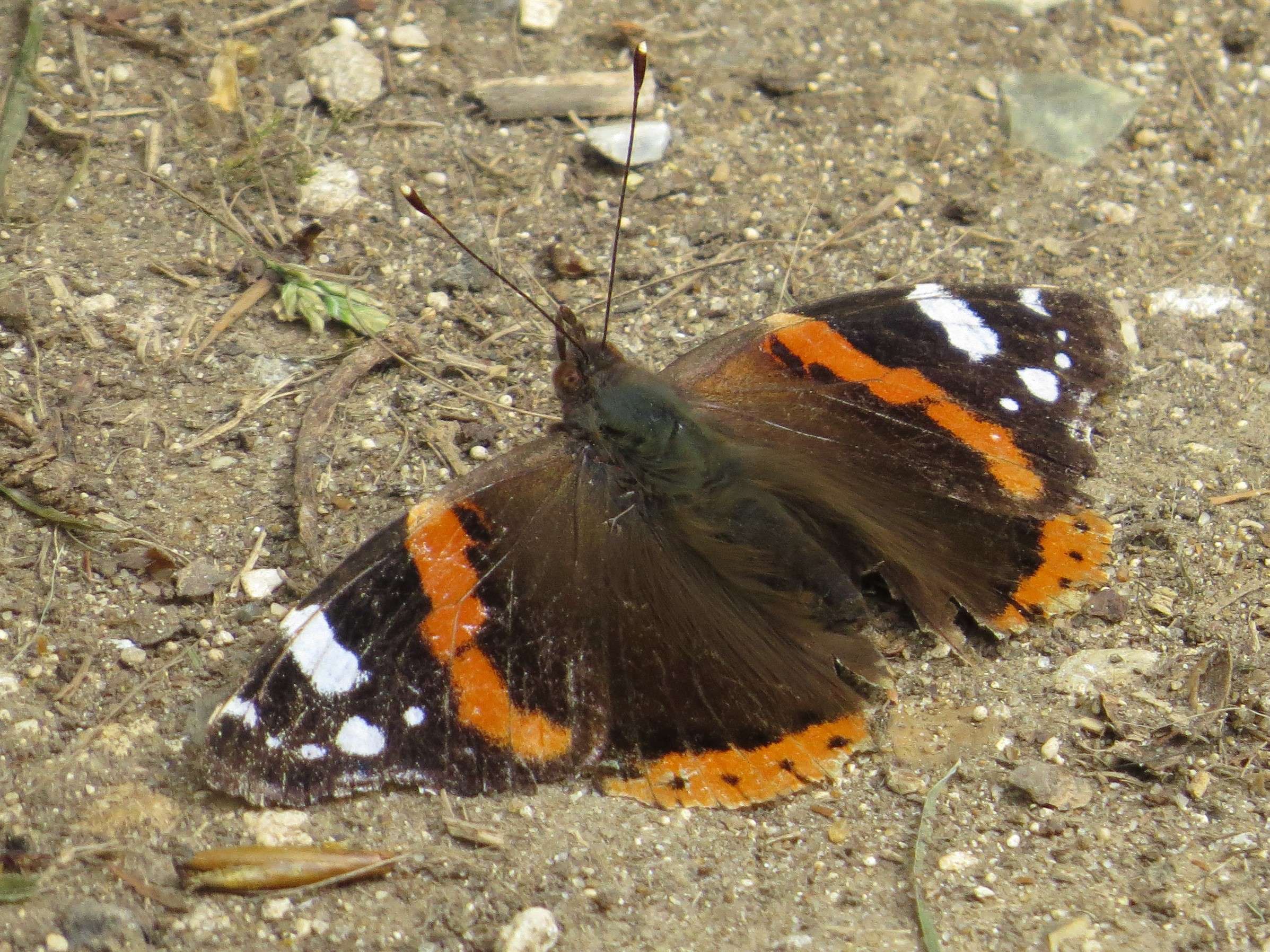
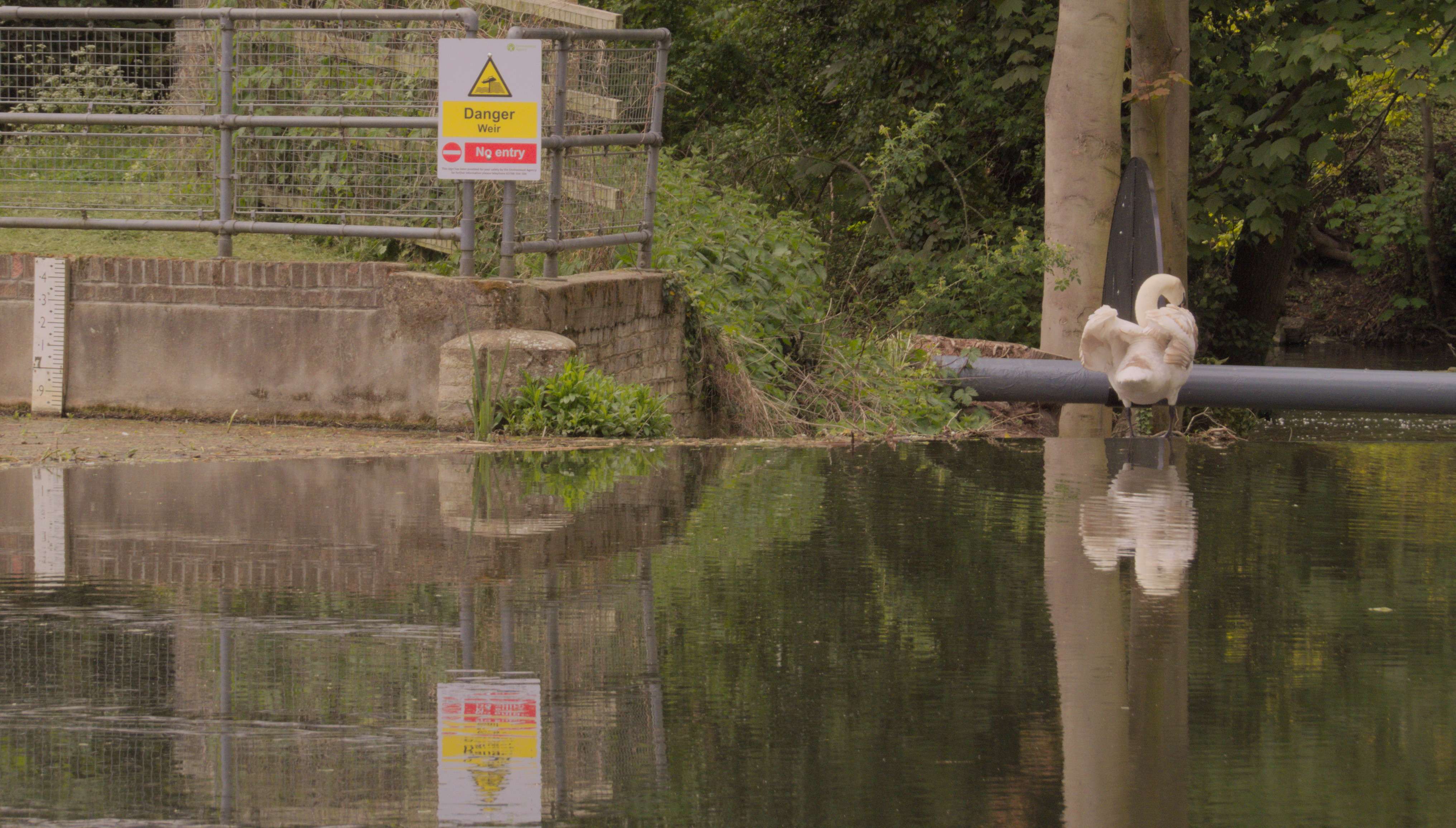
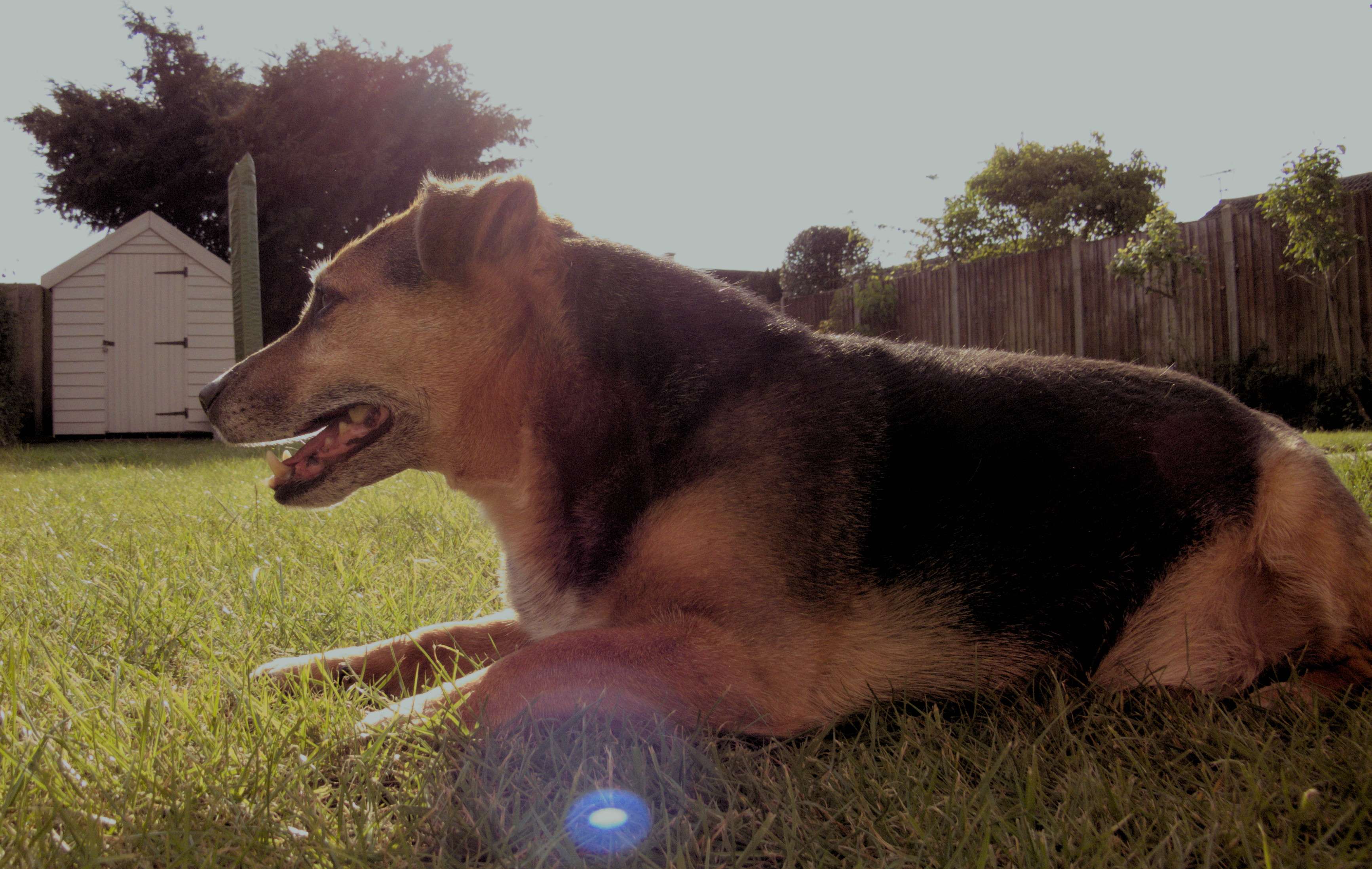
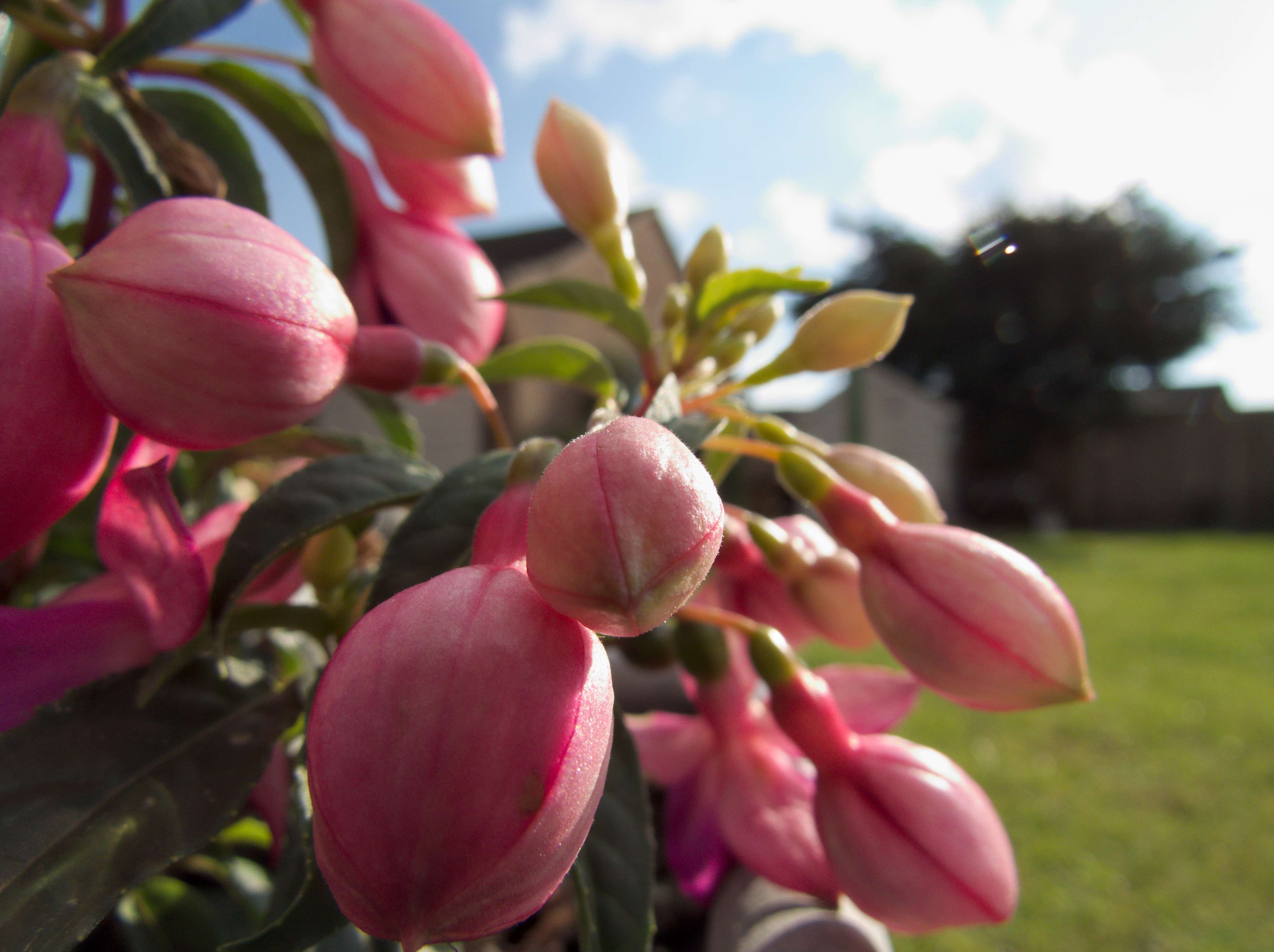
Here are some examples since I started shooting RAW. Critique would be much appreciated.

SOOC, only cropped.
FG5P1S.jpg


The Grey Wagtail was out of focus and very soft to begin with, I've attempted to save as much detail as possible without adding noise.
fhJUNN.jpg


This was a bad angle so I cropped and just tried to balance the DR and colours.
ZCbYua.jpg


This one I feel l managed to get the colours how I saw them.
1VJIbh.jpg


This one was blown out on the Swan pretty badly and really hazy.
ziJoHV.jpg


The Swan and the sign were really blown out in this one, and the signs colours were seriously over saturated.
W88S0y.jpg


I wanted the lens flair in this shot, so had to work back the details on my mum's dog. I also had to adjust the horizon and lost the right hand side. This was processed before I understood about the distortion in RAW at the wide end of my cameras lens.
vocSGb.jpg


This was distorted at the wide end again, but I learned how to adjust this properly. It was also blown entirely in the sky but I recovered the blues before balancing the flowers.
yLRjH1.jpg
 
This one I just tried to mute a little for a more natural portrait for my mum to print.
O6Ce4M.jpg


Just practicing balancing the whole scene.
ewX3LD.jpg


Only fixed the horizon on this one and did no other processing other than that.
wAddMy.jpg
 
Last edited:
Back
Top