Ram

Sharps

Suspended / Banned
Messages
680
Name
Anthony
Edit My Images
Yes
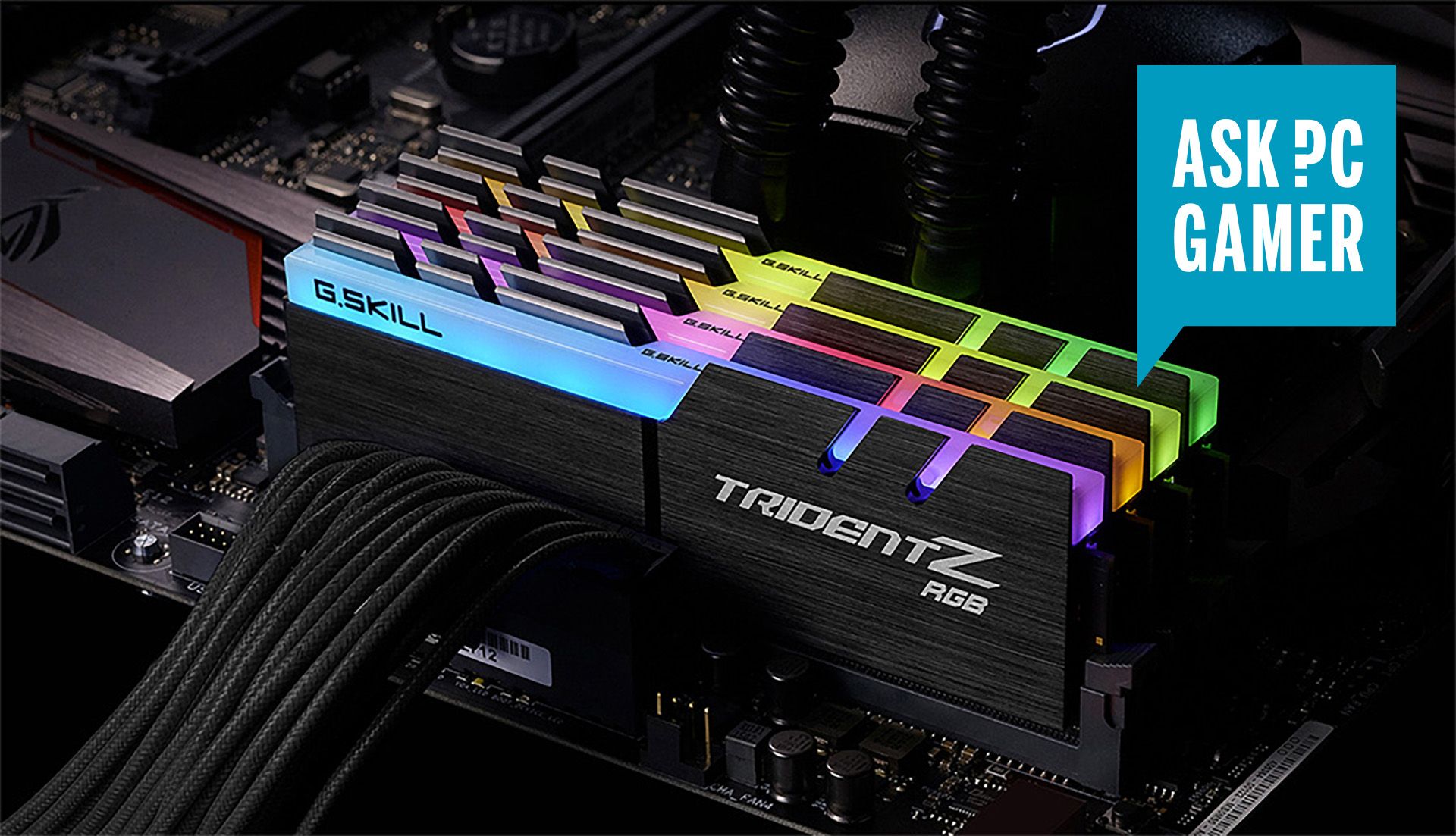
I have an AMD Ryzen 5 3600x with 16GB of ram, it can handle most things quickly and smoothly but I've noticed a bit of slow down when using LR and PS, would I notice i difference if I installed another set of identical ram up to 32GB or is this overkill?
 
I have an AMD Ryzen 5 3600x with 16GB of ram, it can handle most things quickly and smoothly but I've noticed a bit of slow down when using LR and PS, would I notice i difference if I installed another set of identical ram up to 32GB or is this overkill?

just open task manager from your toolbar and select the memory window and see how much is in use.
buying extra ram if you are not using it will be pointless, most applications slow down due to bad code for todays multi thread processors or slow HDD speed not ram.
 
Maybe look in your bios, to see if you can enable an xmp profile (there are normally a couple). This would increase the speed of your RAM.
I was just looking at this before as my ram supports xmp but haven't a clue what it is or how to use it, in my bios I have 2 profiles to pick
 
Could be also a software issue. I had parasitic acronis app to begin with. It made things unbearable. So happy it is gone. I have 32 GB and I do sometimes fill it to the limit. I do open many many layer on some occasions. That's how you top it.
 
As others have said use task manager and see if you are using all the memo you currently have before add more.

Also what type of drive are you running on? A mechanical drive on an SSD? The latter will give speed benefits if you ever get into swap file territory.
 
As others have said use task manager and see if you are using all the memo you currently have before add more.

Also what type of drive are you running on? A mechanical drive on an SSD? The latter will give speed benefits if you ever get into swap file territory.
Tested this afternoon and with some heavy use on LR and PS the ram was hitting between 85-95%, my CPU was under 20%. I'm running a crucial 256GB SSD and a few mechanical HDDs
 
Tested this afternoon and with some heavy use on LR and PS the ram was hitting between 85-95%, my CPU was under 20%. I'm running a crucial 256GB SSD and a few mechanical HDDs
I assume your swap file is on the SSD?

I’ve found over the years that a number of programs have memory leak bugs, not freeing memory back to the system when they stop using it, so gradually fill up all available RAM the longer they are used. If you’re hitting 95% more RAM sounds like the way to go.
 
Maybe look in your bios, to see if you can enable an xmp profile (there are normally a couple). This would increase the speed of your RAM.
Except that XMP is an Intel product, not natively supported on AMD CPUs. The motherboard manufacturer may include equivalent profiles as seems to be the case here but it's not guaranteed..
 
I increased the RAM in mine from 16>32 , its lot smoother, PS and LR run smoother and marginally faster-just do it.
 
I recently increased my RAM from 16 to 64. It doesn't make a huge difference in speed in normal LR usage, but it does seem "smoother" with fewer periods of "stickyness".

Making sure LR is installed on your SSD and your catalogue is also on the SSD makes a huge difference.
 
I also suggest you go dual sticks. 2x16 is ALWAYS better than 1x32.
 
Back
Top