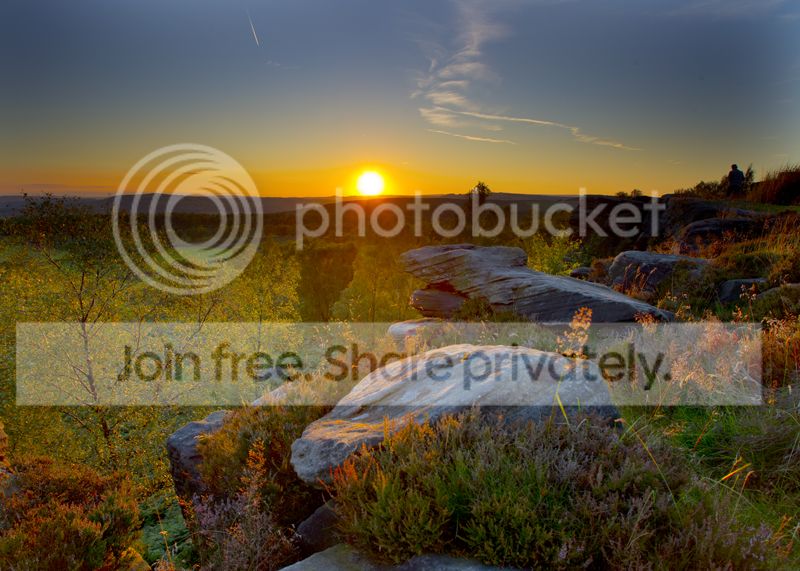
I don't think you need to remove the darker patches - that area of the sky would be darker than the middle anyway, I do however think you need to extend the right hand side right to the edge.
You can either clone this or, I would probably create a dodge burn layer (new layer, fill with 50%grey and change blending mode to soft light). Then use a soft black brush at about 30% opacity and flow to brush in a darker area. Conversely if you really want it lighter the use a soft white brush instead of the black.
You can also use the black to increase the shadows on the front rock to give it more impact




 seemed to work a treat
  I would have put up a copy but you don't give permission to edit your pics..if you want let me know and I will post it up...