Hello everyone,
I have my grandmothers 80th birthday on the weekend and I'm putting together a portfolio of all the cousins for her birthday.
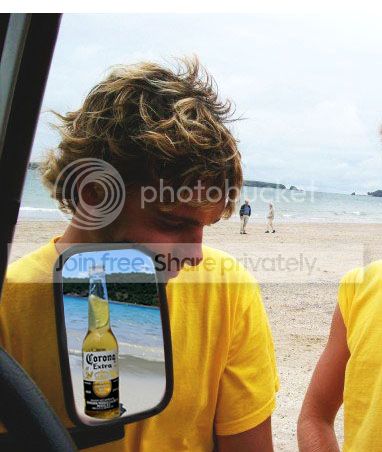
I have a photo that I need to edit, and clear the wing mirror of this photo so that its clear, but still looks like a mirror.
Sorry, I'm new to photoshop and still learning (I've only had it a few days!!). Any advice will be a huge help!!
This is one of the photos from the portfolio that I want to edit;
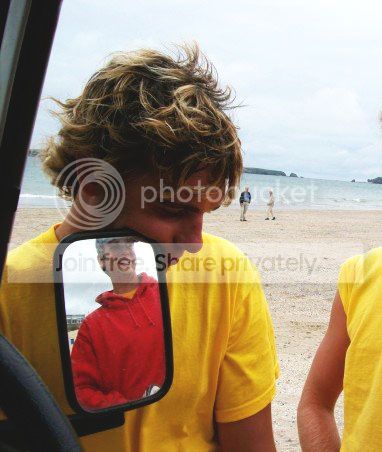
I would like to clear the wing mirror so there's nothing there, and just looks like a mirror.
If someone could please give some guidance that would a huge help and sincerely appreciated!!.
Thanks a lot!
Nick
I have my grandmothers 80th birthday on the weekend and I'm putting together a portfolio of all the cousins for her birthday.
I have a photo that I need to edit, and clear the wing mirror of this photo so that its clear, but still looks like a mirror.
Sorry, I'm new to photoshop and still learning (I've only had it a few days!!). Any advice will be a huge help!!
This is one of the photos from the portfolio that I want to edit;
I would like to clear the wing mirror so there's nothing there, and just looks like a mirror.
If someone could please give some guidance that would a huge help and sincerely appreciated!!.
Thanks a lot!
Nick