Pimp my trees!

Alison

Suspended / Banned
Messages
736
Name
Alison
Edit My Images
Yes
I’m trying hard to find my way around Photoshop and not sure whether I’m succeeding so please tell me where I'm going wrong.

C + C on the following image editing would be most useful (it looks too green and overly sharpened on my monitor) and if anyone else would like to play around with the original that would be great. Just tell me what you did! :)

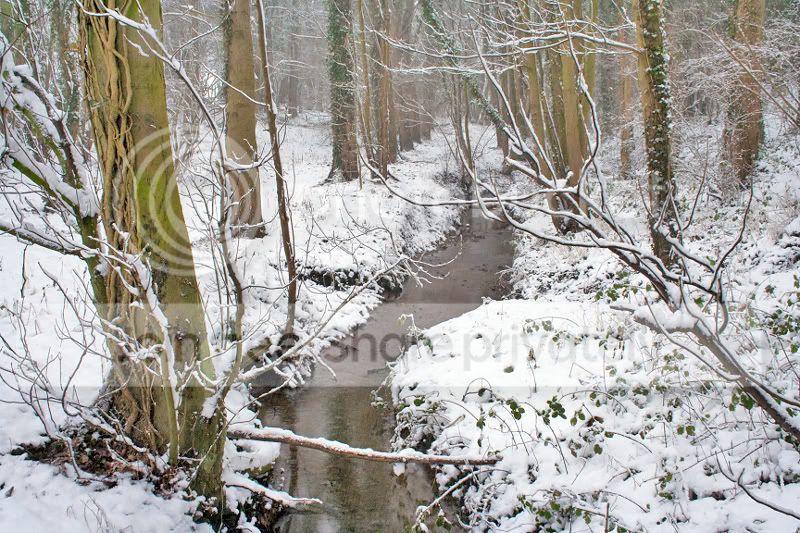
#1 Straight from camera which was dying at the time due to being cold and wet. I was going for a slow shutter speed combined with a narrow aperture but failed to achieve the effect I was after.
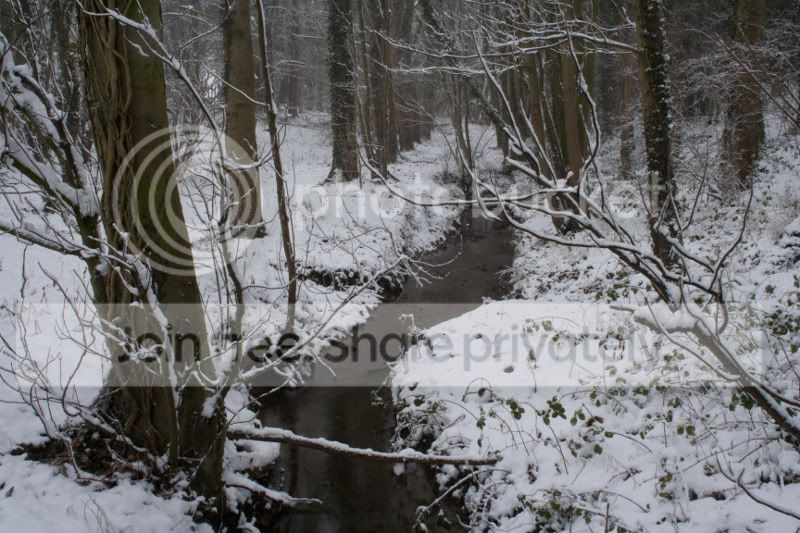
CopyofBrook.jpg


#2 My first amateurish attempt at post processing. As I recall I duplicated the layer, selected overlay and set the opacity to about 35.
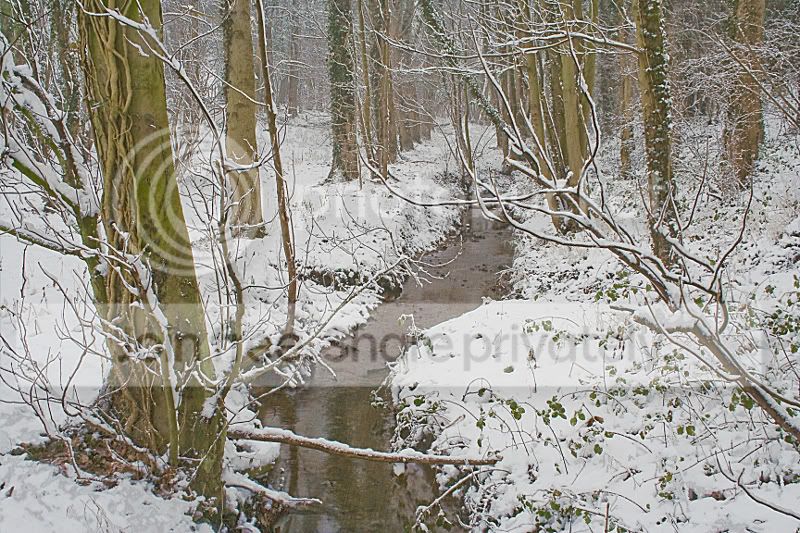
Copyofbrook2.jpg


Thanks in advance,
Alison
 
Alison, I'm not very good at this, as virtually all my processing is done in aperture, but...
used levels to cut off the top end of the histogram where there was no signal. Curves to increase contrast, boosted red and green saturation and another curve to brighten, and a bit of Unshap Mask to finish.

CopyofBrook.jpg
 
had a go at this Alison

CopyofBrook.jpg


Duplicate image, desaturate, Invert, set to overlay, gassian blur 81%

Flatten image

Duplicate Image, High pass 10.0, set to soft light, opacity 70%

levels brought in top end,

Saturation +8, Brightness +3

Flatten image

Unsharp mask 90%, radius 1.0, threshold 3

that was it I think :thinking:

Jack :thumbs:
 
Alison,

Can I ask what PP software you have available. It sounds like you may have Photoshop or Elements.

First thing I would suggest is you have a look at levels. Often just making a small adjustment here makes a large difference to the final result.

I would also suggest you have a look at some of the Video's that are available on the web. Or better still get one of the tutorial books on the programe you have.

Working on images requires a structured aproach, which takes time to learn. ( I started with Photoshop 2.5, and that dates me) and I'm still learning. If you have Photoshop CS3 or 4 try using the Adobe Camera Raw module to start editing. Whilst it is designed to work primarily with RAW files it will handle jpeg and Tiff. Using ACR you start off by getting the basics correct. Then there are some additional tools to help improve the image. Also there are some neat tools that with curve adjustment. Plus the fill light option is very useful.

As far as books are concerned, those by Scot Kelby are very good for photographers starting out on PP, if you want something a bit more advanced then I'd go for Martin Evenings books

Hope this helps

John C
 
Thanks for the input folks! I can't wait to give your "recipes" a go and see how they turn out :)

Chappers - I'm so disorganised I honestly don't know what version of what progs I've got. There's Paintshop Pro on a recently resurrected old computer, plus GIMP, Canon EOS Utility and ZoomBrowser, Photoshop CS3 - some bits of which won't function......

Time to start working in a structured fashion I think and also to study the reading material suggested. Thanks again.
 
Hi Alison,

I used CS3 to carry out the following adjustments:

Highlight and shadows (as smart object).

Corrected any colour cast in curves and set the white grey and black points with curves.

Added saturation on the yellow & green channels and an overall saturation on master setting by +2

Sharpened and saved.

I am not sure if this is what you were looking for?

Pimped-trees.jpg


Sorry, I did not see there was not a blue edit tick under your name, just started to play and thought I would post the image to show what steps I took, if you would like the image removed just let me know :)
 
get your white balance and tonal range right first before you apply contrast masking :)
 
i think it would look good in b&w with a heavy vignet applied.:shrug:

you should really tick the box in your profile to allow editing in truth though
 
i also had to have ago

CopyofBrookupload.jpg
 
Back
Top