the ghost
Suspended / Banned
- Messages
- 1,912
- Name
- paul rogers
- Edit My Images
- Yes
Ok here the problem
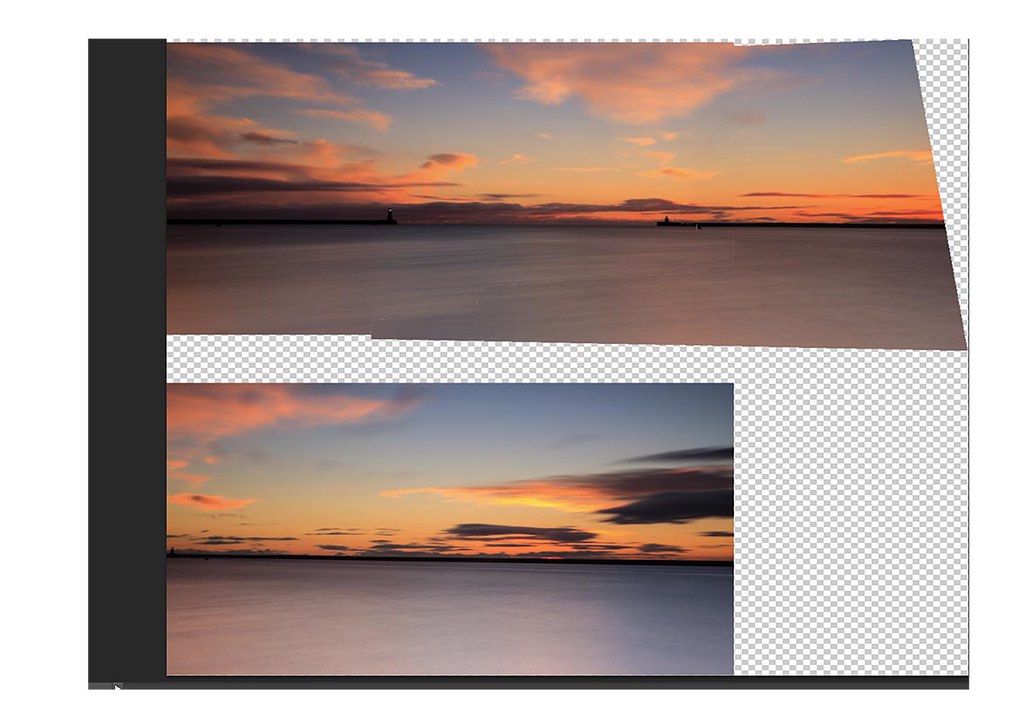
Adobe cs5 and 6 for some reason when I try to create a panoramic image of more than two images it open the image with say the first two images correctly lined up but the third image is on the page but it bellow the others.
Cannot understand why this is happening as I have. To changed anything.
The images are prosesed from raw to the largest size can remember exact size as on iPad once I get to PCM ill post a screen shot as this may help..
Any one have any idea why
Adobe cs5 and 6 for some reason when I try to create a panoramic image of more than two images it open the image with say the first two images correctly lined up but the third image is on the page but it bellow the others.
Cannot understand why this is happening as I have. To changed anything.
The images are prosesed from raw to the largest size can remember exact size as on iPad once I get to PCM ill post a screen shot as this may help..
Any one have any idea why