new monitor

Tdes

Suspended / Banned
Messages
440
Name
Tony
Edit My Images
Yes
Morning all,

I have been suffering with tired eyes lately, looked at my old monitor from a high angle and noticed it seemed to be flickering slightly, thinking this may be the cause!

Does anyone have any recommendations for a 27/28", high res (def more than 1920x1080) monitor with VESA mount.

I use it for a mix of photography, video and design (cad, indesign, illustrator etc).

Budget is about £500 (can much it a bit but not a lot).

If you don't know of any specific models to recommend, any advise for must have features would be really handy!

Appreciate any help, Tony
 
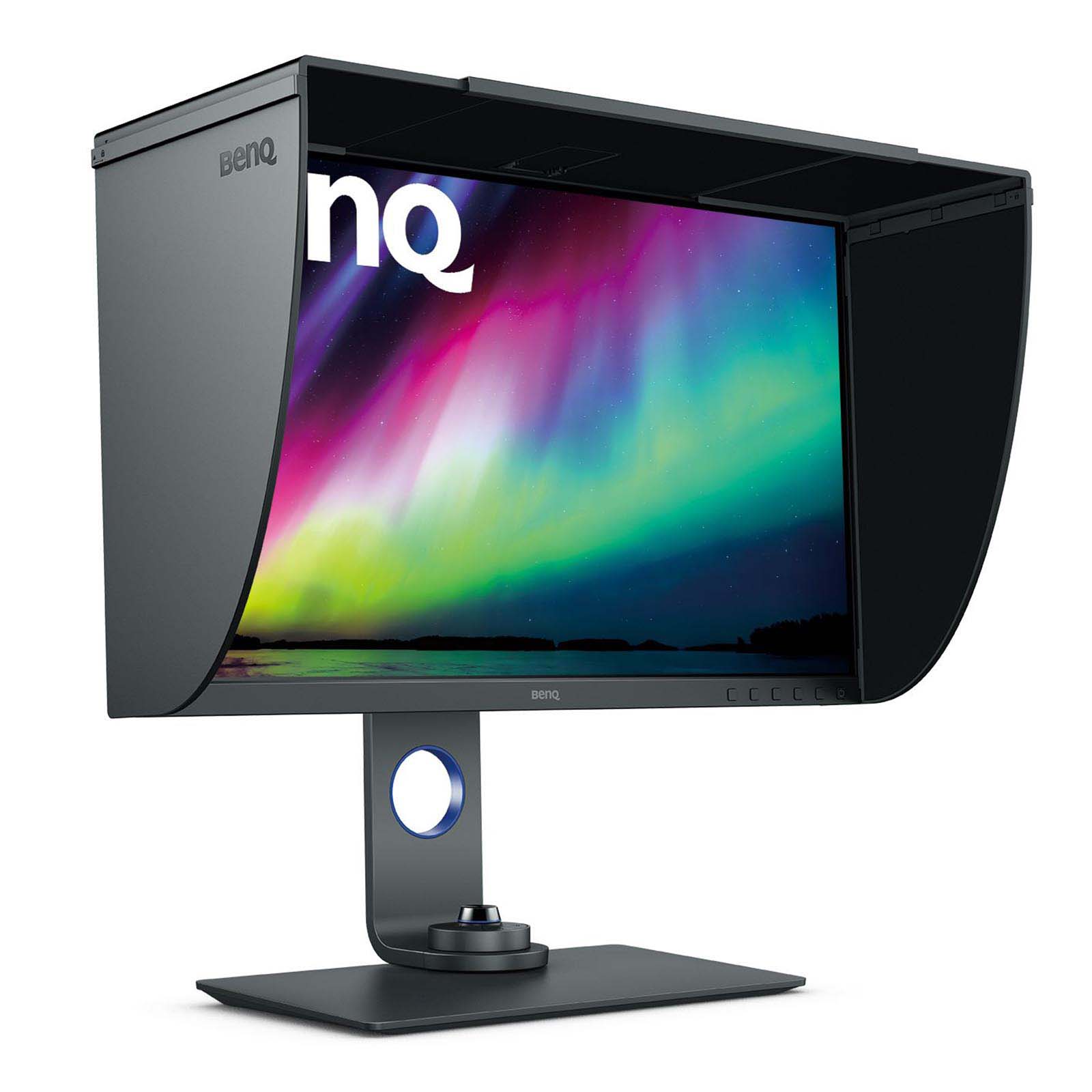
Do look at the BenQ range.

I have been using an SW270C and FWIW one reason it swung it for me was that it was and can be hardware calibrated. It was, for me, a bit of a stretch on price but as it came with a screen hood........ :)

Alternatively the larger Dell get good reviews.
 
You can pick up the Eizo FlexScan EV2760 for a touch over your budget (£532 on WEX currently) which might be worth considering, depending on how much of your work is video based.
 
IPS panel with 99% or above adobe RGB coverage and 100% sRGB colour coverage.

agreed. IPS is likely to be replaced soon with newer tech, like all this microLED stuff. This also mandates a calibrating device purchase.

Avoid gloss screens

Glossy - agreed, but semi-gloss is actually surprising nice compared to typical matt coatings.

curved screens

a BIG FAT NO!

4k is nice but not essential for a photographer.

Have to disagree with that. 4K is bare minimum at 27-32". I would really really want to move up to 6K or even 8K
 
Are there any 6k or 8k screens available at reasonable price?

I guess not yet. The large iMac is probably the closest to it so far. I hope there will be more when I need to upgrade my 32 4k
 
I guess not yet. The large iMac is probably the closest to it so far. I hope there will be more when I need to upgrade my 32 4k

I am in the market for one myself. I have UHD (2K?) screen at the moment. It's fine but looking to upgrade. In someways it is better than the 2015 iMac it replaced (10-bits vs. 8-bits) and in someways its worst (2K vs. 5K).

not a fan of iMac in general hence I sold it when there was still a market for an intel one. I have a M1 machine for now.
I want to upgrade the monitor first.
 
I am in the market for one myself. I have UHD (2K?) screen at the moment. It's fine but looking to upgrade. In someways it is better than the 2015 iMac it replaced (10-bits vs. 8-bits) and in someways its worst (2K vs. 5K).

not a fan of iMac in general hence I sold it when there was still a market for an intel one. I have a M1 machine for now.
I want to upgrade the monitor first.

The upcoming 27" or 32" imac model could be interesting depending on all the specs. Those panels could also find their way to other branded displays. One could only think all the delays of new models are yet again to do with shortages.

The point is 4K is not enough at 32" to be proper retina spec (imac is 5K at 27"). The current OS support for different resolutions is very shoddy placing 32" 4K in a very difficult position. It makes text much smaller than one would want, and their suggestion to scale the whole display even a tiny bit will absolutely destroy the sharpness of any non-vector graphics. 100% or 200% are the only working options (200% being way too large). Windows is beyond terrible but apple is guilty of this too. I can't imagine what is wrong with good old font size adjustment, but they say no! The closest I found is WinAero tweaker that lets to change SOME of the fonts from tiny size 9 to something like 11. That is quite a hack needed to essentially be able to read your emails from more than 15cm away.
 
The current OS support for different resolutions is very shoddy placing 32" 4K in a very difficult position. It makes text much smaller than one would want, and their suggestion to scale the whole display even a tiny bit will absolutely destroy the sharpness of any non-vector graphics. 100% or 200% are the only working options (200% being way too large).
I prefer larger text and started off scaling the whole display on my 24" 4.5K M1 iMac, but I think that option is best avoided as it scales all user interface elements (scroll bars, icons, etc.). Instead I used the option to increase the menu font size (System Preferences -> Accessibility -> Display -> Menu Bar Size) and also increased the font size in individual apps (Mail, Safari, Messages, Finder, Calendar, Notes, etc.). All good, though I agree Apple could make it a lot easier!
 
Last edited:
Back
Top