New Background

MG TF 135

no chance of a new name
Suspended / Banned
Messages
1,164
Name
Martyn
Edit My Images
Yes
One of my things on the 'to do' list for 08 is to try more post processing. But i am virtually green on photoshop so can somebody point me in the direction of a tutorial for replacing a background. I did a little search on previous threads and found some links but they did not work for some reason.

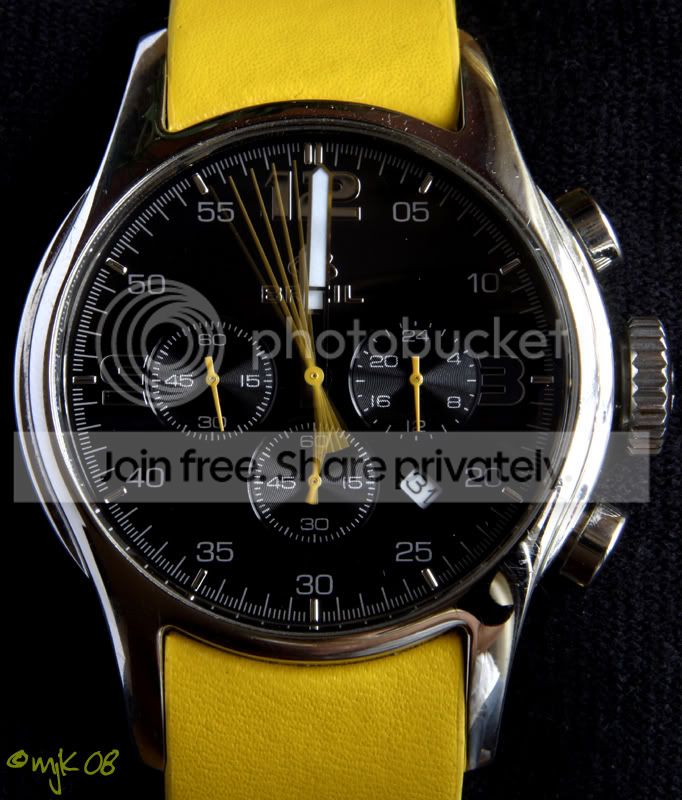
So i want to replace the background of the image below with a totally black one as my first photoshop task.
IMG_6392editwm.jpg


Thanks
 
The best way to remove something from it's background is using the pen tool to draw a path round the object. Then you can use this to mask the background and insert a new one underneath it.

Here'sa Pen tool tutorial.

The Pen tool is worth mastering as it allows you the most control when selecting things as well as many other functions.
 
What you probably need are tutorials on masking techniques. masking in Photoshop is relatively easy, when you know how, ( A graphics tablet is a god send in these situations)

Try the following link for some initial ideas

http://www.sitepoint.com/print/masking-techniques-photoshop

Also pop over to Photoshopuser TV. It's a free weekly program, from the US NAPP organisation.They often have tutorial on masking. There is also a back catalogue as well.

http://www.photoshopusertv.com/

Check out episode 105 if it's still available
 
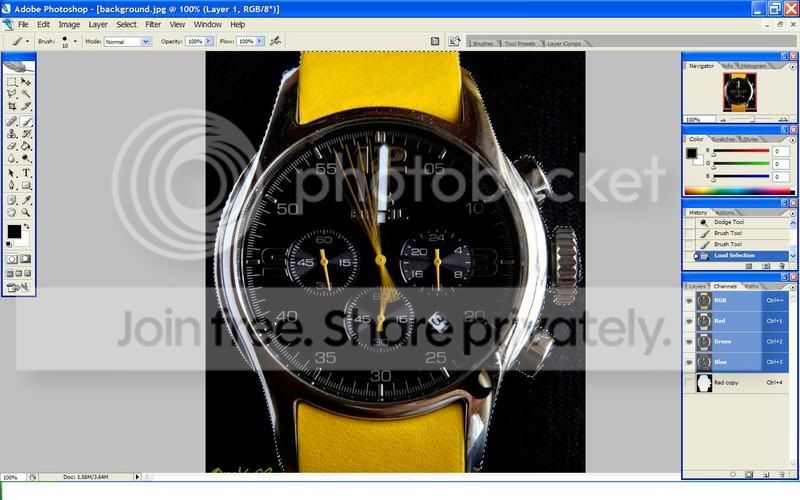
Another way is to make the object you want to select completely white and the rest black. Then when you control left click it only selects what is white.
 
I use the black and white method as it doesn't need complex tracing. Of course if you use a tablet then tracing is easy.

Here you can just see the marching ants and see that they're pretty accurate.

selection.jpg
 
Well i followed the pen tutorial that Garry79 linked and the result is below. I'm quite pleased with my effort.

Comments on the final result are very welcome......

IMG_6392editwm2resize.jpg


Thanks for the input folks.............. :)
 
Pen tool all the way, by far the best for cutting things out (or making renders).

Your finished result looks good mate. Not go try and cut some1 out of a picture, especially some1 with crazy hair, thats wen it gets hard.
 
Looks good. Glad the tutorial was helpful!
 
Back
Top