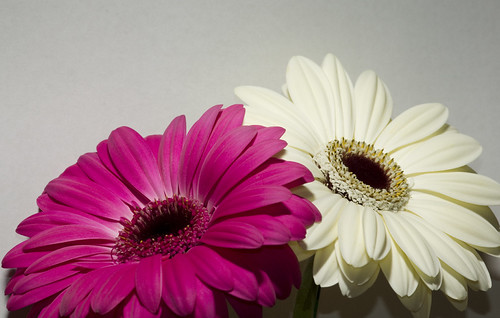
Select the background with the magic wand tool, use shift and click to add more selections of the background until it all selected by the marching ants.
Then press ctrl J, and your selection will be on a new layer, select the new layer, then if the marching ants don't appear, go to Select> load selection.
Once this is selected, click edit>fill and choose what colour you want to have for your background. Click OK and you should have a new coloured background.
I could have selected and feathered the background neater but did it in a hurry to show you the process.
This is a quick fix and by no means perfect. The best way to do that is to get it right when shooting.
This site uses cookies to help personalise content, tailor your experience and to keep you logged in if you register.
By continuing to use this site, you are consenting to our use of cookies.