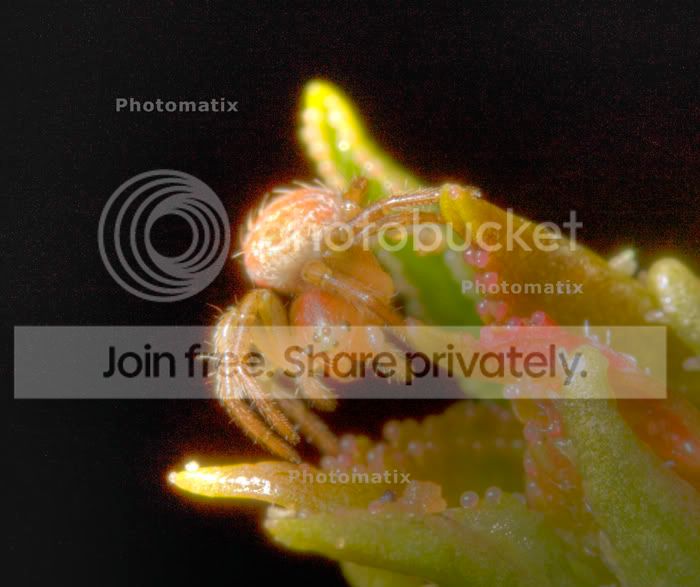
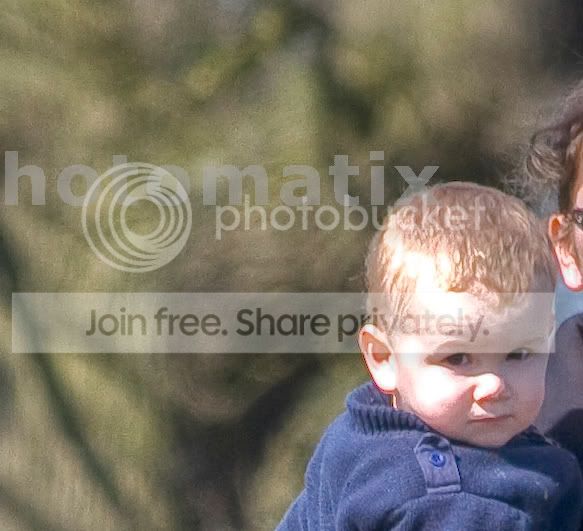
Need help with Raw to HDR and file types please .e.g. pictures added

Robbo

Suspended / Banned
Messages
3,962
Edit My Images
Yes
Right...Just using a trial version of Photomatix Pro.

I have done a few shot test in the following way.....

Shoot in raw
fiddle with it, then create three to 5 versions ranging from -2 to +2
Put them in the Photomatix Pro program and they come out very strange and HEAVILY grainy! just nasty looking!

Am I doing anything wrong?

Do I need to produce 3 raw file exposures on the camera? I read you can use my method above by creating the different EV in CS4 (what I use)

So....how do I do this properly?
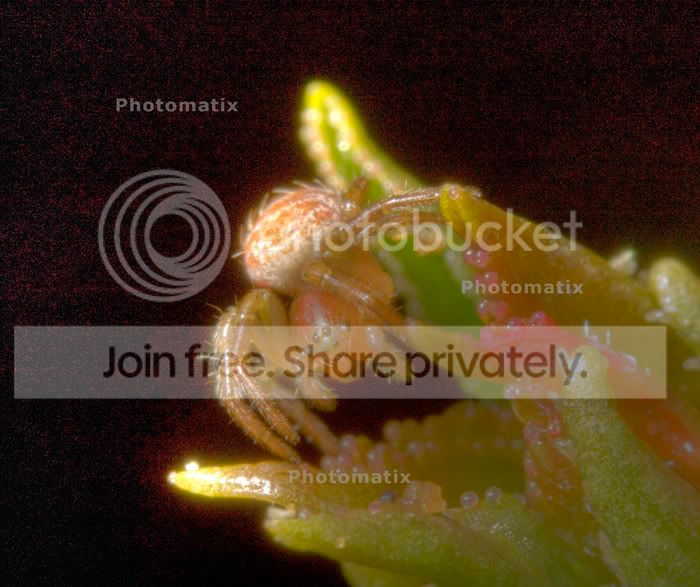
test_1__2__tonemapped.jpg
 
It's no consolation but I got similarly strange results when trying a landscape HDR with Photomatix. I even used some settings I got off a HDR website recommended for Photomatix!

I'll be watching to see if anyone has any tips!
 
I'd assume the noise is coming from the +2 one, you've got dark shadows and you're increasing the exposure significantly, which will introduce the noise. Best way is to take seperate shots, they don't even have to be RAW, but I'd imagine it'll give you better results than pushing one image too far.

Chris
 
I'd assume the noise is coming from the +2 one, you've got dark shadows and you're increasing the exposure significantly, which will introduce the noise. Best way is to take seperate shots, they don't even have to be RAW, but I'd imagine it'll give you better results than pushing one image too far.

Chris

even with a more day time shot I get a nasty pixelation and non smooth effect.
hmmm maybe the + and - 2's are a bit much, will try on 1 and see what happens.
 
I've never really like the results that auto HDR applications churn out, with a little extra effort you can do it manually in Ps and have them look more 'realistic'. Just throwing that option out there :thumbs:
 
right first one is made from a 0 and -1
second is -1 0 +1

test__1_tonemapped.jpg


Untitled-1-9.jpg
 
I've never really like the results that auto HDR applications churn out, with a little extra effort you can do it manually in Ps and have them look more 'realistic'. Just throwing that option out there :thumbs:

Ahhh...how do you do that? never ventured into this area before so manual info would be brill or a linky..
 
Back
Top