
and the site receives a small commission
You are using an out of date browser. It may not display this or other websites correctly.
You should upgrade or use an alternative browser.
You should upgrade or use an alternative browser.
LR increasing prices... what are some alternatives?
- Thread starter ecniv
- Start date


- Messages
- 11,730
- Name
- Chris
- Edit My Images
- Yes
My version of C1Pro (16.2.6.7, so not the most recent) does have a curves adjustment under the Adjust tab. It offers RGB, Luma, Red, Green and Blue. I just use Levels, which I assume is the same as a simple (unsophisticated) use of a curve?I did find it (capture one) a little jarring with parts like curves missing, but also some of the controls have a better feel. I assume that the curves graphs and histogram are on the paid version.

myotis
Suspended / Banned
- Messages
- 4,503
- Name
- Graham
- Edit My Images
- No
Is this the Fujifilm Raw Converter made for Fuji by Capture One ?Hi,
Thanks for the suggestions
I ended up finding the free version of capture one (restricted items - but seems to work well)
The others are around 100-400 one payment; rest are on subscription that is a lot more than LR.
To clarify, I was looking for the develop part, I dont use the organisation part.
I did find it (capture one) a little jarring with parts like curves missing, but also some of the controls have a better feel. I assume that the curves graphs and histogram are on the paid version.
I did change the default film bit that actually made the images a lot more noisy, but managed to reset it (phew!)
first few pics on the flickr stream are now via capture one...
Thanks for the suggestions and for contributing on the comparison/money/value points.

This is the only free version of C1 left, and has hardly any C1 features as its designed as a simple raw converter so Fuji users can take advantage of the C1 de-mosaicing and Fuji film emulations (which were developed by C1, in cooperation with Fuji).
If you only use Fuji, it should make an excellent low-cost "complete" processing combination if paired with Affinity Photo. Ignoring the lack of a DAM.
The detailed differences between Capture One and the Fujifilm Raw Converter are here:


- Messages
- 7,468
- Name
- Stephen
- Edit My Images
- No
That's how I stock up my LR account.If you plan purchases around Amazon Prime Days or Black Friday / Cyber Monday, they always have good discounted pricing on Lightroom from memory.
I guess the subscription model allows for continual development and release of new features. I remember so many complaining that they bought the single purchase licence then moaned when a new feature was added and they couldn't use it and thought that the software provider should give them the update for free.
The nice thing about the Adobe suite is that they do the Classic full fat LrC and the Mobile versions and you can port any things like presets from the full fat over to the mobile on a full machine and then have them available to use on all mobile devices
The nice thing about the Adobe suite is that they do the Classic full fat LrC and the Mobile versions and you can port any things like presets from the full fat over to the mobile on a full machine and then have them available to use on all mobile devices
Last edited:

Catherine Bowlene
Suspended / Banned
- Messages
- 69
- Name
- Catherine
- Edit My Images
- No
Here are a couple of lists of good photo editing programs that might give you ideas
https://www.shutterbug.com/content/best-photo-editors-windows-11-2023
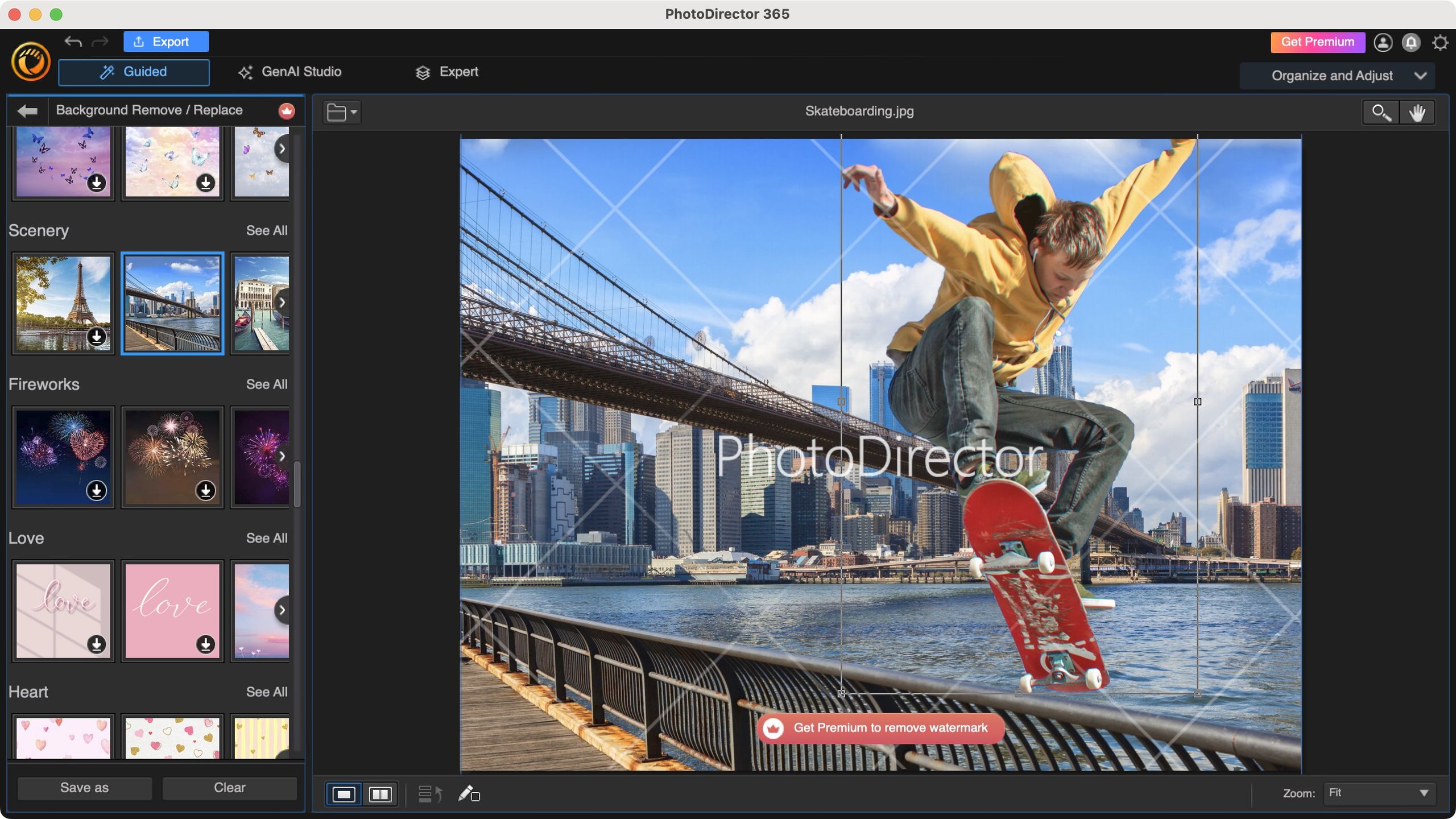
 www.techradar.com
If you really like the set of tools Lightroom has, I'd continue paying monthly. If using it isn't crucial and you can switch to anything else like yesterday, it's a no-brainer. There areplenty of free alternatives as well.
https://www.shutterbug.com/content/best-photo-editors-windows-11-2023
Best Adobe Lightroom alternative of 2025
We reviewed the best alternatives to Lightroom and compared them to Adobe's top image organizer
If you really like the set of tools Lightroom has, I'd continue paying monthly. If using it isn't crucial and you can switch to anything else like yesterday, it's a no-brainer. There areplenty of free alternatives as well.
I suspect it ultimately comes down to all the pros and cons of each and how many of the features each user benefits fromHere are a couple of lists of good photo editing programs that might give you ideas
https://www.shutterbug.com/content/best-photo-editors-windows-11-2023
Best Adobe Lightroom alternative of 2025
We reviewed the best alternatives to Lightroom and compared them to Adobe's top image organizer
If you really like the set of tools Lightroom has, I'd continue paying monthly. If using it isn't crucial and you can switch to anything else like yesterday, it's a no-brainer. There areplenty of free alternatives as well.