

You are using an out of date browser. It may not display this or other websites correctly.
You should upgrade or use an alternative browser.
You should upgrade or use an alternative browser.
Link to Flickr
- Thread starter spook68
- Start date

Janice
Suspended / Banned
- Messages
- 11,626
- Name
- Janice
- Edit My Images
- Yes
Can someone twell me how to link a photos to a thread on here so the actual image shows up. Ive tried the HTML code but that didnt work.
wrap the html code up with these tags..


Alastair
Suspended / Banned
- Messages
- 9,818
- Edit My Images
- No
<url=http://www.flickr.com/photos/saltgeorge/4674780819/><img>http://farm5.static.flickr.com/4001/4674780819_7556c83c68.jpg</img></url>
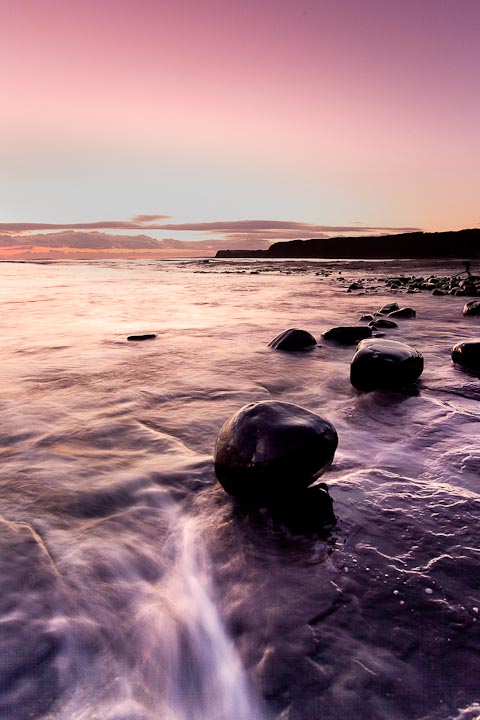
but replace the < and > with square brackets.. the first address is the photopage, the second is the medium jpg.
The result..
but replace the < and > with square brackets.. the first address is the photopage, the second is the medium jpg.
The result..

- Messages
- 8,501
- Name
- I'm not a Misery Guts and Monica is not my Moniker
- Edit My Images
- Yes
But the tutorial doesn't include the url tag to make your photo clickable back to the Flickr photopage..
Yeh, I know, but thats not what he asked for!


TheBigYin
Moderator
- Messages
- 16,982
- Name
- Mark
- Edit My Images
- No
+1, (almost) everyone forgets that the Flickr TOS very clearly state that a link-back is required.
I just wish they'd give an automatic bbcode script in the same way the provide an html one.
I use firefox and a greasemonkey script called Allsizes+ that does just that - gives html, bbcode or option to view the image at any of the preset sizes.


hillwalkinggirl
Suspended / Banned
- Messages
- 4,184
- Name
- Barbara
- Edit My Images
- No
Just click on your photo on flick, this brings up larger photo, then select large size (supposing you uploaded at 800px at longest edge), Copy the link in the lower of the boxes. Go to your post in TP click on the little icon that looks like an envelope with a stamp on. Back space the http:\ to delete it. Then just paste. That's it.

DigitalRelish
Suspended / Banned
- Messages
- 2,240
- Name
- Will
- Edit My Images
- Yes
Just click on your photo on flick, this brings up larger photo, then select large size (supposing you uploaded at 800px at longest edge), Copy the link in the lower of the boxes. Go to your post in TP click on the little icon that looks like an envelope with a stamp on. Back space the http:\ to delete it. Then just paste. That's it.
As above, Flickr guidelines state you should link any image back to its photo page on Flickr...
Remember! Flickr Community Guidelines specify that if you post a Flickr photo on an external website, the photo must link back to its photo page. (So, use Option 1.)
Burningflan
Suspended / Banned
- Messages
- 53
- Edit My Images
- Yes
I find http://quickrpickr.com/ very useful - chuck your Flickr username in the box, set how many images you want to 'review', click "display photos", wait a second, tick all images you want to use, select sizes etc from the bottom, click "generate HTML code" - DONE! Copy and paste the contents of the 'BB code' box to use here/on forums.
It sounds like a bit of messing around typed out like that but once you've used it a couple of times it will save a load of time and stress!
It sounds like a bit of messing around typed out like that but once you've used it a couple of times it will save a load of time and stress!