
Lightroom to Photoshop Error.

  • Thread starter Thread starter KJJ
  • Start date Start date

KJJ

Suspended / Banned
Messages
78
Name
Kevin
Edit My Images
No
is anyone having any problems when trying to open an image from Lightroom in Photoshop? I updated both yesterday and now when I try to open an image from Lightroom in Photoshop I get the following error message.
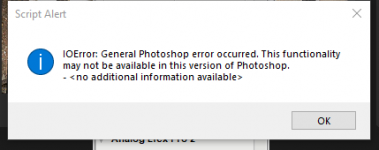
1630757200075.png

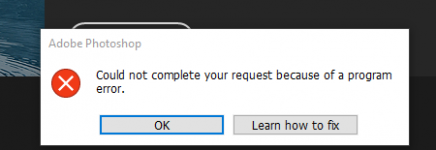
I am then unable to close Photoshop and just get this:
1630757251590.png

I have to open Task Manager and force it to close.
 
I Googled the error message and on the Adobe site it appears to be quite common. Some resolutions indicate to untick Use your Graphics Processor under Edit-Preferences-Performance (if that box is ticked). Another resolution was to revert back to a previous version. Hope this helps.
 
I Googled the error message and on the Adobe site it appears to be quite common. Some resolutions indicate to untick Use your Graphics Processor under Edit-Preferences-Performance (if that box is ticked). Another resolution was to revert back to a previous version. Hope this helps.
Thanks Colin, it took a while to find the issue but I had to uncheck 'Use Graphics Processor', restart and then switch it back on.
 
Back
Top