I'll keep trying people's suggestions but if I want to use RAW from my Fuji it is looking increasingly like I might have to move to Lightroom subscription if I want to use RAW on both Nikon and Fuji and only have one preferred package for photo editing.
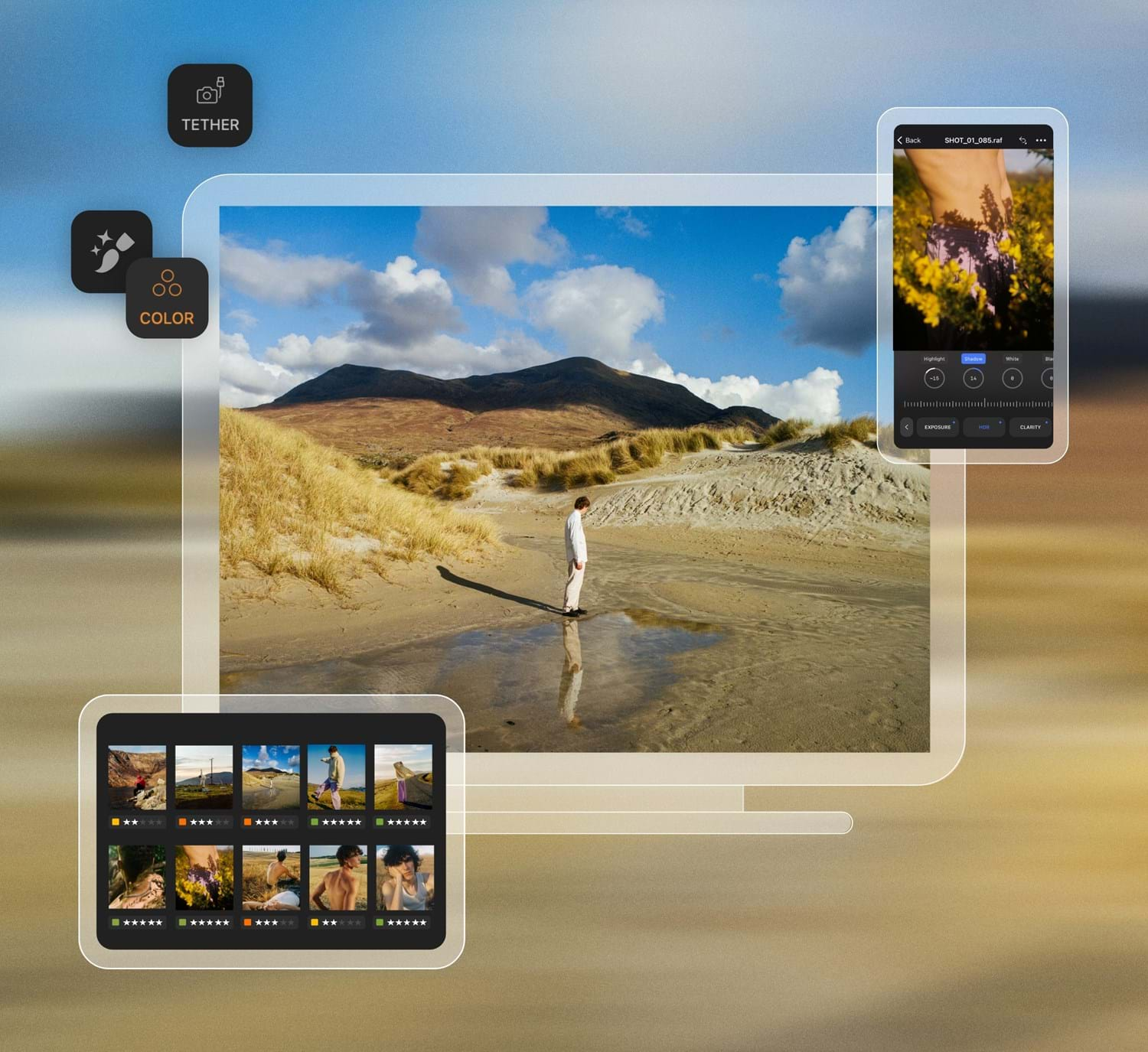
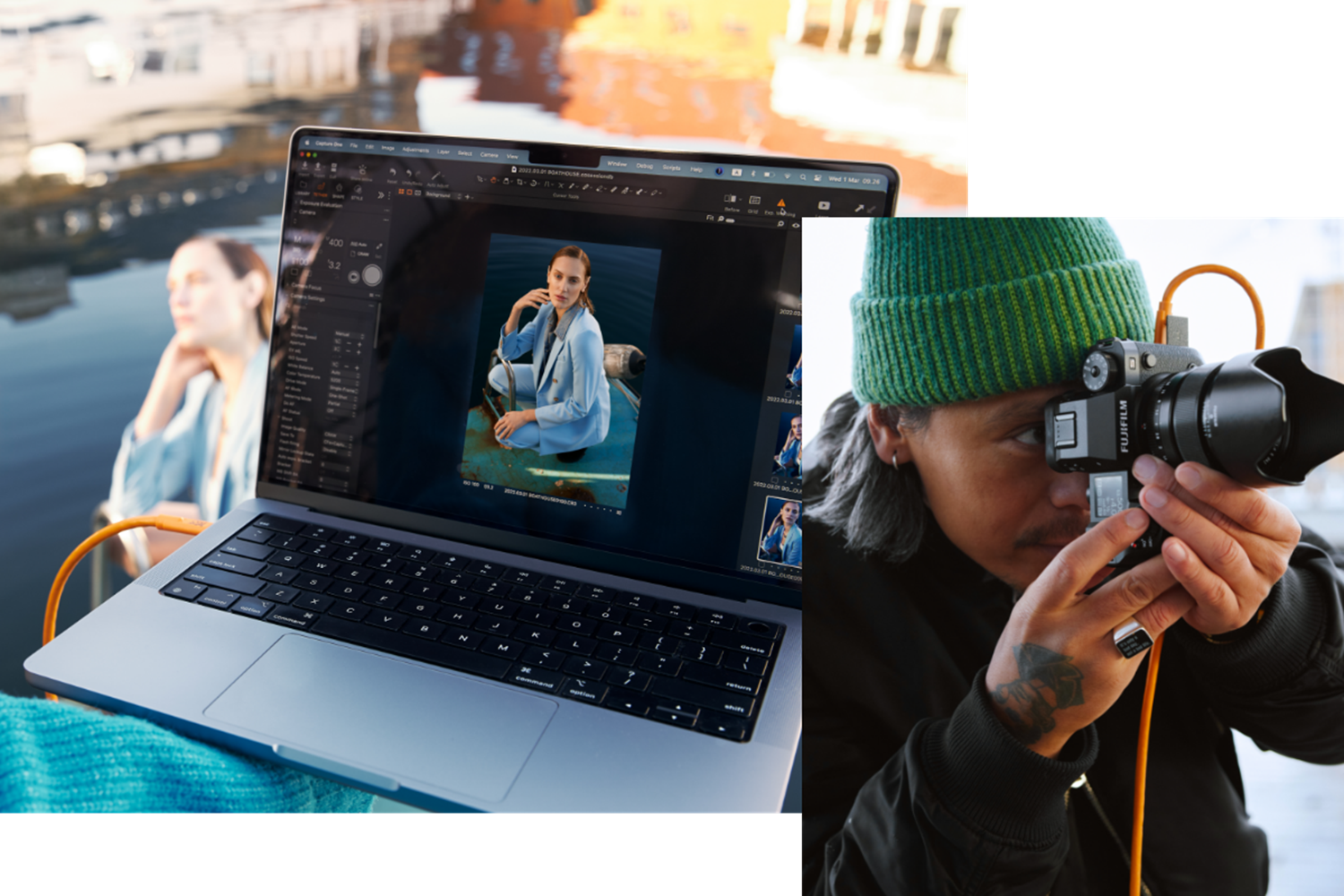
Capture One will handle both and is excellent, but rather expensive to buy and, although minor updates are free, major updates are frequent and they charge for them (existing users get a discount). However, the more limited but surprisingly capable Capture One Express is free for Nikon and Fuji (and Sony):
Discover Capture One’s complete suite of photo editing software, trusted by professionals worldwide. From Capture One Pro to our mobile app, Live, All in One bundle, and Studio solutions, explore pricing options that suit your creative workflow. Enhance your photography across desktop, mobile...

www.captureone.com
Exclusive Capture One x Fujifilm trial . All in One means you get Capture One on your computer, iPhone, and iPad plus our collaboration tool Live Unlimited, priority support from our Customer Support, and all future updates included.
www.captureone.com
Get Capture One's flagship photo editing software, trusted by pros and studios worldwide. Capture One Pro supports files from all major camera brands.
www.captureone.com
I believe the full version and the various Express versions use the same installer, but with different licence keys. If you install it as the full version you'll only get a time limited demo without paying; the Express versions are not time-limited, but have fewer features. If you want to process both Nikon and Fuji files with the Express versions, I think you'll need to install the package twice in different directories with the appropriate Nikon or Fuji-specific licence keys (I tried this a while ago and it seemed to work, but you may need to experiment).
There are some free and open source packages that are definitely worth looking atm especially Raw Therapee and Darktable:
About RawTherapee is a powerful, cross-platform raw photo processing system, released as Free Software (GPLv3). It is designed for developing raw files from a broad range of digital cameras and targeted at users ranging from enthusiast newcomers who wish to broaden their understanding of how...

rawtherapee.com
darktable is an open source photography workflow application and raw developer
www.darktable.org
If you don't mind different interfaces, Fuji's own Raw File Converter is based on Silkypix:
RAW development software compatible with Film Simulation modes

fujifilm-x.com
and Nikon's new NX Studio had just been released:
NX Studio is the ideal way to easily and conveniently view and edit the digital images from your Nikon cameras on the computer. Mac and PC compatible, NX Studio is a free download.
www.nikonusa.com
I haven't tried the CC versions of ACR/LR, but before that found that Nikon's own conversions were better than Adobe's when it came to the default colours, and Capture One was also very good.
Affinity Photo would complement any of these raw converters very well as an advanced editor, but its own raw conversion features are pretty limited. It's a replacement for PS rather than LR.