Latest version of PS - what a pain!

Jelster

Suspended / Banned
Messages
9,986
Name
Steve
Edit My Images
Yes
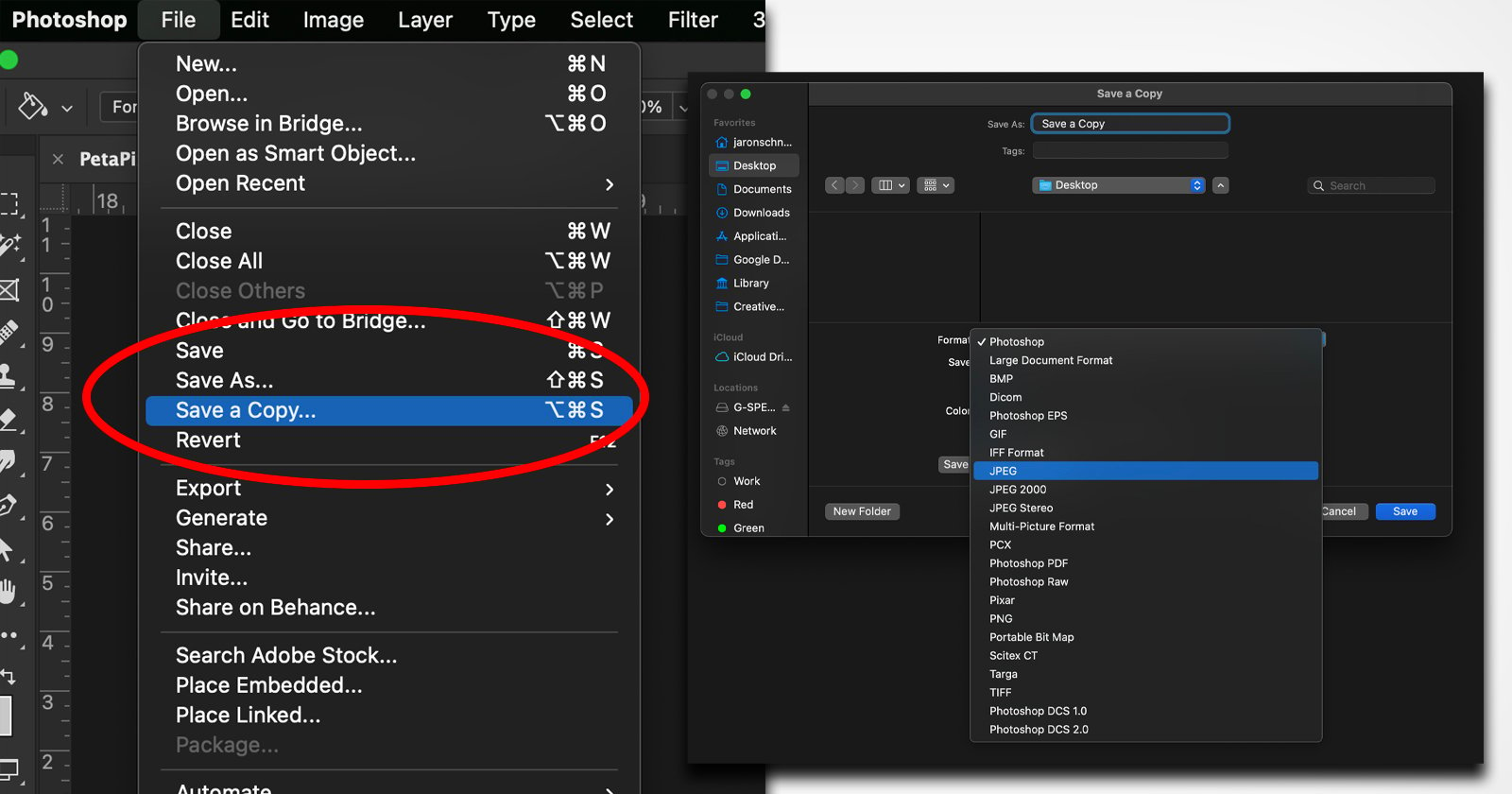
When I edit stuff in LR once I'm done, I usually right click on the image and then select "edit in Photoshop" so I can do any tidying up, resizing and put a border on, especially if the image is going to be used on a digital platform. With the latest version (22.5.1) I can only save to jpg as "Save a copy". Does anyone know how I can get the software to "save as JPG" again? It's a pain in the backside, especially as even then, it defaults to .TIFF and. I have to change it.
 
Adobe claim it's Apple's fault. If they've done it on Windows as well (have they?), it might be to maintain consistency across platforms.
Edit: Yes, they do seem to have made this change to the Windows version too, though it was triggered by changes in MacOS:
 
Last edited:
I had a similar issue which was caused by layers.

Before the update I used to embed my signature without merging the layers and all was fine.

Since the update I now have to make sure I merge all layers otherwise it won't let me save as a JPEG.

May not be identical to your issue but its food for thought.
 
Last edited by a moderator:
I had a similar issue which was caused by layers.

Before the update I used to embed my signature without merging the layers and all was fine.

Since the update I now have to make sure I merge all layers otherwise it won't let me save as a JPEG.

May not be identical to your issue but its food for thought.

I've notice that the layers thing is no longer an issue, as I can "save as a copy" to JPG without merging layers and my watermark is still there. I just wish there was a default I could set so that it automatically saves a copy to JPG rather than TIFF.

I had a "booth" at a dog show yesterday and I'm trying to get low res JPG's to send to the owners so they can order prints, and I wish it would just allow me to set things as I want so they stay there.....

I must be feeling really grumpy today!!
 
Could yo use a Lightroom plugin like "LR Mogrify" to add borders/more complicated watermarks without needing to open Photoshop?
 
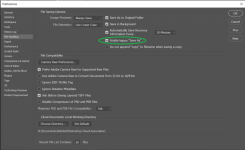
Thanks Tim, I've just ticked the box and it looks like that has solved the problem. Magic !!!

Edit: Now tested and the problem is solved. Many thanks.
 
Last edited:
Back
Top