Jpeg File Size Reduction

anatomyofanangel

Suspended / Banned
Messages
7
Edit My Images
Yes
I have a jpeg image (processed from raw) which I am going to enter into a competition the pixel size is 1024 x 768 and the file size is 1.13mb (resolution 300 ppi) I need to get the file size down to 800kb without reducing the pixel size (1024x768)
I can't get below 900mb even at jpag quality 1
Help, is this possible ?
 
Have you tried the save for web options? you should be able to get it below 900kb.
 
As said above it should be easily possible.
When I save as jpeg at 1024 x 683 I can get level 12 quality at under 1mb.

That's at 240 ppi.
 
Use Easy Thumbnails - you can reduce the size to whatever you want and get a filesize of around 100-300Kb - all my pics on here recently have been processed this way:


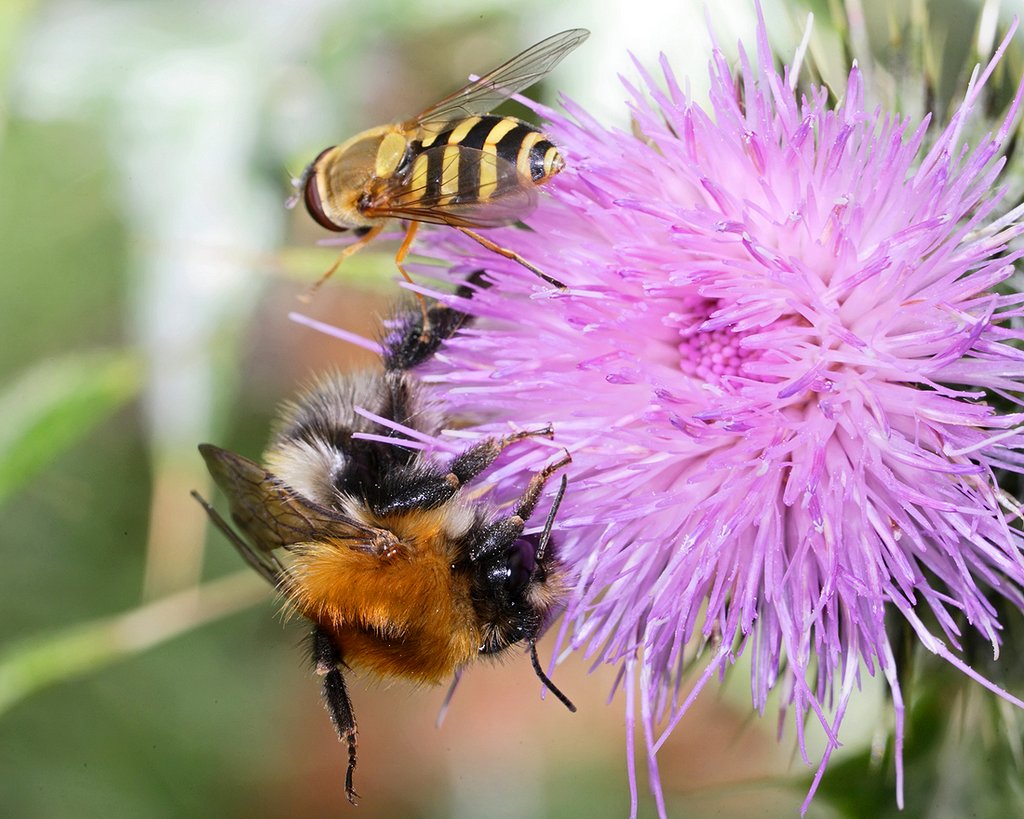
Bee and Hoverfly on Nettle Flower - Macros/19 Aug 2011/6650

And you don't get any pixellation or any obvious artefacts.

I set the quality to 85% and use smart processing.
 
Last edited:
Like people have said the best chance you'll have is with the save for web. It tells you in the bottom left the size the file will be when saved. So you can change the quality until you get the file size you want.
 
Save as Quality 10. That should do it too without any noticeable quality difference.
 
Folks are the above suggestions specific to Adobe products ? - I normally use Irfanview to resize and constrain the output file size to whatever I prefer.

I know that I can do both as part of the export process now in LR3 but it's just a workflow hangover from before I got into LR and it may be useful for others who don't have access.

Jim
 
In any program when you save a jpg file you should be asked what quality you want it. Might be a 1-12 scale of a %age

If %age 80% should be fine.

Lr is very easy to use when you export. Set the maximum size in pixela and the quality and you can batch export hundreds of files very quickly.
 
Back
Top