Is upscaling necessary?

footman

Suspended / Banned
Messages
4,914
Name
Laurence
Edit My Images
No
My daughter wants have a small book printed for the family showing some of my collection of images, she says it's for posterity which really means when I'm dead :LOL: .
About 6 years ago I had a hard drive failure and also pc back up failure ( let's not go there....). However many of those images she wants are on my Flickr so I can download them.
Obviously the file sizes will be quite small, for an example this is one that she wants:

37622735412_253175c79b_b.jpg


The image stats are 1843x1922, 205KB and 240 dpi
Would an image like this be suitable for printing in a book or would it benefit from upscaling?
Thanks for looking.
 
Nice image :)

IMO the key question is how big are the book pages and just how big do think you want each image to be?
 
Is it that case that Flickr downsizes photos in terms of mb ?
I had read that there is a file size limit of 200mb but not that they automatically reduce ?
 
I'd download the images sooner rather than later unless you're a Flickr Pro member - I had a notification last week saying they will be limiting downloads to lower resolution to discourage free account users from using Flickr as a photo repository
 
I'd download the images sooner rather than later unless you're a Flickr Pro member - I had a notification last week saying they will be limiting downloads to lower resolution to discourage free account users from using Flickr as a photo repository
Yes, I saw that & have downloaded my catalogue.
 
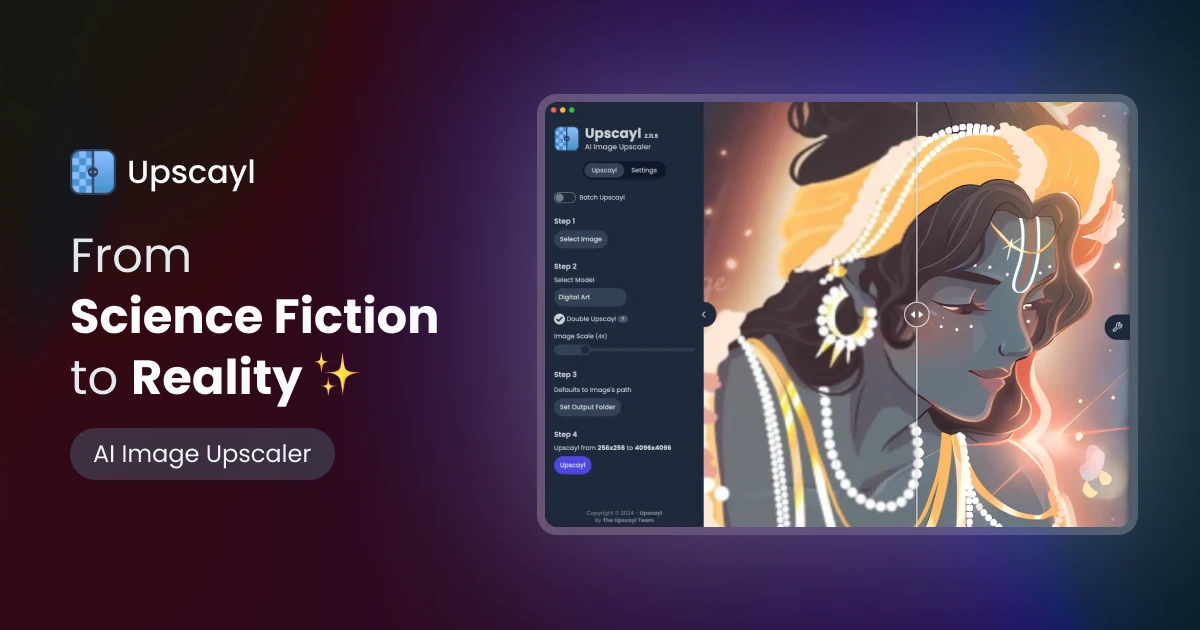
Theres a free program called upscyle or something similar (with the Y) that works supprisingly well. I've used it a few times on photos that "er indoors" has been sent by cousins and grand daughter ect.
 
Theres a free program called upscyle or something similar (with the Y) that works supprisingly well. I've used it a few times on photos that "er indoors" has been sent by cousins and grand daughter ect.
This?
 
The image stats are 1843x1922
High quality images in a book are usually required to be 300ppi (although to my eyes that's overkill. I've printed at 150ppi and not been able to tell the difference outside of using a magnifier)

So if you divide the pixel dimensions by 300 this will give you "inch" sizes for any particular image. When you know the book size and the size of the image you want in the book this will give you a better idea.

The image above for example, will print at 6.1" x 6.4" without any need to upscale (300ppi).

Whatever software you use to make the book will probably moan at you if you use below their threshold for ppi. Most places use 300 or 240. However as I mentioned above, I've gone down as low as 150ppi and still got acceptably (to me) sharp and clear images.
 
Back
Top