I have recently being reading articles published by some top photographers and they are now sharpening in RAW, (as before its always been stated it should be done near the end.)
Their thinking is you have more control over the pixels in RAW and the algorithms used to sharpen will give a much subtler sharpen, with less chance of introducing artefacting and oversharpening. As you not sharpening files which have been processed and theirfore slightly degraded.
I think the whole debate of sharpening will continue.
I will say if you print your images, dont rely on how sharp they look on your screen, as when printed they will be diffrent. And may need a bit more than when you use tham on the web.
Its really all trial and error, also each model of camera will usually require a differing amount of sharpening to be applied to the files.


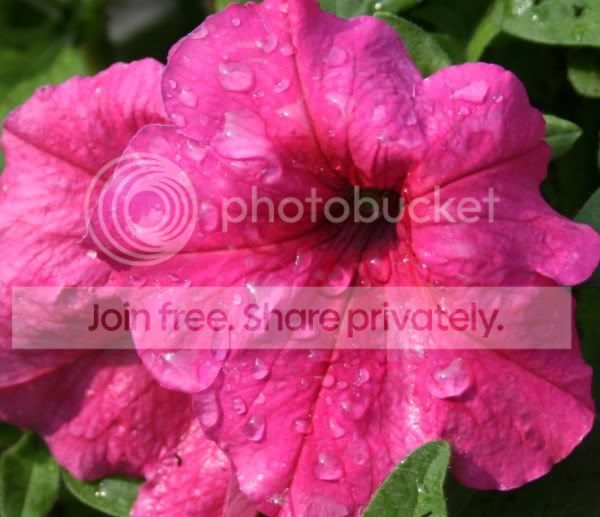

 ask an easy one why dont you...?

