

milster
Suspended / Banned
- Messages
- 2,438
- Name
- Gary
- Edit My Images
- Yes
Not sure if this is the right forum but I think it is.
As I'm finding out, I need to pay more attention to my backgrounds when photographing. My wife loves this picture of my daughter and wants a print of it, trouble is I've now noticed on the top right of the mantle piece and the candles have a box of some description in front of them, now I've seen them I know it would bug me. Now I'm not sure if I could get rid of them all or try to duplicate the two on the left. I'm guessing getting rid of them all would be easiest? I have LR3, not sure if I could do it with that or maybe some freeware like Gimp? I could possibly get access to Photoshop if that would be better? Trouble is I'd have no idea where to start:shake:
Any help would be much appreciated
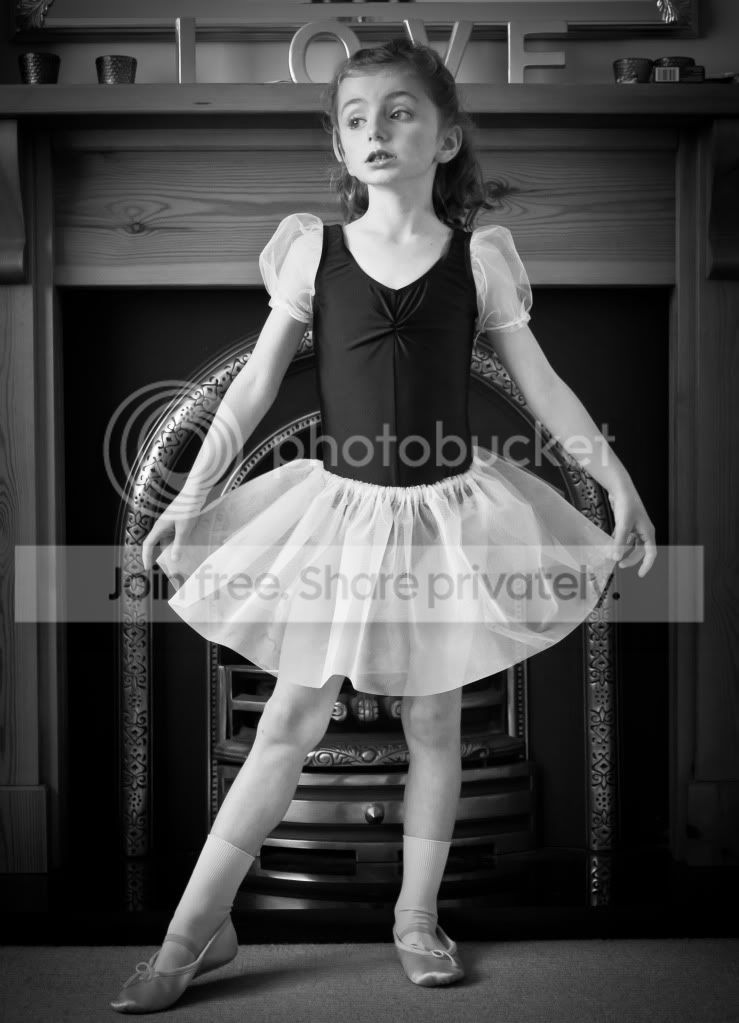
Thank you.
As I'm finding out, I need to pay more attention to my backgrounds when photographing. My wife loves this picture of my daughter and wants a print of it, trouble is I've now noticed on the top right of the mantle piece and the candles have a box of some description in front of them, now I've seen them I know it would bug me. Now I'm not sure if I could get rid of them all or try to duplicate the two on the left. I'm guessing getting rid of them all would be easiest? I have LR3, not sure if I could do it with that or maybe some freeware like Gimp? I could possibly get access to Photoshop if that would be better? Trouble is I'd have no idea where to start:shake:
Any help would be much appreciated
Thank you.

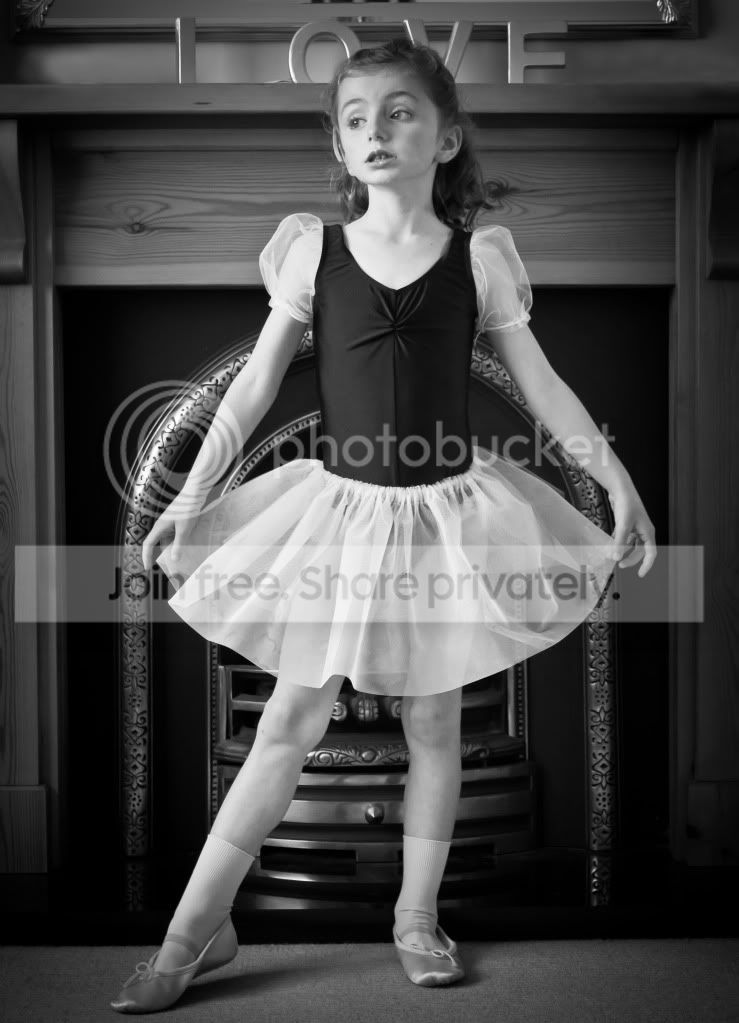

 Here is a quick copy and paste job.