Flickr changing image

v8moneypit

Suspended / Banned
Messages
942
Name
Steve
Edit My Images
Yes
Has anyone found out how to stop Flickr changing images when uploading?

I was just about to upload a b&w image. I dragged it to the Flickr upload screen and after about 5-10 seconds it changes the tones. The original is a nice contrasty b&w. Flickr changes it to a sepia tone.

Infuriating :bang:
 
just loaded some stuff to add links to sale items and noticed there is an option when uploading to change the image appearance.....maybe yours was marked 'sepia' when you really wanted 'original'
 
just loaded some stuff to add links to sale items and noticed there is an option when uploading to change the image appearance.....maybe yours was marked 'sepia' when you really wanted 'original'

I can't see any settings. I'm just using the drag and drop uploader. Had a look at the older uploaders and still can't see anything. I'm obviously missing something:thinking:
 
Which colour gamut are you trying to use? If you use adobe, it'll probably change to RGB when you upload to flickr as most monitors can't even display adobe anyway.
 
Which colour gamut are you trying to use? If you use adobe, it'll probably change to RGB when you upload to flickr as most monitors can't even display adobe anyway.

sRGB, so I wouldn't expect it to change. I know Flickr can soften images sometimes, but not noticed colour changes until doing more b&w stuff.
 
Going from greyscale to sepia is a pretty big leap, it would suggest it's applying a filter but as you say there aren't any filter options in the normal uploader (that I can see).

I've just tried uploading a black and white image in RGB colour and another copy in greyscale mode and neither have changed colour in any way.

Are the images you uploaded on the 30th ones that were affected? If so they look fine to me. If not then upload some that are affected, it might be something to do with your browser displaying the images.
 
Something odd must have happened then Steve, have just uploaded this one with no alterations to it.


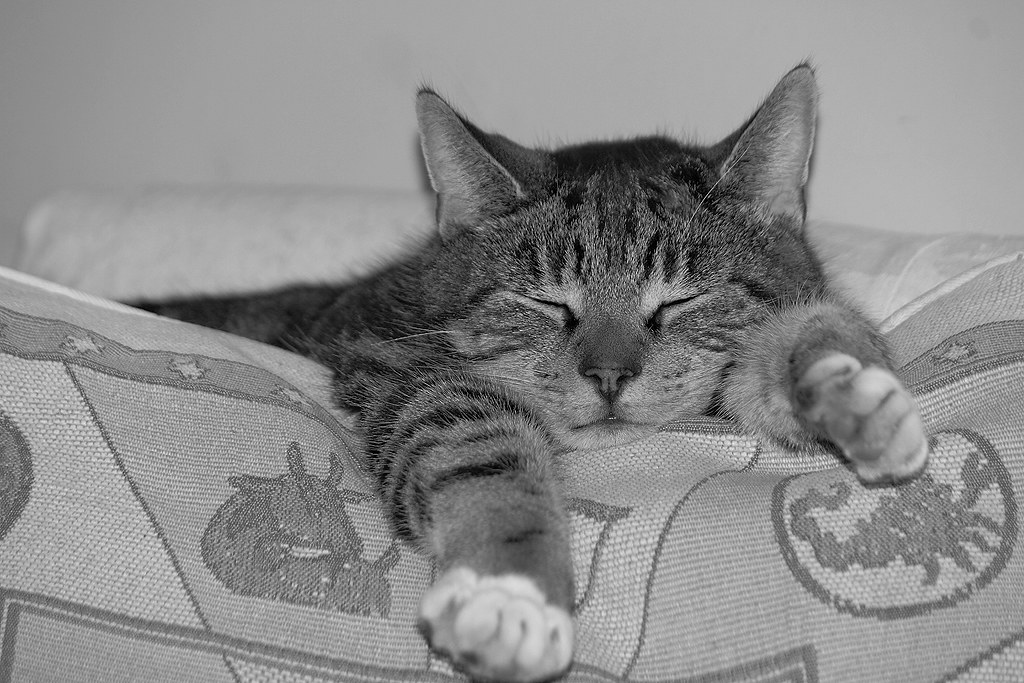
Milo B&W by Richard Venn, on Flickr
 
Thanks guys.

It looks like it changes visually during the upload process (using Chrome). But the final images seem much better.

Very odd. I can add an image to the upload queue and it changes in front of me. But, at least the way it's displayed seems OK.
 
Last edited:
I wonder if it's a peculiarity of Chrome.

Certainly possible. I can recreate it every time! Main thing is the uploaded images are more like I expect.

I like Chrome over IE and Firefox generally, but might try an upload with one of them to see.
 
Back
Top